favorite Weddings
Wedding Guest Photo Sharing with a Single QR Code
Gather every candid smile, toast, and dance-floor moment in one beautiful gallery—without chasing guests for photos after the honeymoon.
Create your weddings event arrow_forward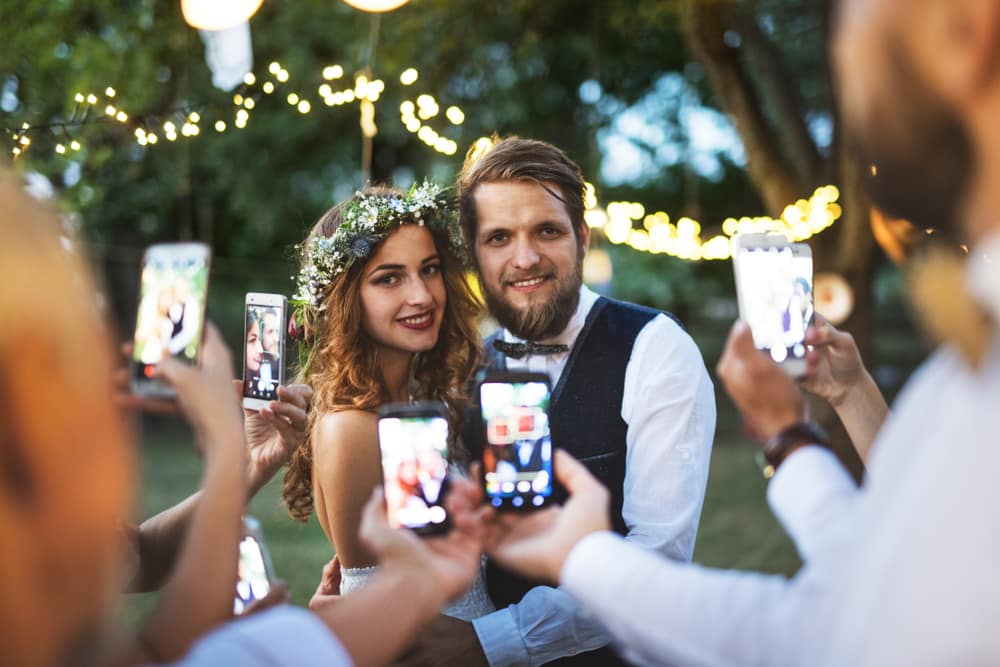
Your photographer captures the polished story; your guests capture the magic in between. SnapPix gives you one wedding QR code so everyone can share photos and videos in seconds—live in the browser or from their camera roll.
Why hosts choose SnapPix for weddings
One QR for the whole day
Print on table cards, welcome signs, and bar menus. Guests scan once and start sharing.
Photo challenges
Fun prompts like “your table selfie” or “first dance from your seat” bring out shy guests.
Digital guest book
Heartfelt messages sit alongside favorite snaps—a keepsake you will revisit for years.
Instant illustrations
On a paid wedding event, guests can turn a snap into a caricature or watercolour drawing—up to 50 keepsakes in the album.
Easy downloads
Share one gallery link after the wedding so family can save originals in one place.
Why couples use a wedding QR code for photos
After a wedding, photo requests pile up in group chats. A wedding QR gallery stops the scatter—every upload lands where you can browse, download, and cherish.
Guests already have great cameras in their pockets. SnapPix turns those phones into your second photographer network with no app install and no awkward “send me that shot” conversations.
How wedding photo sharing works with SnapPix
Create your event, customize your guest portal, and print your QR code. Guests scan, open your gallery in the browser, and snap or upload from their camera roll.
You see uploads in your host dashboard—often within moments. Use photo challenges for extra fun, AI smart albums to curate highlights, and a password so only invited guests can join.
Uploads stay open for 3 months from your event start—perfect for relatives who find another gem on their phone after the honeymoon.
Where to place your wedding QR code
Table cards at the reception work beautifully. Add the code to your welcome board, order of the day, and a line on your wedding website: “Scan to share your photos with us—no app needed.”
Ask your MC for one friendly reminder after the speeches when guests already have phones out. That single nudge often unlocks the best candid batch of the night.
Common mistakes hosts avoid with SnapPix
- Putting the QR on one sign at the back of the room where guests never pause with their phones.
- Skipping a password when you wanted a family-only gallery, then sharing a wide-open link in a public group chat.
- Announcing the gallery only once—a short reminder after speeches or the first dance usually unlocks far more uploads.
Frequently asked questions about weddings photo sharing
- Do wedding guests need to download an app?
- No. Guests scan your QR code and use their mobile browser to capture or upload photos. That keeps participation high on the day itself.
- Can we keep our wedding gallery private?
- Yes. Password-protect your event so only guests with your link or QR can view and upload.
- How long can guests add wedding photos?
- Guests can upload live or from their camera roll for 3 months from your event start.
More event types
Ready to collect every weddings photo?
Set up your event, print your QR code, and let guests share the moments you would otherwise miss.
Get started