The Flash Blog
Insights, stories, and tips to elevate your events and capture every moment perfectly.
Featured Story

Event hosts capture both candid and posed photos without an app
Event hosts' practical guide to posed and candid photos: perception research, hands on shooting tips, and no app guest uploads to boost candid coverage.
Event Planners: Deploy Event Technology in 2026, No Major Integration
Which event technologies are production ready for 2026 and how to adopt them with clear consent, governance, and a no app QR photo pilot.
3 Month Host Workflow to Preserve Originals and Strip EXIF
Which routes keep EXIF or strip GPS? Quick checks to view or remove metadata, plus a three month workflow to collect guest photos.
Recent Articles
Event hosts capture both candid and posed photos without an app
Event hosts' practical guide to posed and candid photos: perception research, hands on shooting tips, and no app guest uploads to boost candid coverage.

Event Planners: Deploy Event Technology in 2026, No Major Integration
Which event technologies are production ready for 2026 and how to adopt them with clear consent, governance, and a no app QR photo pilot.

3 Month Host Workflow to Preserve Originals and Strip EXIF
Which routes keep EXIF or strip GPS? Quick checks to view or remove metadata, plus a three month workflow to collect guest photos.

Two Minute Fix for Browser Camera Permissions at Events
Quickly restore guests' browser camera access with a two minute checklist, host-ready fixes, and a QR upload fallback so photos keep flowing at your event.

48 Hour Takedown Clock: US Event Hosts and Anonymous Photo Uploads
US event hosts: collect guest photos with anonymous no app uploads, keep galleries private, and meet the TAKE IT DOWN Act's 48 hour removal deadline.

Stop Failed Scans: 3 Production Rules for Event QR Code Signage
Follow three GS1 backed rules: quiet zone, contrast and proof testing to prevent QR scan failures at events, and get a photo upload workflow.

Two Outputs for Organizers: Event Photo Curation with No App Uploads
Event photo curation for organizers: collect via no app QR uploads, AI plus human culling, produce two outputs, protecting guest privacy.

Organisers: 4,200+ Guest Photos, No App QR Conference Photo Sharing
Use no app QR uploads and a live browser gallery to boost conference photo sharing. Practical setup, moderation rules, and proof from 4,200+ guest photos.
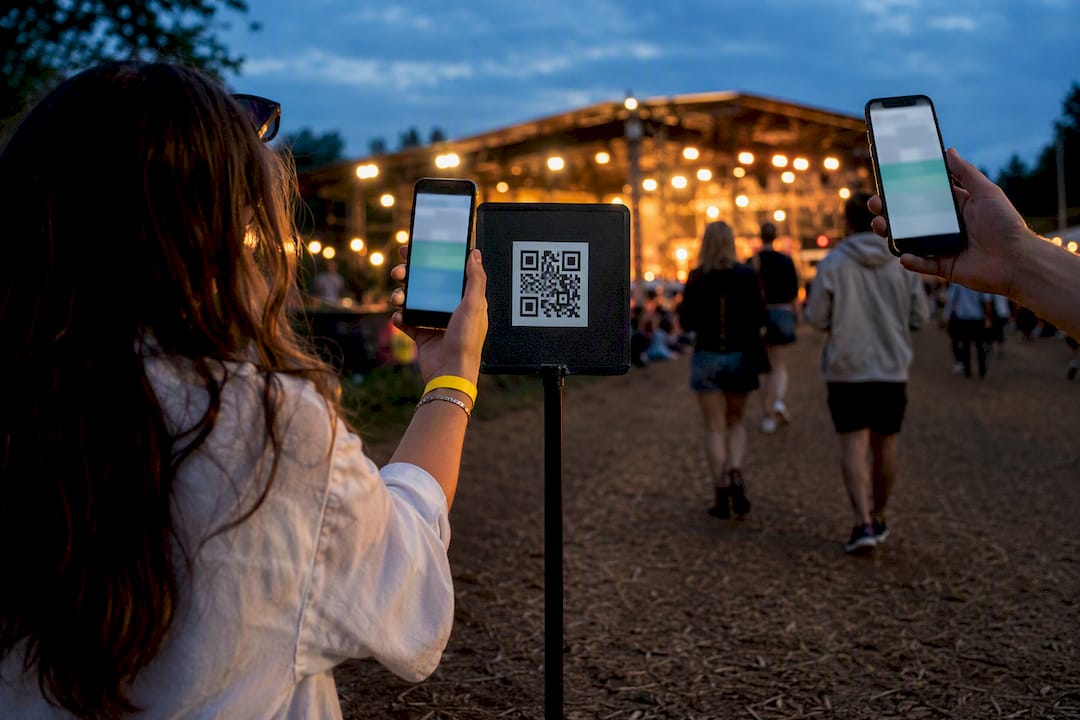
4,200+ Guest Photos: No App QR Festival Photo Sharing for Organisers
Create a no app QR gallery in minutes to collect, moderate, and reuse festival photos. SnapPix has gathered 4,200+ guest uploads with this workflow.

No App, No Phone Numbers: Collect Event Photos Without WhatsApp
Create an event photo gallery with no app or phone numbers, keep original files, and protect guest privacy. Set up a QR upload in minutes.

SnapPix: Private Birthday Photo Sharing for Hosts That Guests Use
Create a no app QR gallery with SnapPix: generate and print a QR code, test uploads, enable privacy controls, and run a live slideshow in minutes.

Set Up Corporate Event Photo Sharing in Minutes, No App, Private
Run a private, branded corporate event photo sharing gallery without an app. Set up in minutes, control access and host images for three months.
Developers: Browser Camera Capture, Code First and No App QR Uploads
Code first guide to browser camera capture with getUserMedia and canvas. Covers recording, device choice, practical fallbacks and no app QR guest uploads.

No App QR Tactics to Encourage Guest Photos for Event Hosts
Practical playbook for event hosts to encourage guest photos: no app QR galleries, four ideal photo moments, copy ready signs, and a SnapPix example.
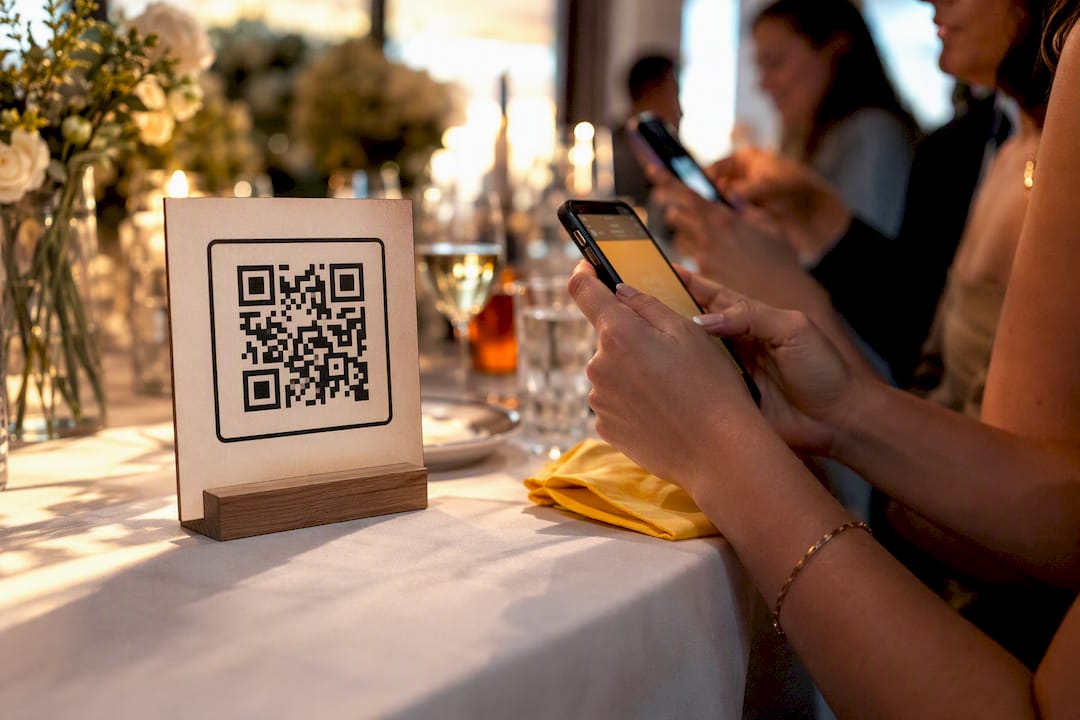
Event photo cost for hosts: QR gallery budgets £10–£40
Practical pricing for event hosts. Browser-based QR photo galleries usually run £10–£40. See which features add cost, realistic budgets, and a £14.99...

One QR Code to Capture Employee Photo Consent at US Events
US event hosts: gather employee photo consent with a one QR no app flow, auditable e signatures, guardian blocks for minors, and secure, searchable records.
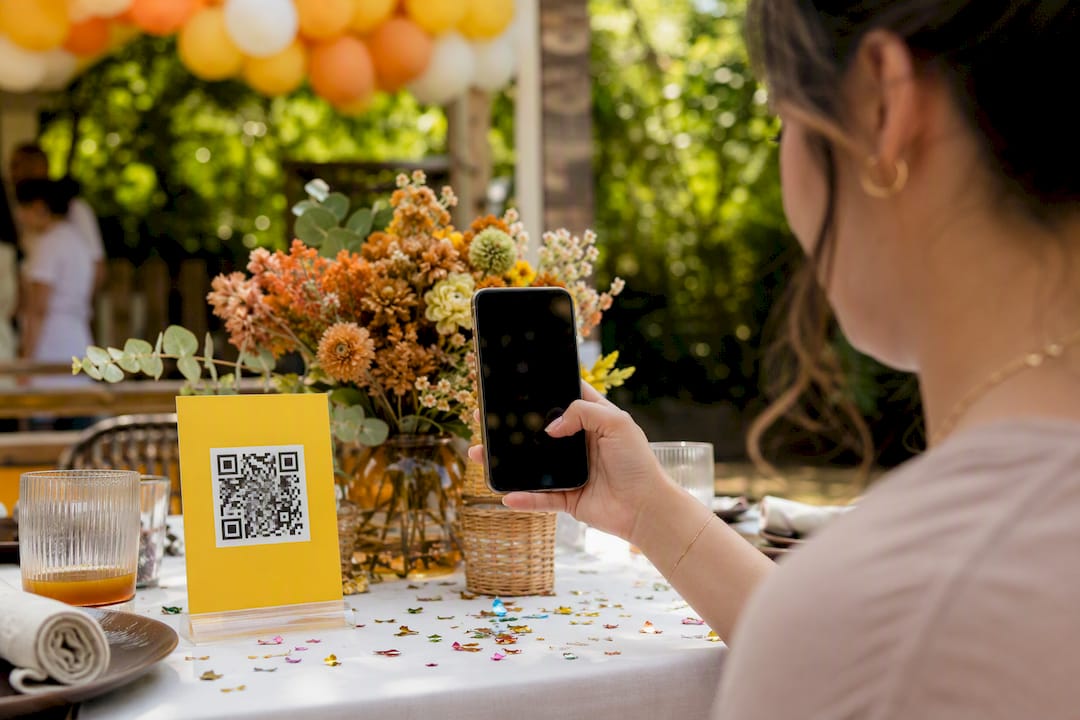
The easiest way to handle birthday party photo sharing
Simplify birthday party photo sharing with SnapPix: guests can upload instantly through a QR code, creating a seamless and shared album.
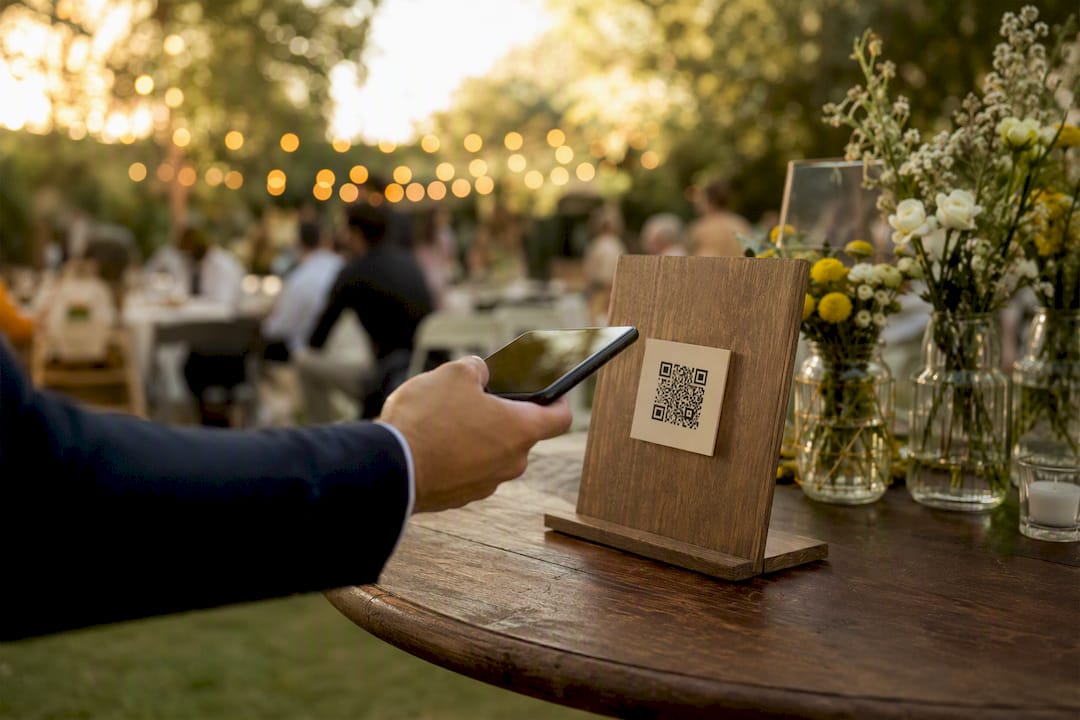
Collecting videos from guests: a host's quick setup
Discover how to easily collect videos from guests using a quick QR gallery setup. Engage everyone and capture memorable moments effortlessly.
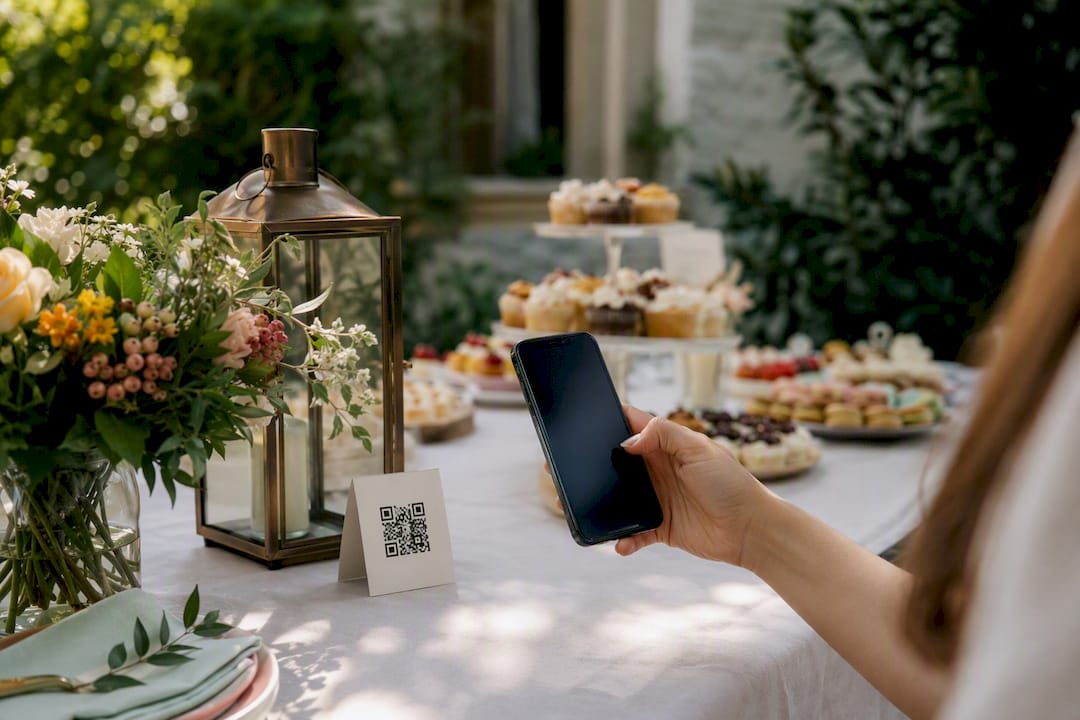
Bridal shower photo sharing made simple for every guest
Simplify bridal shower photo sharing with a no-app QR gallery. Guests can easily upload from their phones, ensuring speed and privacy.
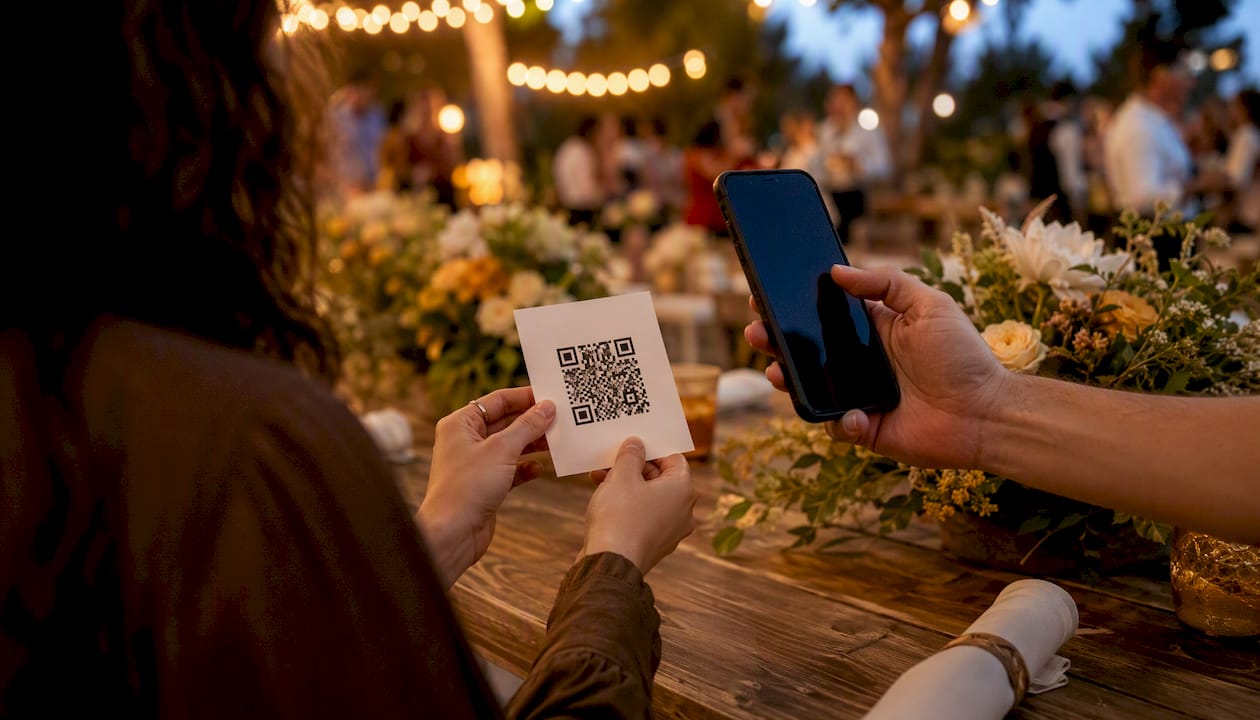
AI for event planning: practical tools and first steps
Discover how AI for event planning can automate tasks, enhance attendee experiences, and transform your events into creative successes.
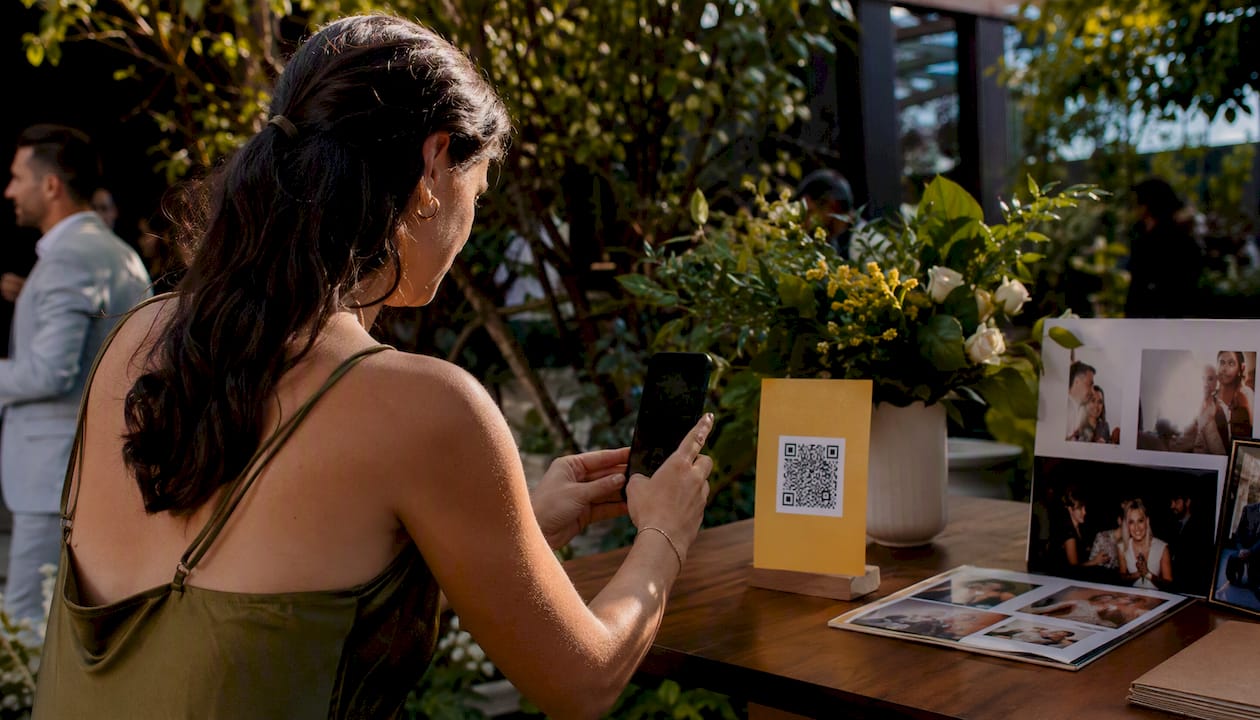
How to download all photos in bulk: a practical guide
Learn how to efficiently download all your photos in bulk from Google Photos, iCloud, and public webpages with our practical guide.
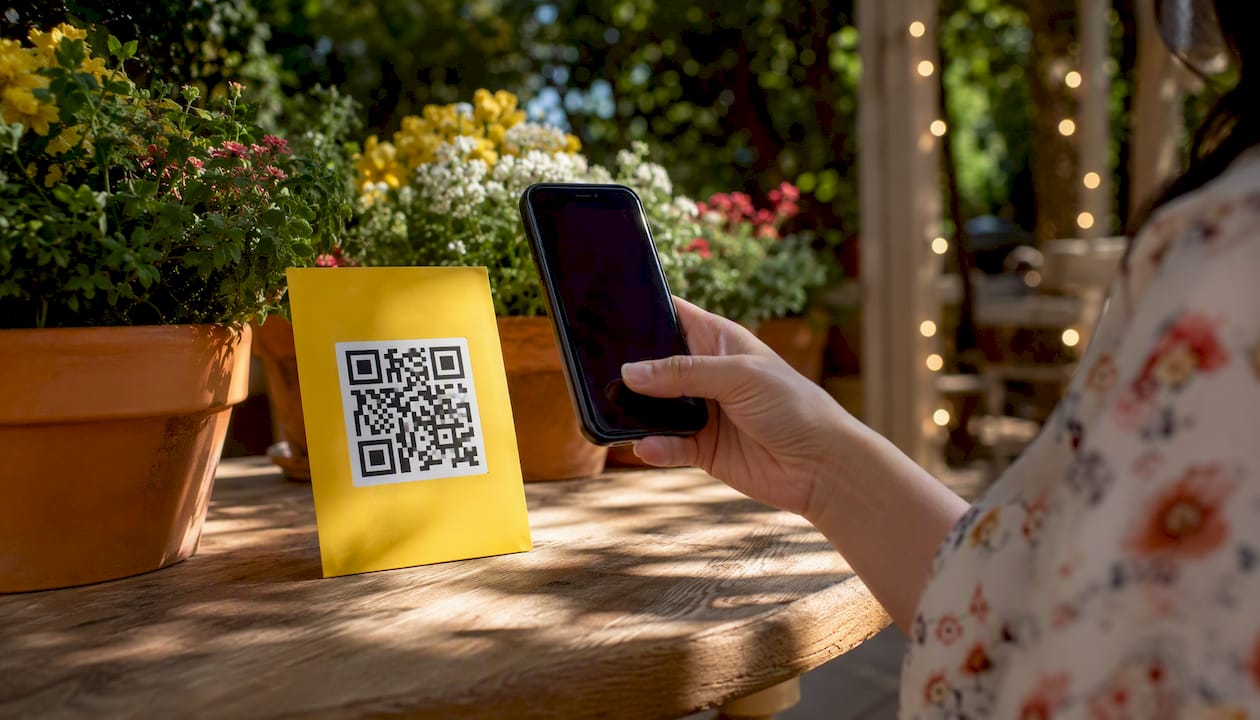
AI photo organisation for events: the no-app guide
Discover how AI photo organization simplifies event photography with instant uploads, auto-sorting, and hassle-free access for guests.

Best RSVP websites for guest photos: pick and set up
Discover the best RSVP websites like SnapPix for effortless photo and video sharing. Easy uploads, custom forms, and AI albums await!
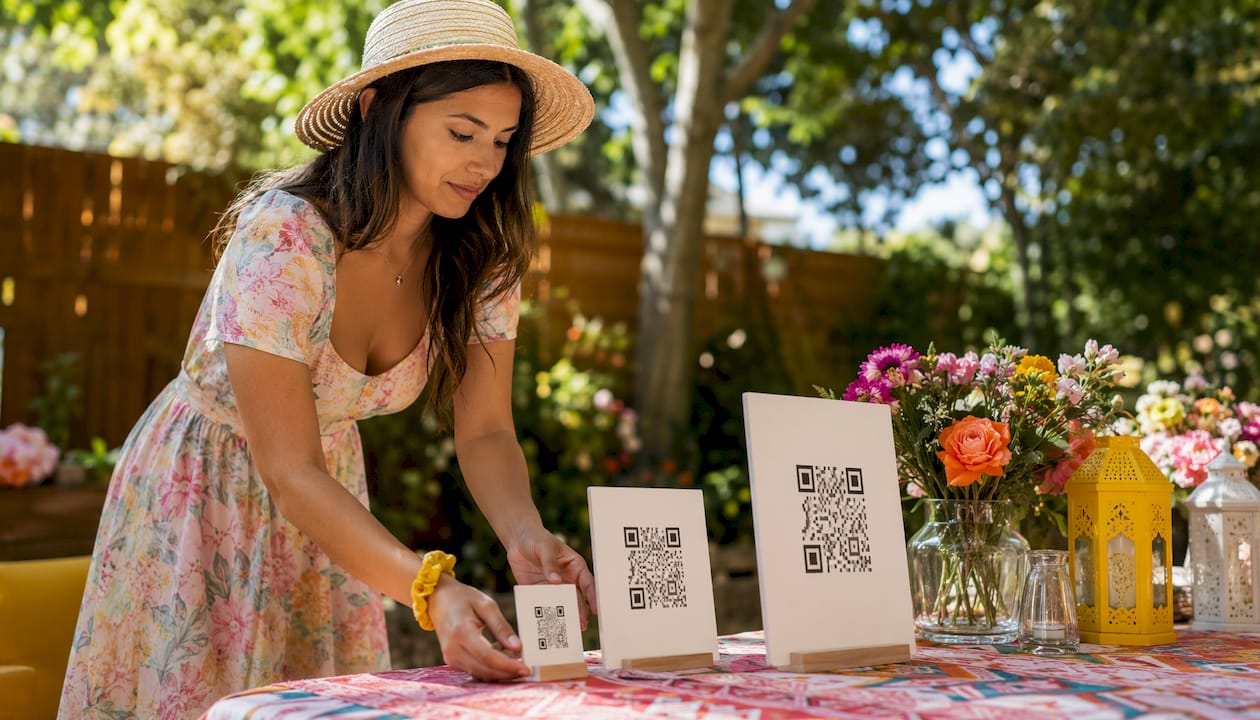
Digital guest book for wedding hosts: set up in minutes
Set up your digital guest book in minutes! Collect photos, videos, and messages from guests effortlessly with Snap-pix's QR code solution.

Event guest list: how to plan, manage, and track attendees
Discover how to create and manage an effective event guest list. Streamline your planning and enhance attendee experience for a successful event.

Album QR code: share event photos instantly in 2026
Discover how an album QR code simplifies photo sharing at events. Guests access photos instantly with one scan—no app required!
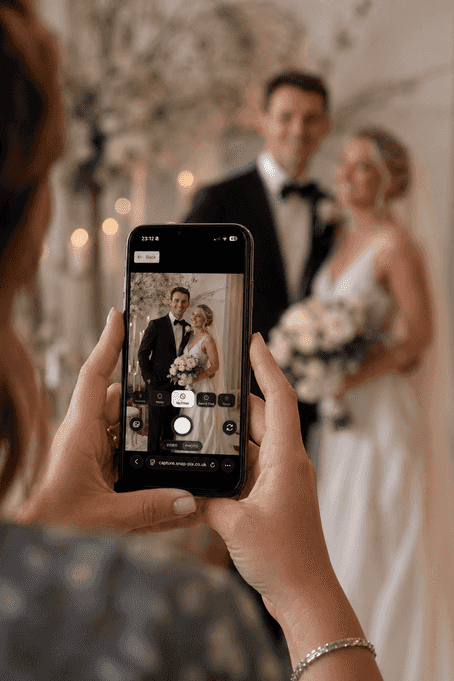
How to Use AI Smart Albums for Your Corporate Event
Turn a conference flood of uploads into prompt-driven albums your comms team can ship the next morning—without manual tagging.