Wedding Photo Sharing App UK: How to Choose in 2026
SnapPix TeamPublished 13 Nov 202629 min read

The best wedding photo sharing option for most UK couples is one that guests can use without downloading anything: a QR code on the table cards that opens a private gallery in the phone’s browser. Your oldest relatives, your university friends and the colleague who never updates their phone all manage a scan. That is why we built SnapPix this way. Guests scan your QR code with their phone camera and it opens in their browser, with no app to download and no account to create.
Below we compare the main types of option, show what to look for before you commit, and walk through what each one means on the day itself.
Search for a wedding photo sharing app in the UK and you will find dozens of names. Underneath, they work in only a few ways. Knowing the type tells you most of what you need.
These ask every guest to install an app from the App Store or Google Play, then create an account and often join your event with a code. They can look polished, and some have extra features such as live feeds. The catch is the guest journey. Someone has to find the app, wait for it to install on venue mobile signal, sign up and find your event. On a busy reception, plenty of guests will not bother.

Most phones and email accounts come with a cloud photo service that lets you create a shared album and invite people by link. It is familiar, and it costs nothing. But guests often need to sign in to an account, and the album then depends on who has the right login or the right phone. It is also a general tool, so there are no wedding extras such as table-card QR codes, a guest book or games.
You create an event, get one QR code, and put it on table cards, signs or invitations. Guests scan it with their phone camera and a web page opens, ready to take a photo or upload from their camera roll. There is nothing to install. This is the type SnapPix belongs to, and the type we recommend for most weddings.

A group chat or a wedding hashtag is quick to set up. The trouble is that messaging services often compress photos and videos, and images get buried between messages. A hashtag only works for guests who post publicly, which many people do not want to do at a wedding.
| What matters | Download-only app | Shared cloud album | QR code gallery (browser) | Messaging group |
|---|---|---|---|---|
| Guest needs to install something | Yes | Often | No | Usually already installed |
| Guest needs an account | Usually | Usually | Not with SnapPix | Needs the chat service |
| Joining by QR code at the venue | Sometimes | Rarely | Yes | Rarely |
| Wedding extras (guest book, games) | Varies | No | Yes, with SnapPix | No |
| Private by default | Varies | Depends on settings | Yes, with SnapPix | Only to the group |
The pattern is simple. The more of the work you put on the guest, the fewer photos you collect. A QR code gallery keeps the guest’s part to one scan and one tap.
Whichever type you lean towards, run through these questions. They are the same ones we would ask if we were planning our own day.
A wedding guest list is the widest mix of ages and phones you will ever put in one room. A browser-based gallery works on whatever camera the guest already has. Guests do not need storage space for a new app, and they do not need to remember a password. The scan opens the page, they tap to take a photo or video of up to 60 seconds, or choose pictures from their camera roll.
There is a second reason: the guest list is never the limit. SnapPix allows unlimited guests on both plans, so you do not have to decide whether the evening guests or the children’s table count.
We keep the feature set practical. Both plans include everything below, apart from the upload cap and the AI illustrations, which are explained in the next section.
As a host you also get a guest list for individuals and parties, with CSV export, and online RSVPs. You can ask your own custom questions and follow-up questions, send personal email invite links, or share an open RSVP link or QR code. Responses are summarised for you, and guests can bring a plus-one if you allow it. You can also order printed QR place cards, table signs and entrance signs, posted to you. Our wedding QR code guide covers where to put them.
Price is where this type of service differs most from the rest, so here are the plain numbers from the SnapPix pricing page.
| Free | Full Event Access | |
|---|---|---|
| Price | £0, no card needed | £14.99 one-time per event, no subscription |
| Uploads | 10 uploads per guest | Unlimited uploads, tied to this plan |
| AI illustrations | Not included | Up to 50 caricature and watercolour illustrations |
| Everything else | Included | Included |
Every event starts on the Free plan, so you can set up your gallery, put the QR code on your stationery and decide later. If you expect a lively crowd, or plan to use the photo challenges heavily, Full Event Access lifts the cap for the whole event. Both plans include everything else: private galleries, the guest book, challenges, Smart Albums, the slideshow, Google Drive backup and high-resolution downloads.
The AI illustrations on paid events are caricature and watercolour drawings of guest photos, up to 50 per event and 4 per guest. Guests tend to enjoy them as a keepsake, and they sit alongside the photos in the gallery.
This is the routine for a wedding, and it takes far less time than most couples expect.
For a longer walk-through, see our guide on how to collect wedding photos from guests and the step-by-step QR code wedding photos setup.
The best tool still needs a nudge. A few habits help.
If you are also booking a professional, it helps to choose a wedding photographer who keeps you with your guests rather than away from them. Guest photos then fill in the moments the photographer cannot be everywhere for, such as the chat at the bar and the table-by-table candids.
A wedding gallery holds pictures of your friends and family, so privacy deserves a moment’s thought. The Information Commissioner’s Office explains that personal data used only for purely personal or household activity, such as taking pictures for your own enjoyment, falls outside the UK GDPR. That is general information, not legal advice.
In practice, a few courtesies keep everyone comfortable:
We made SnapPix for our own wedding, in Manchester, because we wanted every guest’s photos in one place without asking anyone to install anything or make an account.
Our view is that a photo sharing tool should disappear into the day. The guest scans, takes a picture and gets on with the party. If signal drops at the venue, the upload waits on the phone and goes through later.
That is also why we keep the pricing plain. Every event starts free, with 10 uploads per guest. If you want unlimited uploads and up to 50 AI illustrations, Full Event Access is a single £14.99 for the event, with no subscription. Both plans include the guest book, the photo challenges, the Smart Albums and the downloads, so nothing you need on the day sits behind a paywall.
Our advice is the same for every couple: set it up early, put the QR code on the tables, and download your ZIP afterwards.
Liam
If you want guests to share photos without downloading anything, SnapPix is the straightforward choice. You can create your event in under a minute, with no card needed, and put the QR code on your table cards. The pricing page shows both plans side by side, and the features page lists everything that is included.
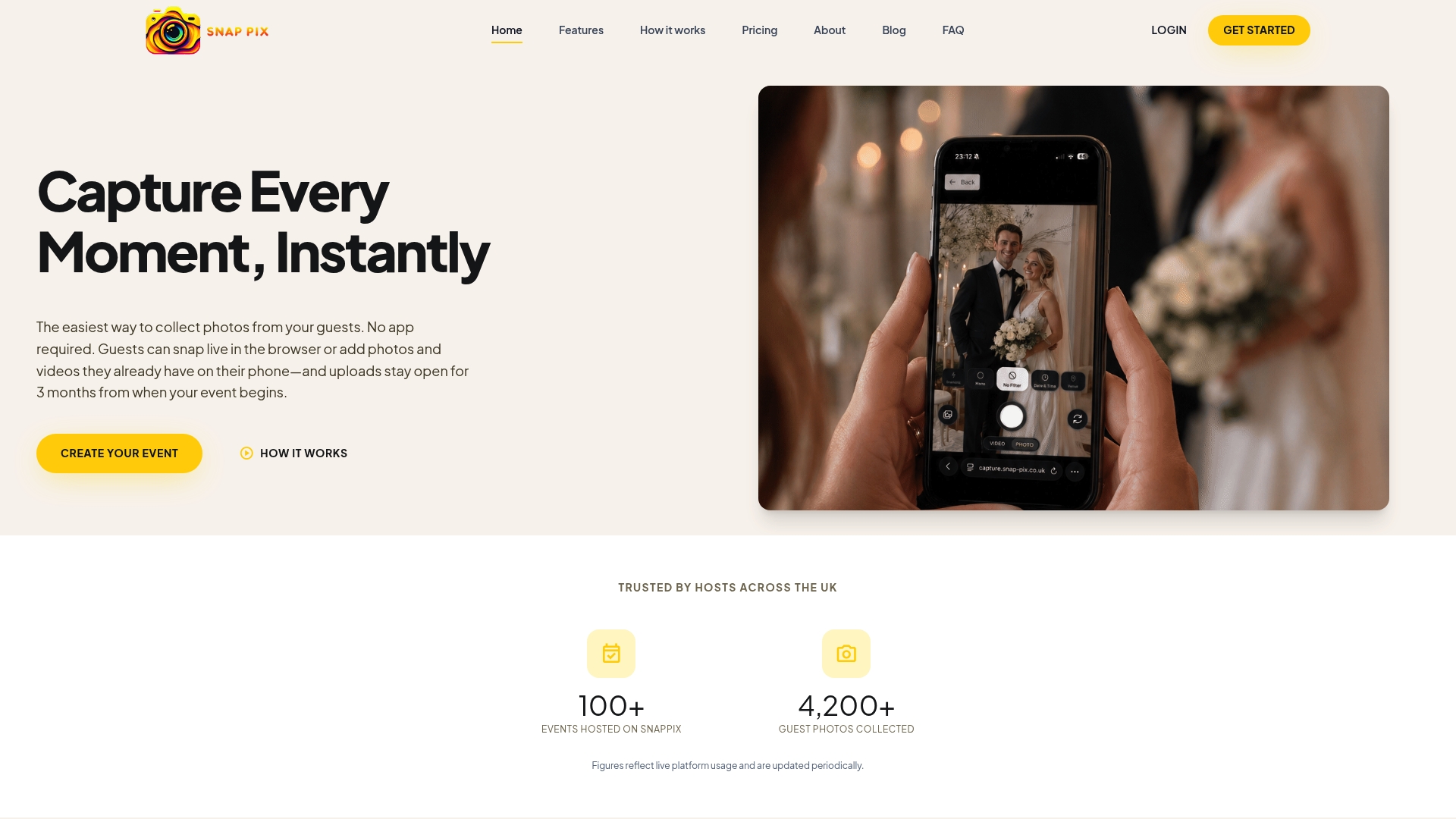
SnapPix works for other celebrations too: birthdays, engagement parties, graduations, family gatherings and workplace events. The same one QR code and one private gallery apply, whether it is a hen do, a stag do or a Christmas do.
Not with SnapPix. Guests scan your QR code with their phone camera and it opens in their browser, with no app to download and no account to create. They can then take photos and videos of up to 60 seconds, or upload from their camera roll.
SnapPix galleries are private by default. Your QR code carries a private event password, so only people you give it to can get in. There’s nothing for guests to type. You can also create private share links with an expiry date.
Guests can upload photos for 3 months from the event start date. The gallery is hosted for 12 months from the event date. After the wedding, download your ZIP and connect Google Drive so you hold your own copy.
The Free plan is £0, no card needed, with 10 uploads per guest. Full Event Access is £14.99 one-time per event, with unlimited uploads and up to 50 AI illustrations, and no subscription. Both plans include everything else.
SnapPix has an offline upload queue. Photos wait on the guest’s phone if signal drops and upload once they are back online, so a country house or barn venue does not stop guests contributing.

Plan product launch event photos your team will actually use: the shots to capture, a shot list by schedule, guest uploads by QR code, and UK photo rules.
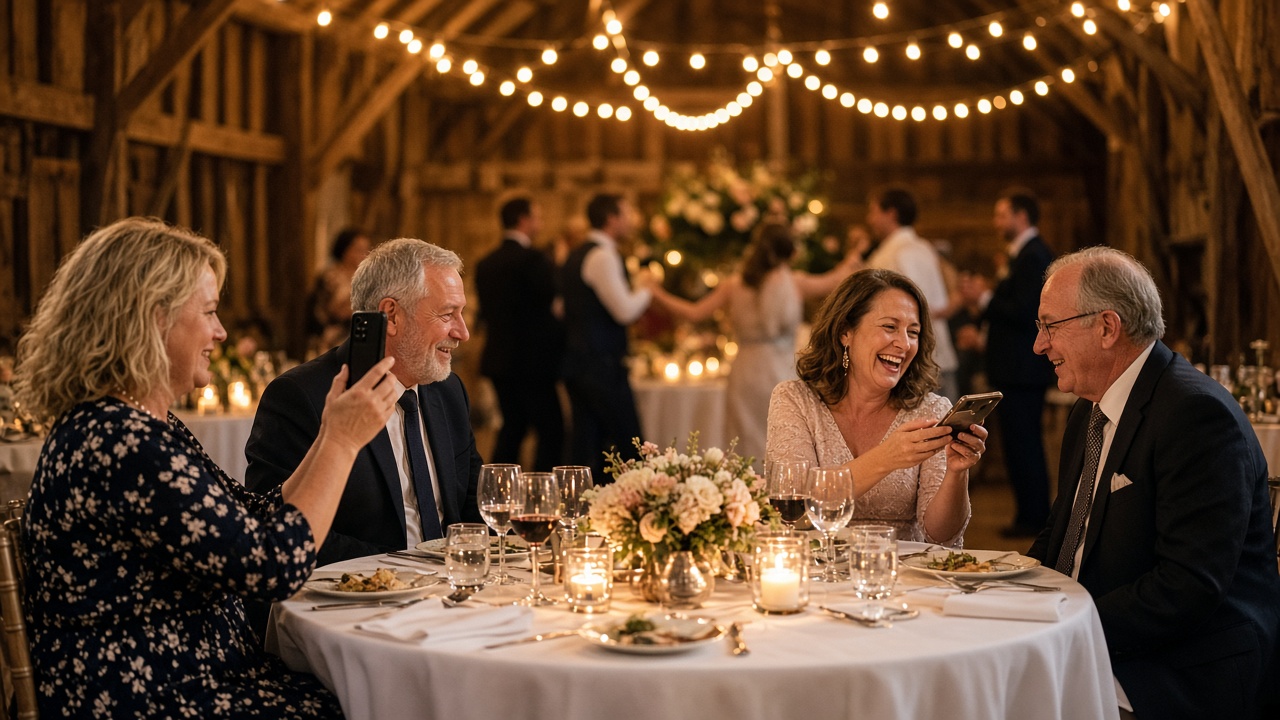
What disposable cameras on every table really cost a UK wedding once developing is added, where film still wins, and a phone-based alternative from £0.

What a normal phone photo weighs in MB, JPEG vs PNG vs HEIC, and what size you need for screens and prints, so guests' event photos stay sharp.