Wedding photo collector for couples: quick, private guest uploads
SnapPix TeamPublished 30 Jul 202627 min read
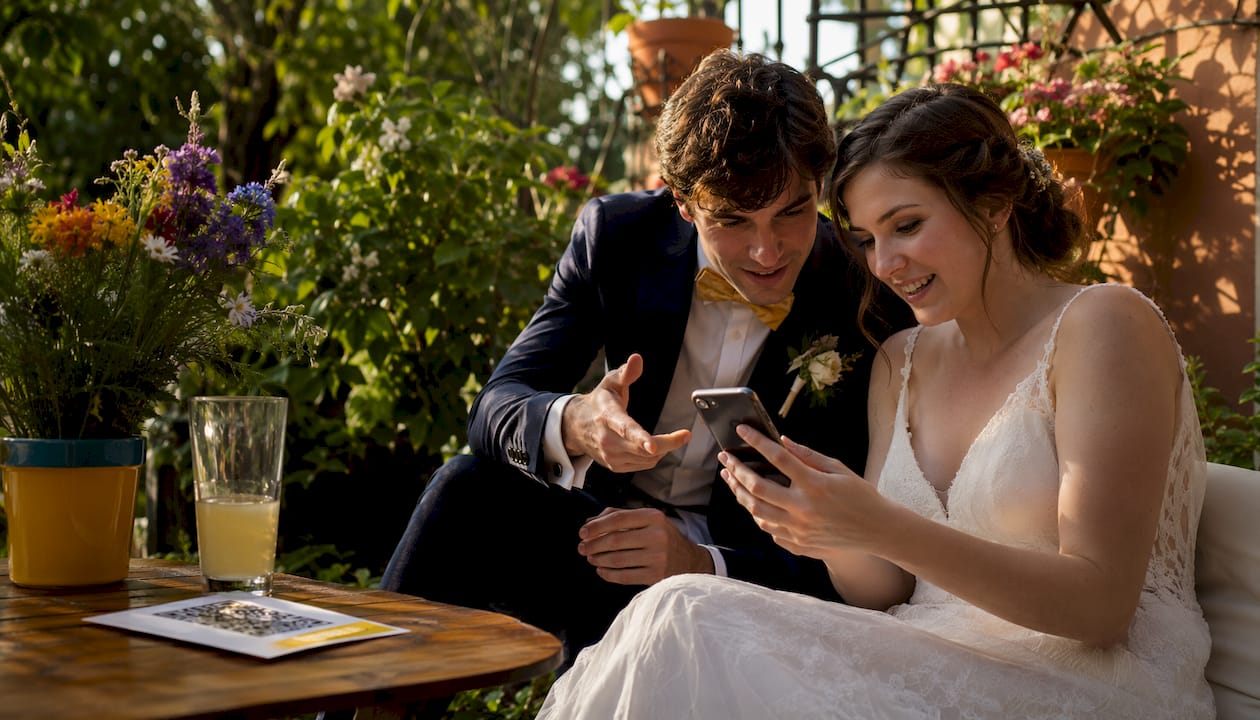
A private, no-app QR-code gallery is the fastest and most reliable way to gather high-resolution guest photos at your wedding. Guests scan a code, upload straight from their phone browser, and you get every candid shot in one secure place — no chasing, no hashtag chaos.
Here is what you can set up in under ten minutes:
The payoff: high-resolution files preserved in full quality, a password-protected gallery only you control, and live uploads appearing throughout the evening.
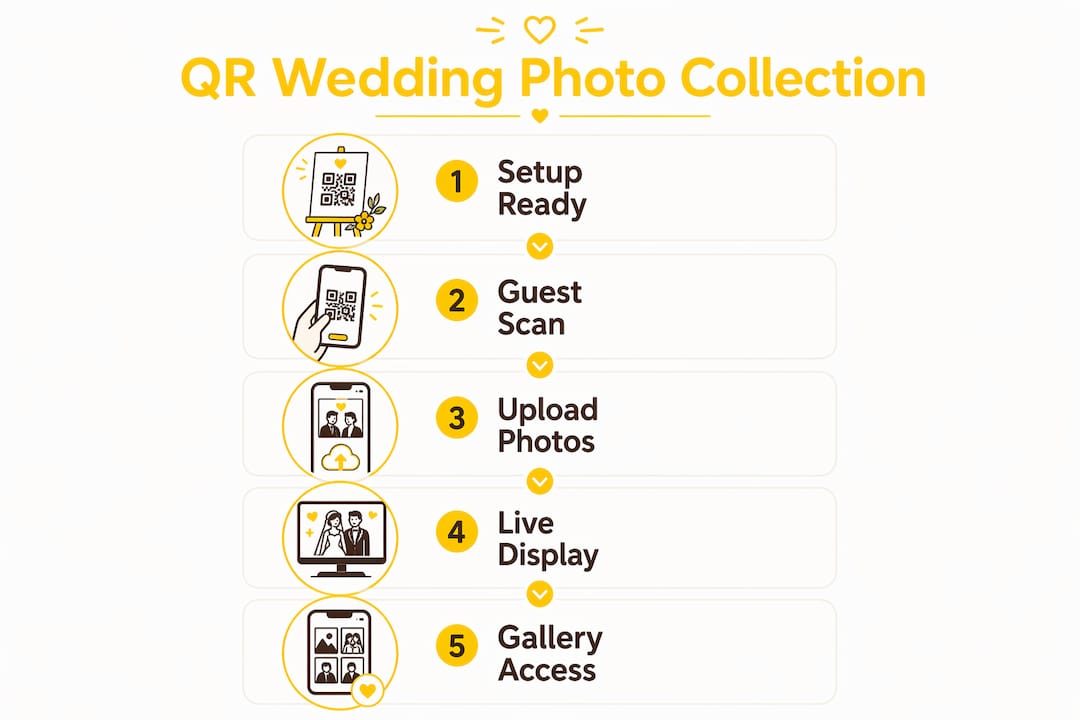
The workflow is straightforward, and that simplicity is exactly why it works.
The browser-based, account-free flow is the key mechanism. No-app platforms remove the single biggest barrier to participation: the moment a guest has to download something, most of them stop.
Pro Tip: Set up a projector or TV to display a live slideshow of incoming uploads during the reception. Seeing their own photos appear on screen encourages other guests to contribute immediately.
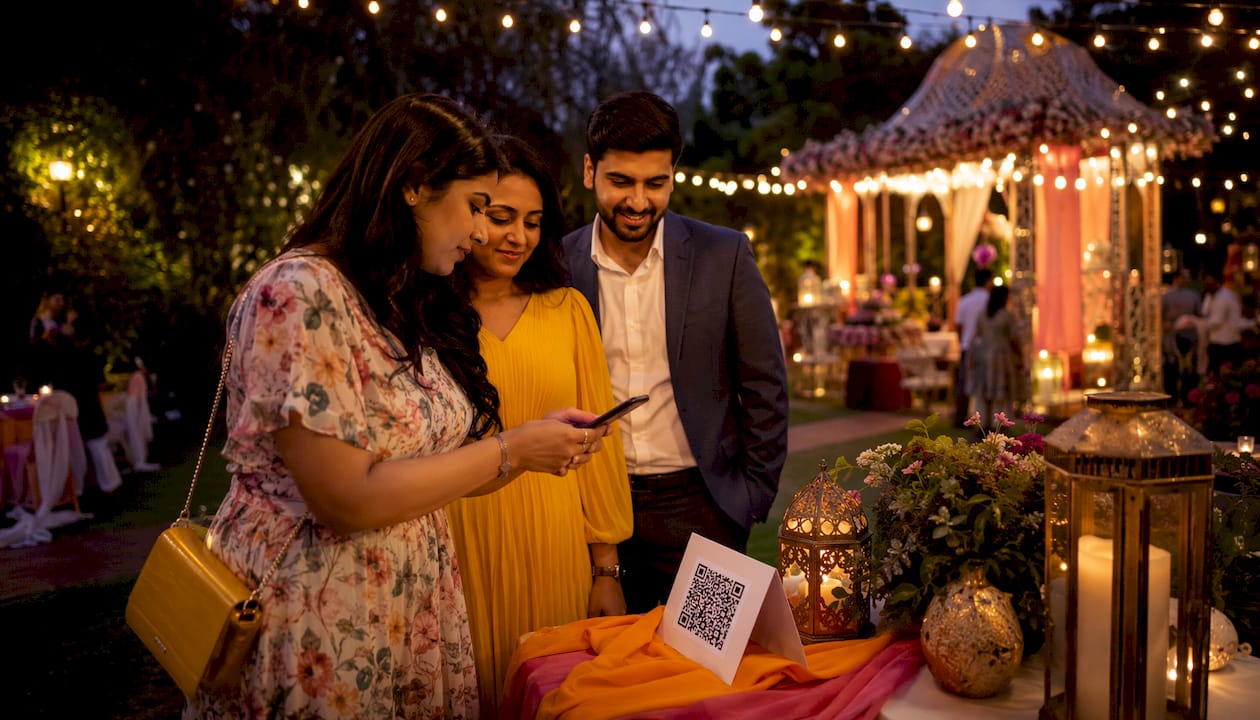
According to industry reviewers, QR-code platforms achieve participation rates roughly three times higher than hashtag-based methods — a gap that comes entirely from reducing friction, not from guests being more willing.
The practical advantages show up quickly once you compare methods side by side.
Combining your photographer’s edited gallery with guest uploads gives you the fullest possible story of the day. A typical professional photographer delivers 400–800 edited images, while guest collections often add 300–1,000+ candid photos that capture the moments between the formal shots.
The shift away from hashtags is well documented. Private digital galleries are now the preferred approach because they protect original files and control who sees them — two things a public hashtag cannot do.
No single method suits every wedding. Here is how the common options compare:
| Method | Guest effort | Image quality | Privacy | Likely participation |
|---|---|---|---|---|
| QR-code private gallery | Very low (scan + upload) | Full resolution | High (password-protected) | High |
| Instagram hashtag | Low (post as normal) | Compressed | None (public) | Medium |
| Google Drive / Dropbox link | Medium (needs account or app) | Full resolution | Medium (link-based) | Low–medium |
| Messaging apps | Very low (send to group) | Compressed | Medium | Medium |
| Disposable cameras | None (physical) | Variable (film quality) | High | High at tables |
| On-site photo booth | None (walk up) | Good | Medium | Medium |
A few notes on when alternatives make sense:
The best gallery in the world collects nothing if guests do not know it exists. Treat photo collection as a planned part of the reception, not an afterthought.
Placement plan for QR codes:
Emcee script suggestions:
Ask your toastmaster or emcee to mention the gallery at least twice: once after the welcome drinks and once before the first dance. A short, clear line works well: “There’s a QR code on your table — scan it to add your photos to the couple’s private gallery. They’d love to see the night through your eyes.”

Photo challenges are one of the most effective ways to drive immediate uploads. Set prompts such as “a photo with someone you haven’t seen in a year” or “the best dance-floor moment.” Guests treat it as a game, and you get a far wider range of candid shots. The photo challenges guide on the Snap-pix blog covers how to set these up in minutes.
Pro Tip: If the venue has patchy mobile data, choose a platform that accepts uploads after the event. Guests can connect to Wi-Fi at home and upload from their camera roll within the gallery’s open window.
Collecting photos of your guests involves personal data, and UK GDPR applies. The good news is that a few straightforward steps cover you.
Pro Tip: Add a single line to your table card alongside the QR code: “This gallery is private and password-protected. Photos are for the couple’s personal use only.” That one sentence handles most consent questions before they arise. For wording ideas, the QR code wedding guide on the Snap-pix blog has ready-to-use signage templates.
This article is general guidance, not legal advice. For your specific situation, check the ICO’s guidance at ico.org.uk or speak with a qualified professional.
Guest photo collector platforms are inexpensive relative to the rest of a wedding photography budget. Platforms commonly cost between £30 and £100 per event, compared with professional wedding photography packages that typically start in the low thousands.
Key points to factor into your budget:
The cost-per-photo is remarkably low. Even at £100 for 500 guest uploads, that is 20p per candid image — a fraction of what additional professional photography hours would cost.
Liam and Megan used Snap-pix at their wedding and documented the full experience on the Snap-pix blog. Their setup took under ten minutes the evening before the wedding.
Here is how the day unfolded:
The couple merged their Snap-pix gallery with their photographer’s edited images to create a single, complete wedding album — candid moments from guests sitting alongside the formal portraits, telling the whole story of the day.
The lesson from their experience: setting up the gallery the night before removes any day-of stress, and briefing the emcee is the single action that most directly drives uploads.
A private, no-app QR-code gallery is the most reliable way to collect high-resolution guest wedding photos, and Snap-pix sets one up in under ten minutes.
| Point | Details |
|---|---|
| Set up the night before | Create your gallery and print QR codes the evening before the wedding to avoid day-of stress. |
| Place codes at every seat | Tables with a QR code at every place setting get three times more uploads than those with a single centrepiece sign. |
| Brief your emcee | Ask the toastmaster to mention the gallery twice during the reception for the highest participation. |
| Download promptly | Set a reminder to download your full archive well before the three-month hosting window closes. |
| Snap-pix as your collector | Snap-pix offers no-app browser uploads, AI smart albums, photo challenges, and password-protected galleries from £30–£100 per event. |
Most couples underestimate how much the upload method affects the final photo count. The difference between a hashtag and a no-app QR gallery is not a minor convenience — it is the difference between 20% of your guests contributing and 60% or more. That gap translates directly into hundreds of additional candid images: the first dance from a guest’s angle, the children at the back of the room, the moment your grandmother laughed at a speech. Guest collections often add between 300 and 1,000+ candid photos to complement the 400–800 edited images from your professional photographer. Those are the photos that rarely appear in a professional gallery, and they are the ones you will look at most in ten years.
Planning guest photo collection as part of the reception script — rather than printing a QR code and hoping for the best — is what separates couples who end up with a rich, varied archive from those who get a handful of blurry uploads. The emcee mention, the per-seat placement, the photo challenges: each one adds momentum. Together, they make the gallery feel like part of the evening rather than a tech experiment.
For planners, the argument is even simpler. A guest photo collector costs a fraction of a single additional photography hour, requires no coordination with the venue, and delivers results that clients genuinely value. It belongs in every wedding plan as a standard line item, not an optional extra.
Every wedding deserves a complete photo record, not just the edited highlights. Snap-pix gives you a private, password-protected gallery that guests upload to directly from their phone browser — no app, no account, no friction. You get AI-generated smart albums, photo challenges to keep guests engaged, a digital guestbook, and high-resolution downloads, all hosted for three months after your wedding.

Setup takes under ten minutes, and your QR code is ready to print the same day. Over 4,200 guest photos have already been collected through Snap-pix, making it a proven choice for UK couples who want every candid moment in one secure place.
See exactly how it works and get your gallery ready before the big day.
The sources below informed this article and are worth bookmarking if you want to go deeper on any aspect of collecting wedding photos.

Event hosts' practical guide to posed and candid photos: perception research, hands on shooting tips, and no app guest uploads to boost candid coverage.

Which event technologies are production ready for 2026 and how to adopt them with clear consent, governance, and a no app QR photo pilot.

Which routes keep EXIF or strip GPS? Quick checks to view or remove metadata, plus a three month workflow to collect guest photos.