Photo File Size Guide for Weddings and Events
SnapPix TeamPublished 17 Nov 202627 min read

A normal photo from a guest’s phone is a few megabytes (MB), and that is plenty. It is big enough for a sharp slideshow, a photo book and prints up to A4. The only time you need to worry about file size is when someone shrinks, screenshots or forwards a photo before it reaches you. This guide explains what file size actually means, which format is best, and how to keep the photos your guests take at the reception as good as the day they were taken.
People use “size” for three different things, and mixing them up is where most confusion starts.
A photo with lots of pixels can still have a small file if it is heavily compressed, and that is the trap. A 12 megapixel picture squeezed down to 200 KB (kilobytes, a fifth of a megabyte) will look fine on a phone screen but blotchy when printed or shown on a big venue screen.
There is no single official figure, because it depends on the phone, the settings and the scene. As a rough guide for a recent smartphone shooting at its normal setting:
| What it is | Typical file size |
|---|---|
| Normal phone photo (JPEG or HEIC) | about 2 to 6 MB |
| Photo in a busy, detailed scene (a dancefloor in good light) | towards the top of that range |
| Photo taken in dim light | can be larger or smaller, depending on how much the phone cleans up the grain |
| Photo sent through a messaging app | often well under 1 MB, because the app compresses it |
| Short video clip of 30 to 60 seconds | tens of MB, and more at higher quality settings |
Treat those as ballpark numbers, not promises. Your own phone is the best guide: open a recent photo, look at its details or info panel, and you will see its exact size and dimensions.
The point for hosts is simple. If 80 guests each take a handful of photos, the total adds up to gigabytes, not megabytes. That is a good thing, because it means the photos are full quality. It also means you want a proper place to collect and store them rather than a group chat or email.
The format is the way the picture is saved. You will meet three main ones.
JPEG is a format that compresses photos by discarding detail the eye is least likely to notice, which is why the files are small. It is the most widely supported photo format, so it opens on any phone, laptop, photo-printing site and slideshow. For wedding and party photos it is the safe default.
Many iPhones save photos as HEIC, which is built on a newer standard called HEIF. It aims to keep similar quality in a smaller file. Some older computers and print shops can be fussy about opening it, so if you plan to order prints or a photo book, check that your chosen printer accepts it. If it does not, converting a copy to JPEG is a quick fix. Keep the original as well.

PNG is a lossless format, meaning it keeps every detail rather than discarding some. That sounds better, but for photographs it makes files much larger without a visible gain. PNG shines for logos, text, screenshots and graphics with flat colours or see-through backgrounds. If you are choosing between JPEG and PNG for wedding photos, choose JPEG. Use PNG for things like your order-of-the-day sign or a logo.
| Format | Best for | File size | Watch out for |
|---|---|---|---|
| JPEG | Everyday event photos, sharing, printing | Small to medium | Repeatedly re-saving it loses a little quality each time |
| HEIC | Photos straight off many iPhones | Often smaller than JPEG at similar quality | Some printers and older software can’t open it |
| PNG | Logos, signs, screenshots | Large for photos | Wasteful for camera photos |
This is where pixels matter. A common rule of thumb for good prints is about 300 pixels per inch. Multiply the print size in inches by 300 and you get the pixels you want.
| Use | Approximate pixels wanted | Megapixels |
|---|---|---|
| Phone or laptop screen | 1500 pixels on the long side is ample | under 2 |
| Full-screen slideshow at the venue | 1920 x 1080 fills a standard HD screen | about 2 |
| 6 x 4 inch print | 1800 x 1200 | about 2.2 |
| 7 x 5 inch print | 2100 x 1500 | about 3.2 |
| A5 print | 1748 x 2480 | about 4.3 |
| A4 print or photo book spread | 2480 x 3508 | about 8.7 |
| A3 framed print | 3508 x 4961 | about 17.4 |
Those figures come from simple multiplication (inches x 300), so you can check them yourself. A 12 megapixel phone photo is roughly 4000 x 3000 pixels. That clears every row up to A4 and sits a little short of A3, which is why a straight-from-the-phone photo is almost always enough for a framed A4 print.
Two cautions:
The photo a guest took and the photo you end up with are often not the same file. The usual culprits:
The fix is to have guests send the original from their camera roll to one place. If you want a deeper look at how that works for a party or reception, our guide to setting up guest camera roll uploads walks through it.
Videos are much heavier than photos, so they use more storage and take longer to send. A 60 second clip can be many times the size of a photo. For guests at a reception that is usually fine, but it is worth knowing if your venue has poor mobile signal. Uploads that wait for a connection are a real help here, and our guide on event photo uploads on weak wifi explains what to expect.
A guest uploading ten photos of about 4 MB each is sending around 40 MB. That is fine on a decent connection, but a barn, a marquee or a castle with thick walls can have patchy mobile signal. It is the venue’s wifi and signal, not the file size, that decides how quickly photos arrive. Tell guests they can upload later from home if they prefer, and that nothing is lost if they wait.
The bigger the photo, the more detail it shows, including faces. Keep it simple and respectful: tell guests where photos will be stored and who can see them, and always ask before sharing photos of children beyond the people at the event. For anything that goes beyond family and friends, the UK GDPR (the UK’s data protection law) expects you to be thoughtful about consent. This is general guidance, not legal advice.

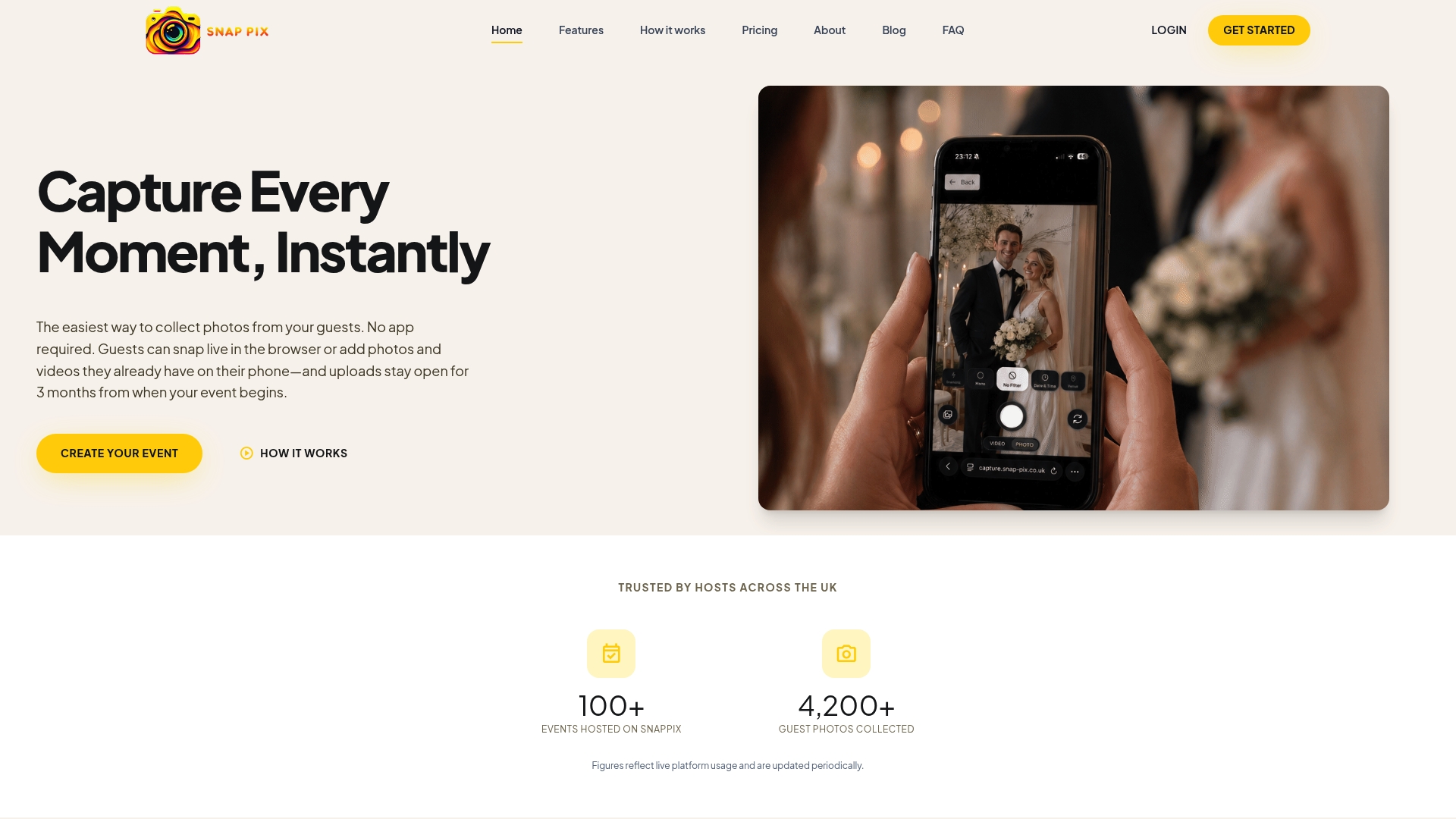
Guests scan your QR code with their phone camera and it opens in their browser, with no app to download and no account to create. They can take photos and videos of up to 60 seconds, or upload from their camera roll, and everything lands in one private gallery you control. Your QR code carries a private event password, so only people you give it to can get in. There’s nothing for guests to type.
Every event starts on the Free plan: £0, no card needed, 10 uploads per guest. Full Event Access is £14.99 one-time per event, with unlimited uploads and up to 50 AI illustrations, and no subscription. Both plans include everything else, including high-resolution downloads and a one-click ZIP, Google Drive backup, photo challenges, a digital guest book and a full-screen slideshow. See the pricing page to compare them, or the features overview for the rest.
Guests can add photos for 3 months from the event start date, and the gallery is hosted for 12 months from the event date. After the event, download your ZIP and connect Google Drive so you hold your own copy.
We built SnapPix after our own wedding, and the thing we noticed was not that guests took too few photos. It was that the good ones were scattered across group chats, email threads and camera rolls, and many had been shrunk on the way.
So our advice is plain. Don’t make guests think about file size at all. A photo straight from a phone is more than good enough, and the best way to keep it that way is one place to put them, reached by a QR code on the table, with nothing to download first.
That is why the Free plan gives every event 10 uploads per guest at £0 with no card, and why Full Event Access is a single £14.99 per event if you want unlimited uploads and up to 50 AI illustrations. No subscription, no fiddling. Then, when the day is done, grab your ZIP, connect Google Drive and you have the full set.
Liam
For a phone photo, a few megabytes is normal and good. What matters more is the pixel size: about 1800 x 1200 pixels is enough for a 6 x 4 print, and about 2480 x 3508 for A4. If a photo is only a few hundred kilobytes, it has probably been compressed by a messaging app.
JPEG is better for photos. It is small, opens everywhere and looks good at normal viewing sizes. PNG keeps every detail but makes photo files much larger, so it is better kept for logos, signs and screenshots.
Yes, in most cases. A recent phone photo of around 12 megapixels has enough pixels for an A4 print at the usual 300 pixels per inch. Use the original, not a copy sent through a chat, and avoid heavy cropping for large prints.
Messaging apps usually shrink photos to save data and speed up sending. The result looks fine on a small screen but loses detail, which you notice when you print or enlarge it. Collecting originals in one gallery avoids that.
Guests can add photos for 3 months from the event start date, and the gallery is hosted for 12 months from the event date. Download your ZIP after the event and connect Google Drive so you have your own copy.

Plan product launch event photos your team will actually use: the shots to capture, a shot list by schedule, guest uploads by QR code, and UK photo rules.
What disposable cameras on every table really cost a UK wedding once developing is added, where film still wins, and a phone-based alternative from £0.

How to collect every guest's photos and videos at a bar mitzvah in one private gallery, with no app, plus tips on children's photos and poor venue signal.