Bar Mitzvah Photo Sharing: One QR Code for Every Guest
SnapPix TeamPublished 16 Nov 202623 min read

The easiest way to share photos at a bar mitzvah is one private gallery that every guest can reach by scanning a QR code. Guests scan it with their phone camera and it opens in their browser, with no app to download and no account to create. Photos and videos from the service, the party and the dance floor all land in one place. You, as the host, control who sees them. We built SnapPix for exactly this kind of day, and every event starts on a Free plan that costs £0.
A bar mitzvah usually has two parts: the service, then the celebration. Family photos are taken in the morning, cousins film the Hora in the afternoon and friends capture the dance floor in the evening. Everyone ends up holding a different slice of the day.
There are three common ways to bring these together:
| Method | What it is like for guests | What it is like for you |
|---|---|---|
| Group chat | Easy to send, but photos are squashed and buried in conversation | You chase people and miss the guests who are not in the chat |
| Shared album link | Often needs an app or an account | A link forwarded on becomes open to anyone who gets it |
| QR code gallery | Scan, then take or upload | One private gallery, with downloads at full resolution |
A QR code only stores a link, so the gallery service behind it decides who can view and add photos. LinkUTM’s guide points out that a printed QR code is effectively a public link unless the album is protected, and it suggests password protection for galleries with children’s photos. That is why our QR code carries a private event password, so only people you give the code to can get in.
Guests scan your QR code with their phone camera and it opens in their browser, with no app to download and no account to create. From there they can:
That last point helps with a mixed-generation guest list. Grandparents, aunts and teenage friends all use the same code, and nobody has to set anything up.
You can also join by link. Send it in a family message or a WhatsApp group for relatives who cannot attend.
Synagogue halls, function rooms and marquees can be patchy. If a guest’s mobile signal drops, uploads wait on their phone and send when the connection returns. That means the Hora video does not vanish because the dance floor was in a dead spot.
A few habits help:
Creating an event takes under a minute. Here is a simple plan.
Set up your event on the pricing page by choosing the plan. Free needs no card. Guests can add photos for 3 months from the event start date, and the gallery is hosted for 12 months from the event date.
Use the code on the invitation, the order of service card, table cards and an entrance sign. You can order printed QR place cards, table signs and entrance signs, posted to you. Our guide to QR codes for guests to upload photos covers placement in more detail.
A parent, the emcee or the DJ can say once, after the meal, “Scan the code on your table and add your photos.” A single reminder works better than signs alone.
Photo challenges come with a top-10 leaderboard and challenge albums. For a bar mitzvah, try prompts such as “the best dance move”, “three generations together” or “the candle lighting”. They also give teenage guests a reason to join in.

The digital guest book lets guests leave a message. It is a lovely place for wishes to the bar mitzvah boy, and it sits alongside the photos.
The full-screen slideshow lets you put photos on a screen at the venue. The optional Event Reel with likes and comments lets guests react to each other’s photos.
Professional photographers often follow a set order: portraits before the service, quiet candids during it, quick family formals afterwards, then hours of reception coverage including the grand entrance, speeches, candle lighting, the Hora, the dance floor and the cake. One mitzvah photographer’s guide lays out that pattern. Your guests will fill the gaps between those moments.
Here is what they are best placed to capture:
If a synagogue restricts photography or flash during the service, follow the rules and wait for the reception. Ask the venue or your rabbi what is permitted, and tell guests in advance.
Privacy matters more when many of the guests are children and teenagers.
Our galleries are private by default. Your QR code carries a private event password, so only people you give it to can get in. There’s nothing for guests to type. If you want to share with relatives who could not attend, use a private share link with an expiry date. You decide who gets it and for how long.
Our guides on password-protected galleries and secure event photo sharing go deeper on this.

Many guests at a bar mitzvah are under 18. This is general guidance, not legal advice.
A simple note on your invitation or at the entrance works well: “Photos from today go into a private gallery for family and friends. Please don’t post pictures of other people’s children publicly, and tell us if you’d rather your child isn’t photographed.” Then keep the gallery link among invited guests.
When we planned our own wedding, we wanted every guest’s photos in one place without asking anyone to install anything. That is still how we think about a family celebration like a bar mitzvah. The people who take the best candids are often the ones nobody expected, a cousin or a friend, and they should be able to contribute in seconds.
We keep the Free plan genuinely usable, with unlimited guests and high-resolution downloads, so a host can try it without a card. For bigger parties, Full Event Access is one payment per event, with no subscription.
Liam
Both plans include everything else: photo challenges, the digital guest book, the optional Event Reel, the slideshow, host-only AI Smart Albums, private share links and Google Drive backup.
| Free | Full Event Access | |
|---|---|---|
| Price | £0, no card needed | £14.99 one-time per event, no subscription |
| Uploads | 10 uploads per guest | Unlimited uploads and up to 50 AI illustrations |
| Guests | Unlimited | Unlimited |
For a bar mitzvah with a large guest list and lots of video, Full Event Access means nobody hits a limit mid-party. Compare the plans on our pricing page and browse the features.
Create your event in under a minute, print or share one QR code and let guests do the rest. Start on Free at £0, or choose Full Event Access for £14.99 one-time per event, with unlimited uploads and up to 50 AI illustrations. You can create your event at SnapPix.
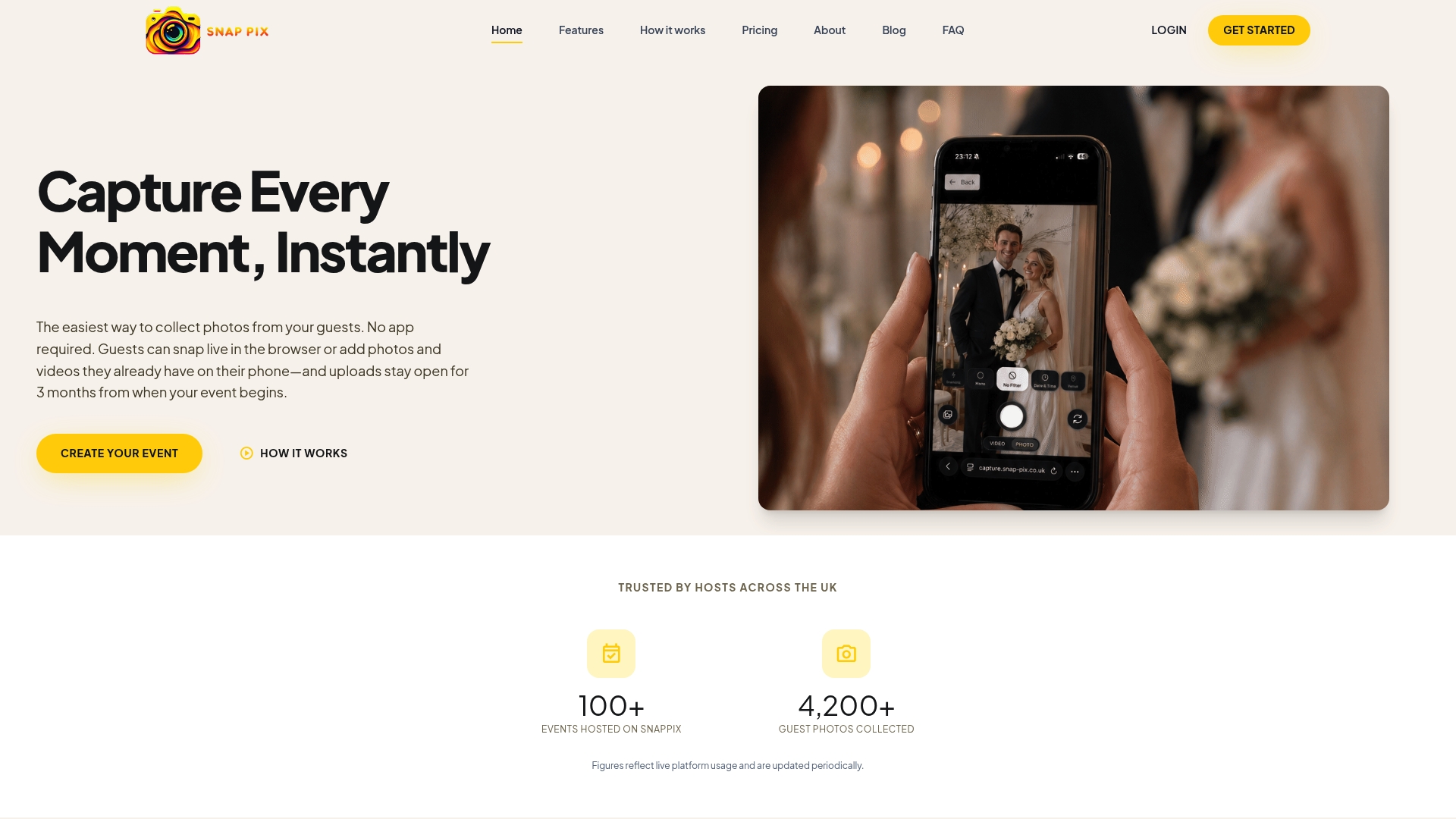
AI Smart Albums are host-only. Describe what you want, such as “first dance” or “cake”, and SnapPix builds an album from matching photos. On paid events, guests can also create caricature and watercolour drawings, up to 4 per guest.
If you are planning other family events, see our guides to birthday photo sharing and temporary photo sharing.
No. Guests scan your QR code with their phone camera and it opens in their browser, with no app to download and no account to create. They can add the page to their home screen if they would like to return to it.
Yes. Guests can record videos of up to 60 seconds in the browser or upload from their camera roll. This is handy for the Hora, speeches and short messages to the bar mitzvah boy.
Galleries are private by default. Your QR code carries a private event password, so only people you give it to can get in. For relatives who cannot attend, use a private share link with an expiry date.
Uploads wait on the guest’s phone if signal drops and send when they are back online. Guests can keep taking photos in the meantime.
Free is £0, no card needed, 10 uploads per guest. Full Event Access is £14.99 one-time per event, unlimited uploads and up to 50 AI illustrations, no subscription.

Plan product launch event photos your team will actually use: the shots to capture, a shot list by schedule, guest uploads by QR code, and UK photo rules.
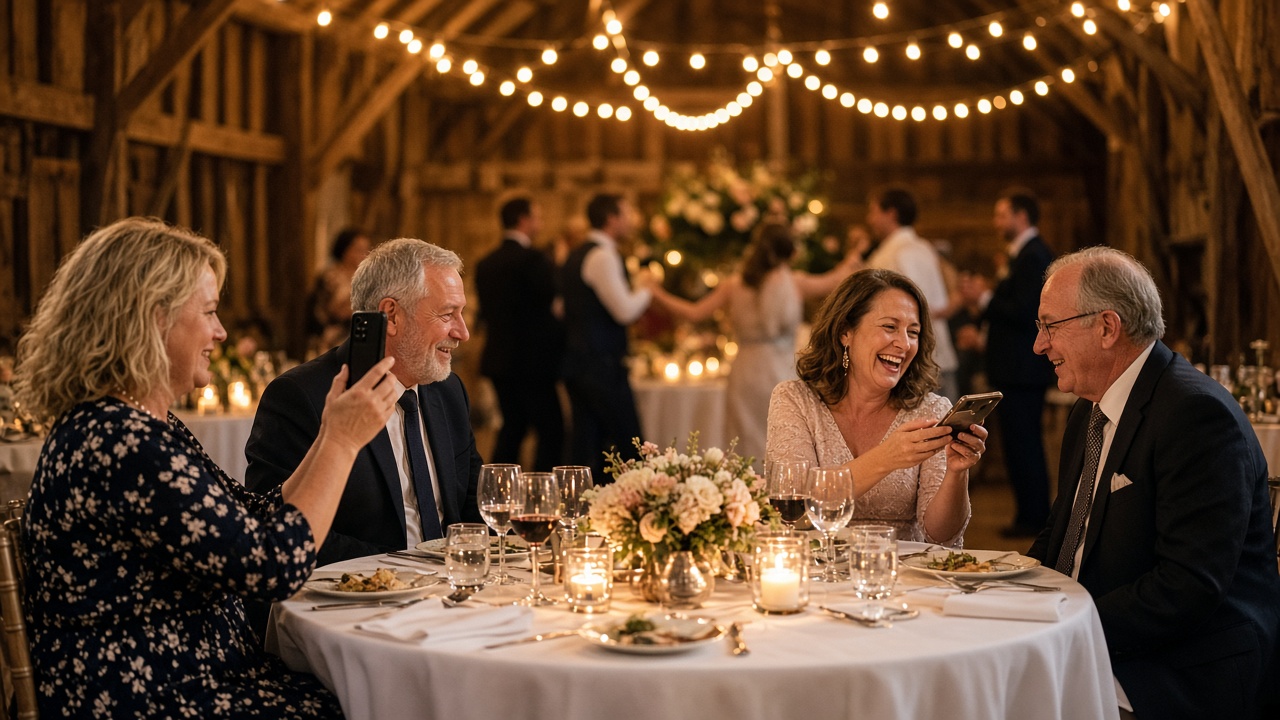
What disposable cameras on every table really cost a UK wedding once developing is added, where film still wins, and a phone-based alternative from £0.

What a normal phone photo weighs in MB, JPEG vs PNG vs HEIC, and what size you need for screens and prints, so guests' event photos stay sharp.