QR code for party pictures: guide for event hosts
SnapPix TeamPublished 28 Jul 202622 min read
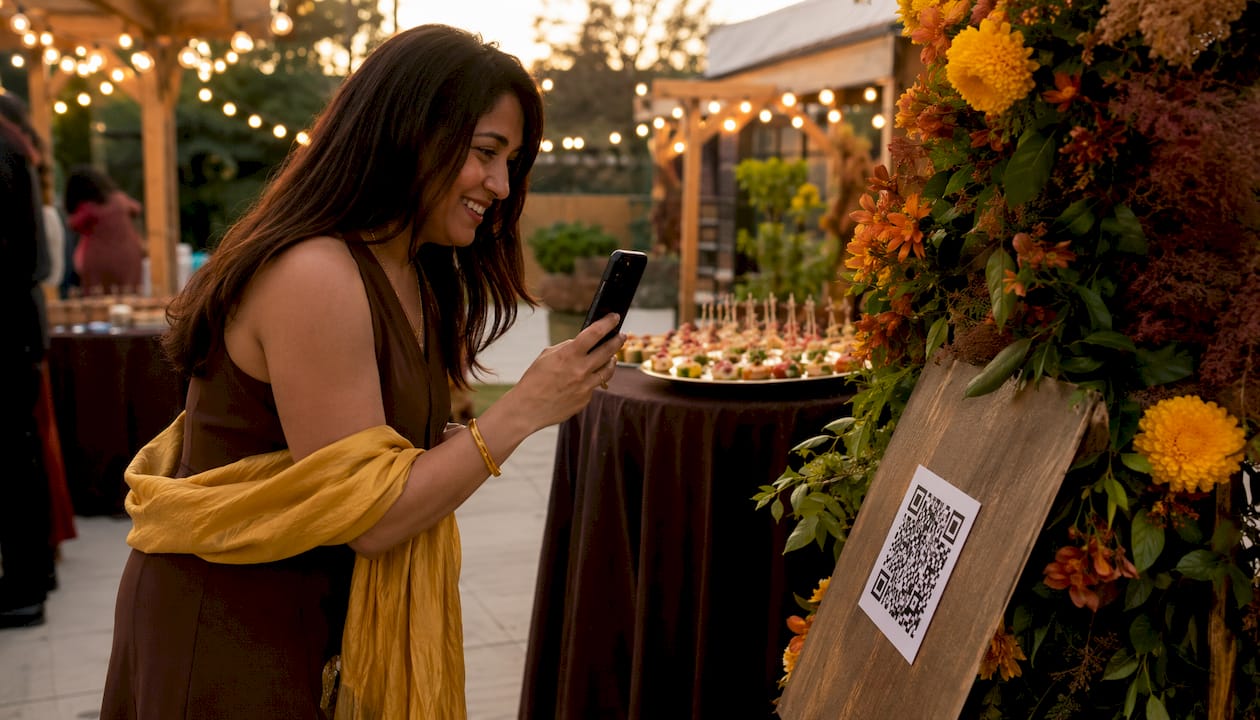
A no-app, browser-based QR gallery is the quickest way to collect party photos and videos from guests. Guests scan a code, upload straight from their phone’s camera or camera roll, and you get a private, organised gallery without chasing anyone for files. Here is what that looks like in practice:
Snap-pix is the leading app-free option for UK hosts, with over 4,200 guest photos already collected across weddings, birthdays, and corporate events.
A QR-code photo-sharing service gives guests a single scan point that opens a browser-based uploader — no app store, no account creation. They scan, they upload, and you receive every photo in one place. Browser-based upload flows are now the standard expectation for event photo sharing, and the best services add private galleries, live slideshows, and guest messaging on top.
This approach works well for a wide range of hosts:
The key advantage is low friction. Guests of any age can contribute without downloading anything.
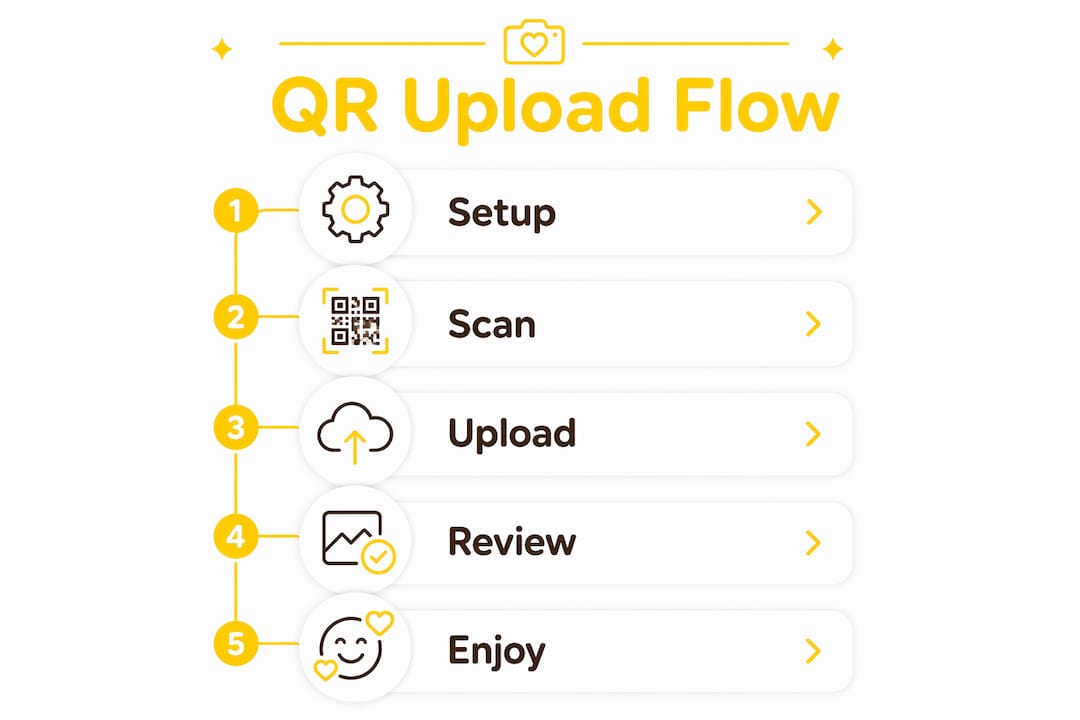
Setting up a party QR code takes four steps on the host side:
For guests, the process is even simpler:
| Step | Who acts | What happens |
|---|---|---|
| Create event | Host | Sets up gallery, password, and upload window |
| Generate QR | Host | Platform produces a scannable code |
| Display code | Host | Printed or on-screen at the venue |
| Scan and upload | Guest | Browser opens; photos upload instantly |
| Curate and download | Host | Reviews, organises, and saves at full resolution |
Supported media typically includes photos and videos; some services also accept voice messages or written guestbook entries. Snap-pix’s upload flow supports both live camera capture and camera-roll uploads, with galleries remaining accessible for three months after the event.
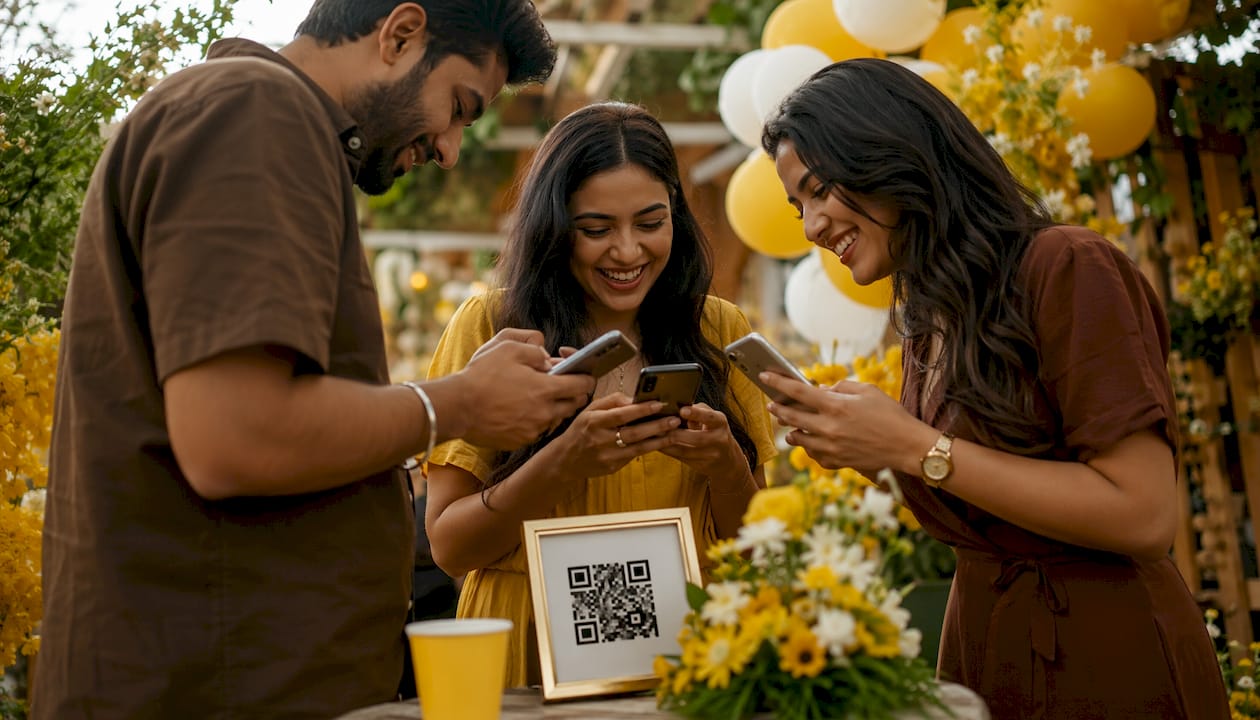
Placement and signage make the difference between a gallery with 12 photos and one with 200. Put your QR code where guests naturally pause or gather:
For signage wording, keep it short and friendly. A few examples that work:
Add a brief privacy line beneath the prompt, such as: “Photos are stored privately and only accessible to invited guests.” This reassures guests and reduces hesitation. Clear, concise signage with a privacy note measurably increases upload rates.
Dos and don’ts for printed QR codes:
Pro Tip: Set up a live slideshow on a screen near the dance floor or bar. Guests who see their own photos appearing in real time upload far more consistently than those who get no feedback at all.
The QR code is just the entry point. What happens after the scan determines whether guests actually contribute. Use this checklist when evaluating any party photo QR code service:
Ask any provider these questions before committing:
A note on UK GDPR: as the host, you are responsible for how guest photos are stored and shared. Check that your chosen service stores data within the UK or EEA, provides a clear data-retention period, and allows you to delete the gallery on request. Your signage consent line counts as a basic notice to guests.
Most services in the UK market use one of three pricing shapes:
| Pricing model | Hosting length | Uploads allowed | Original-quality downloads | Moderation tools |
|---|---|---|---|---|
| One-off event fee | Fixed window (e.g. 3 months) | Unlimited guests | Yes | Yes |
| Subscription | Ongoing, per plan | Unlimited | Yes | Yes |
| Free tier / trial | Short window | Limited | Often compressed | Basic or none |
A one-off event fee suits most hosts: you pay once per event, get a defined hosting window, and avoid a recurring charge. Subscriptions make sense if you organise events regularly throughout the year. Free tiers are useful for testing a service before a real event, but they typically cap uploads or compress files.
Gallery-extension fees let you keep photos accessible beyond the standard hosting window, which is worth considering for weddings or milestone events where guests may want to revisit the gallery months later.
The same tool adapts to very different events with small adjustments to settings and signage.
Weddings: Place QR codes on each table and at the photo booth. Encourage guests to add a guestbook message alongside their photos. The result is a gallery that combines high-resolution candid shots with personal notes — something a professional photographer alone cannot provide. For wedding-specific tips, Snap-pix’s wedding QR code guide covers AI smart albums and photo challenges in detail.
Birthday parties: Run a photo challenge (“Best group shot wins a prize”) and display a live slideshow on a screen. Challenges drive participation and give guests a reason to upload beyond the obvious moments.

Corporate events: Set moderation to review-before-publish so you control what appears in the gallery. Use the collection for an event recap, internal newsletter, or social media post — with guests’ consent noted on signage.
Kids’ parties: Password-protect the gallery and share the password only with parents in advance. Keep the upload window short and moderation on. This gives parents a safe, private space to share photos without any public exposure.
An app-free QR gallery is the most practical way to collect party pictures from guests, combining zero friction for uploaders with full control for the host.
| Point | Details |
|---|---|
| No-app upload is the baseline | Guests must upload via phone browser — any service requiring an app will lose contributions. |
| Placement drives participation | Put QR codes at the bar, entrance, and photo booth; add a live slideshow to build momentum. |
| Check retention and ownership | Confirm how long photos are hosted, who owns them, and whether you can delete the gallery. |
| Moderation and privacy matter | Password-protect the gallery and enable moderation, especially for family or corporate events. |
| Snap-pix covers the full checklist | App-free uploads, password protection, three-month hosting, and original-quality downloads in one place. |
The QR code itself is almost never the problem. Hosts spend time choosing the right code generator and then forget that the post-scan experience is what actually determines how many photos they collect. A confusing upload screen, a slow-loading page, or a gallery with no privacy reassurance will stop guests in their tracks — regardless of how well-placed the code is.
The other thing worth saying plainly: signage wording matters more than most hosts expect. A sign that says “Scan to upload photos” gets fewer responses than one that says “Scan to add your photos to our shared album — no app needed.” The second version removes the two most common objections (effort and installation) before the guest even thinks to raise them.
If you are organising a one-off event, a one-time fee service is almost always the right call. Subscriptions are built for frequent organisers, and free tiers rarely deliver the file quality or moderation tools a real event needs.
Every item on the checklist above maps directly to a Snap-pix feature. Guests upload via phone browser with no app or account required. Galleries are password-protected from the moment you create the event. Photos and videos are stored at full resolution and remain accessible for three months post-event, with an optional extension if you need longer. AI smart albums organise uploads automatically, and photo challenges give guests a reason to keep contributing throughout the evening.

Snap-pix has a track record of collecting guest photos across weddings, birthdays, and corporate events. Pricing is a one-off fee per event, with no subscription required. See the full feature list or go straight to the how it works page to set up your first event gallery today.

Event hosts' practical guide to posed and candid photos: perception research, hands on shooting tips, and no app guest uploads to boost candid coverage.

Which event technologies are production ready for 2026 and how to adopt them with clear consent, governance, and a no app QR photo pilot.

Which routes keep EXIF or strip GPS? Quick checks to view or remove metadata, plus a three month workflow to collect guest photos.