Quinceañera photo sharing made simple with QR codes
SnapPix TeamPublished 22 Aug 202624 min read
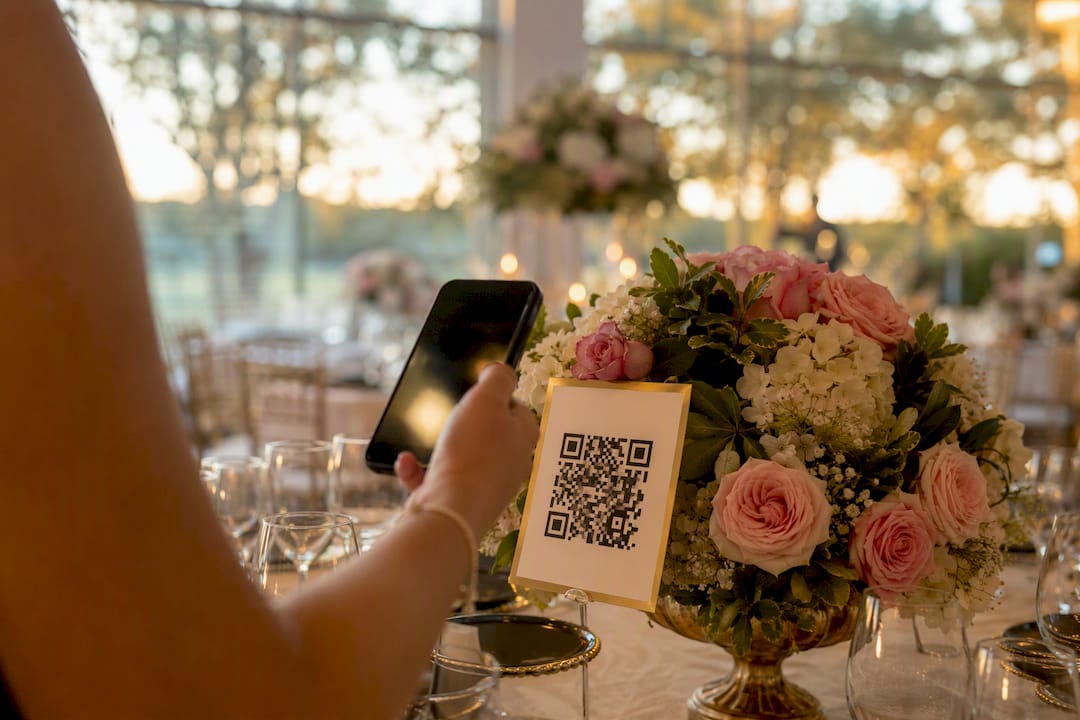
Use a no‑app QR‑code gallery to collect every guest photo instantly. Guests scan a code, upload straight from their phone’s browser, and no download or account ever gets in the way. That’s the whole idea behind modern quinceañera photo sharing, and it works because it removes the one thing that kills guest participation: friction.
Two things make this approach so reliable. First, browser-based uploads preserve full-resolution files, so you’re not stuck with blurry, compressed shots later. Second, a no-app upload flow means grandparents, cousins, and the birthday girl’s friends can all contribute without hunting for an app store or remembering another password.
Here’s your next move:
SnapPix, for example, gives you no-app browser uploads plus a three-month upload window, so photos taken at the party and shared days later still land in one place.
A no-app QR-code gallery removes the biggest barrier to quinceañera photo sharing by letting every guest upload straight from their phone’s browser without downloads or accounts.
| Point | Details |
|---|---|
| Test before printing | Try the QR code on both an iOS and Android phone before signs go to print. |
| Placement decides uptake | Put codes at the entrance, every table, and the photo-op backdrop, sized large and high-contrast. |
| Seed the gallery early | Upload a few family photos before guests arrive so the album isn’t empty on first scan. |
| Default to privacy | Use a private link or password protection, especially with photos of minors. |
| SnapPix as the ready option | SnapPix offers no-app uploads, a generous upload window, and has collected thousands of guest photos across hosted events. |
The mechanics are simple enough to explain to a great-aunt in one sentence, which is exactly the point.
For guests, the flow goes like this:
For you as host, the setup side looks a little different. You create the gallery, decide who can see it (private link or password), and then test the whole chain yourself. Open the QR on an iPhone and an Android device separately, because browser quirks between Safari and Chrome occasionally trip up older phones.
A few technical notes worth knowing before the big day:
Nothing here needs a professional touch, but skipping steps is how signs end up unscanned in a stack by the guest book.
Run through this checklist in the week before the event:
Pro Tip: Print one spare QR sign and keep it in your bag. Table cards get moved, spilled on, or “borrowed” as souvenirs more often than you’d expect.
Placement decides whether your quinceañera photo sharing setup gets used or ignored. A code buried in a corner might as well not exist.
The spots that consistently perform best:
Keep the sign copy short: “Share a photo for our guest book — scan here” does more work than a paragraph of instructions. Add a line noting “No app needed” so nobody hesitates, thinking they need to download something first.
On design, bigger and higher-contrast codes scan faster from a distance, and matte paper beats glossy finishes that catch venue lighting and glare under phone cameras, a detail signage guides for events flag repeatedly. Avoid tiny codes tucked at table corners. If a guest has to search for it, they won’t bother scanning it.
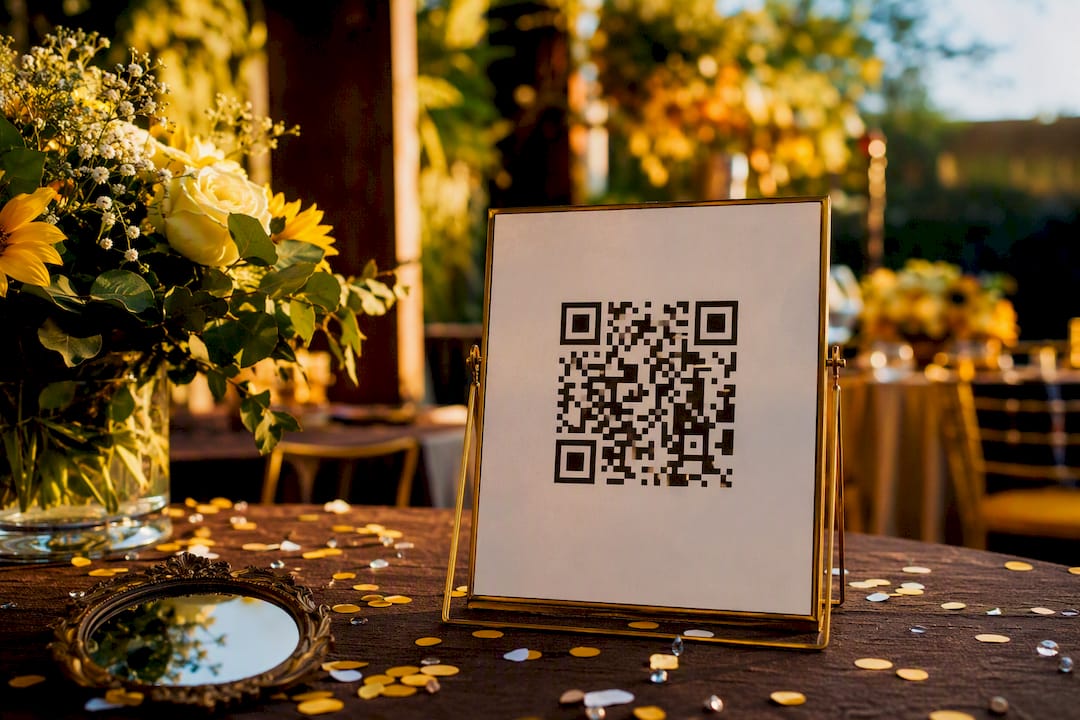
Signage gets people started, but a few live nudges during the party keep uploads coming for hours.
Photo challenges and small incentives tend to outperform a static sign left to do all the work on its own, which matches what platforms offering built-in photo challenges report seeing.
Pro Tip: Ask one cousin or close friend to be the unofficial “gallery champion” for the night. A single enthusiastic person reminding tables to scan does more than any announcement.
The party ends, but the real curation work starts the next morning, and a tight process saves you from scrolling through hundreds of near-duplicate shots for a week.
Start with a first pass: flag the favourites, delete obvious duplicates, and use tags or smart albums if your platform sorts images automatically. From there:
Photographers who shoot quinceañera portraits often recommend combining their formal images with guest candids in one shared gallery, since the mix gives families both the polished shots and the real, unposed moments nobody thinks to stage.
Default to caution here. A quinceañera gallery filled with photos of teenagers and young family members isn’t something you want indexed by search engines or open to strangers with the link.
Set these defaults before the event, not after:
Password protection barely slows guests down at upload time, and it closes off the accidental-discovery risk that a fully open link carries.
SnapPix was built around exactly this checklist, which is why it keeps showing up as the practical option for hosts who don’t want to manage a group chat full of blurry photo dumps.
The feature set covers most of what this article has walked through:
The platform has already collected over 4,200 guest photos across events hosted on it, a track record that suggests the no-app model holds up beyond just theory. A typical setup looks like this: create the gallery a week ahead, print the QR code at entrance and table size, seed it with two family photos, then let the three-month window catch every late upload. Step-by-step instructions for each stage sit in SnapPix’s setup guides if you want the exact screens.
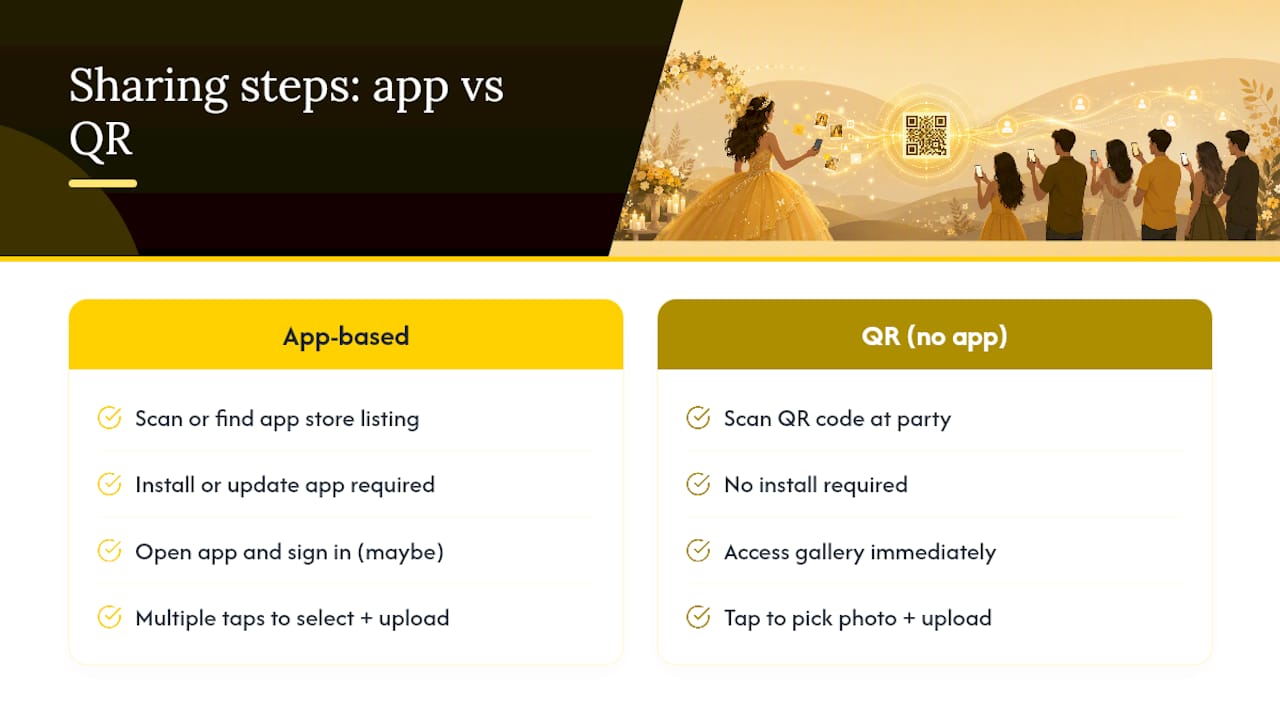
Most advice on this topic obsesses over the wrong variable: the app. Hosts spend weeks comparing download numbers and app-store ratings when the real bottleneck is always the same. Every extra tap between “I want to share this photo” and the photo actually landing somewhere is a guest lost, usually an older relative or a teenager who simply won’t bother.
The conventional wisdom says pick the platform with the most features. That’s backwards. Pick the platform with the fewest steps first, then check the features. A photo challenge or a smart album is worthless if half your guests never scanned the code because it demanded an app they weren’t going to install at a party.
If there’s one thing to prioritise, it’s testing the scan-to-upload chain yourself, on your own phone, days before the event. Everything else, the signage wording, the challenge prizes, the bilingual prompts, is polish. The scan working on the first try is the foundation everything else sits on.
SnapPix gives you the fastest route from “guest takes a photo” to “photo lands in a shareable album,” without asking anyone to download anything first. Where a group chat scatters photos across a dozen phones and a shared drive folder demands someone actually remembers to upload later, SnapPix’s QR code puts the gallery one scan away, at full resolution, for three months after the party ends.

It suits hosts who want the AI-driven smart albums doing the sorting instead of you, and who like the idea of a photo challenge running itself while you’re busy dancing. The feature set covers guest uploads, moderation, and a digital guest book in one place, so nothing needs stitching together from separate tools.
If the checklist in this article sounds like the setup you want, create your gallery and generate your QR code today, then test the scan on your own phone before you print a single sign.
Do guests need to download an app to share quinceañera photos? No. A no-app QR-code gallery opens directly in the guest’s phone browser, so there’s nothing to download and no account to create before uploading.
How long do guests have to upload photos after the party? It depends on the platform. SnapPix keeps the upload window open for three months after the event, which catches photos from guests who forget to share on the night.
What’s the best way to encourage more guest uploads? Seed the gallery with a few family photos before the party starts, run a short photo challenge with a small prize, and make sure the QR code sign is visible at the entrance, on tables, and near the photo backdrop.
Should a quinceañera photo gallery be public or private? Private, generally. A password-protected or private-link gallery keeps control over who sees photos of guests, particularly images involving minors, while still letting family download and share easily.
Can professional photographer shots go in the same gallery as guest photos? Yes, and it often improves the overall result. Seeding the album with a few polished shots from the photographer’s coverage gives guests a visual cue for the kind of moments worth capturing themselves.

Secure sponsor access to event photos with a host controlled workflow. Use time limited QR links, view only tokens, instant revocation, and access logs.

A practical host first workflow: collect no app QR uploads, keep moderation and professional curation, set retention and backup plans so you stay in control.

Event hosts' practical guide to posed and candid photos: perception research, hands on shooting tips, and no app guest uploads to boost candid coverage.