Wedding QR code sign: share guest photos the easy way
SnapPix TeamPublished 1 Aug 202631 min read
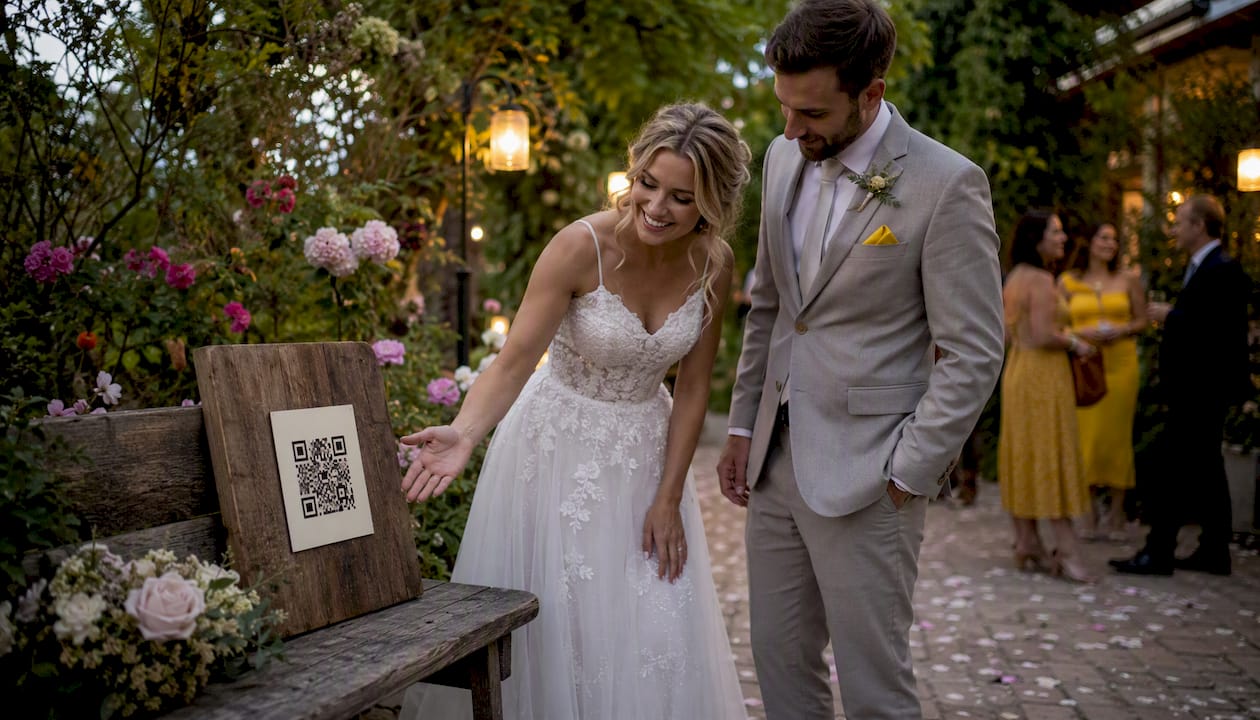
The fastest route to a working wedding photo-sharing QR code sign is this: create a free event on Snap-pix, generate a dynamic QR code linked to your gallery, and print one large welcome sign plus smaller table cards. Snap-pix requires no app from guests, and the platform has already collected over 4,200 guest photos across real events. Your three steps are: (1) create your Snap-pix event and set your gallery preferences, (2) generate a dynamic QR code from your gallery URL, (3) place one large sign at the venue entrance and one card per table.
Pro Tip: Test your QR code on at least two phones before the wedding day — one iPhone and one Android — using both the built-in camera and mobile data rather than venue Wi-Fi.
The look of your sign matters as much as the code itself. Well-designed QR signage that matches your wedding palette and includes clear micro-copy tends to get noticeably higher guest engagement than a plain printed sheet.
Common styles to consider:
Format options by placement:
For file types, request an SVG from your designer for any sign that will be scaled up, and a PNG at 300 DPI for standard A5 or A4 prints. Place the QR code in the lower half of the design with at least 5 mm of clear white space (the “quiet zone”) around all four edges.
Pro Tip: Ask your stationer to match the QR sign font and colour palette to your invitation suite. Guests who recognise the design language are more likely to trust and scan the code.

Short, clear copy outperforms clever copy every time. Guests glance at a sign for two seconds, so the instruction needs to land immediately.
Friendly tone (works for most weddings):
Playful tone:
Formal tone:
Rustic/personal tone:
One sentence of instruction below the headline removes all hesitation for older guests:
Keep that line small but legible, around 10–12pt on a table tent. For guests who may be less confident with smartphones, asking a bridesmaid or groomsman to demonstrate at the table takes thirty seconds and builds momentum quickly.
A reliable destination is what separates a sign that works from one guests ignore after the first failed scan.
Privacy and consent: Remind guests in your sign wording that photos they upload will be visible to you and, if you choose, to other guests. Snap-pix’s optional password protection means you can keep the gallery private until you have reviewed it.
Liam’s wedding, a quick example: At Liam and Megan’s wedding, the Snap-pix gallery was set up two weeks before the day. Table cards carried the QR code, and the MC mentioned it during the welcome speech. Photos started arriving within minutes of the ceremony ending. The moderation setting meant Liam could approve uploads before sharing the album link with family. You can read the full case study for the complete setup walkthrough.
Pro Tip: Set up your gallery at least two weeks before the wedding so you have time to test the QR code on printed proofs, not just on screen.
Printing errors cause more scanning failures than any other factor. Follow these specs and your sign will work every time.
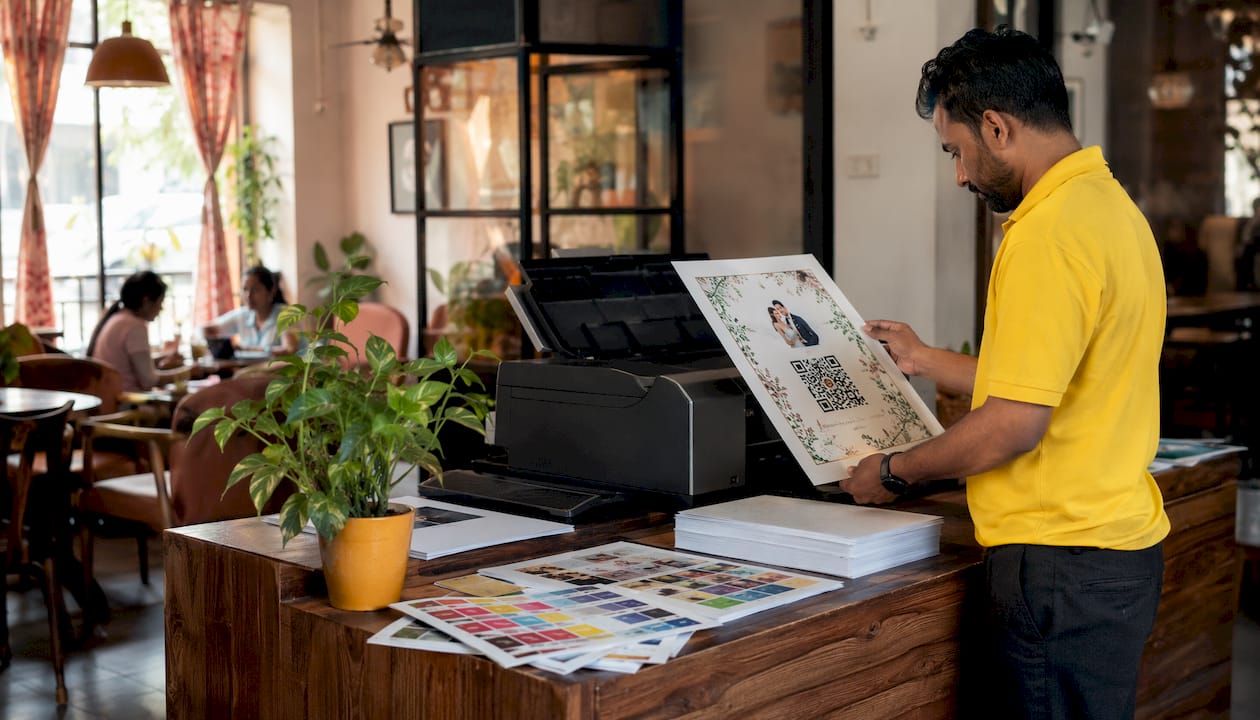
| Format | Minimum QR size | File type | Resolution | Finish |
|---|---|---|---|---|
| Welcome sign (A2/A3) | 5 cm × 5 cm | SVG | Vector (no DPI limit) | Matte |
| Table tent (A5) | 3 cm × 3 cm | SVG or PNG | 300 DPI | Matte |
| Place card (A6) | 2.5 cm × 2.5 cm | PNG | 300 DPI | Matte |
| Acrylic freestanding | 4 cm × 4 cm | SVG | Vector | Satin or matte |
Download your QR as an SVG for any sign that will be scaled up; SVG files stay perfectly sharp at any size. For standard A5 or smaller prints, a PNG at 300 DPI is sufficient.
Contrast and quiet zone: The QR code must be dark on a light background (or light on dark, but dark-on-light scans more reliably). Keep at least 4–5 mm of clear space around all four edges. Avoid printing the code over a patterned or textured background, even a subtle one.
Finish: Matte is safer than gloss for QR codes. Gloss can reflect venue lighting and create hotspots that confuse phone cameras, particularly in candlelit or dimly lit rooms.
Placement: Eye level or table height is ideal. Never place a sign on the floor, on a high shelf, or behind a floral arrangement. The entrance, each table, and the bar area are the three highest-scan locations at most UK wedding venues.
Pro Tip: Print one test copy at the final size and scan it in a dim room before approving the full print run. If it scans in low light, it will scan anywhere.
You have several reliable routes, each with different lead times and price points.
Ordering checklist: Supply your file in SVG or 300 DPI PNG, confirm bleed settings with the printer (typically 3 mm), approve a digital proof before the run starts, and confirm delivery method and date in writing.
Material notes: Card is fine for indoor table tents. For outdoor weddings or signs that will be handled repeatedly, foamex board or acrylic is more durable. Wood-effect MDF looks beautiful but can warp in damp conditions, so keep it indoors.
Printed sign costs vary by format and material. A single A3 framed welcome sign from a UK stationer typically costs £15–£40 depending on material (card, foamex, or acrylic). A set of ten A5 table tents usually runs £20–£50 printed. Acrylic freestanding signs with custom engraving or print tend to sit at £30–£80 each. These are typical market ranges; your final price depends on the supplier and any rush fees.
Snap-pix charges a flat fee per event, with no monthly subscription. You pay once, your gallery stays open for three months, and you can extend hosting annually if you want to keep the album accessible longer. That flat-fee model means you know your total cost upfront, which makes budgeting straightforward.
Recommended timeline:
Ordering early also means that if the QR code destination ever needs updating (a URL change, a new gallery link), a dynamic QR code lets you redirect it without reprinting a single sign.
Work through these questions before placing any order.
Questions to ask your stationer before ordering:
Red flags: A vendor who cannot supply an SVG, who prints the QR code smaller than 2.5 cm on a place card, or who cannot provide a digital proof within 48 hours of order is worth avoiding. Low-contrast QR codes and missing quiet zones are the most common reasons signs fail to scan on the day.
A dynamic QR code linked to a Snap-pix gallery, printed on a large welcome sign and table cards, is the most reliable way to collect guest photos at a UK wedding without asking anyone to download an app.
| Point | Details |
|---|---|
| Use a dynamic QR code | You can update the destination after printing, avoiding costly reprints if links change. |
| Test on multiple devices | Scan on both iPhone and Android using mobile data before approving the print run. |
| Place signs at eye level | Entrance, tables, and bar areas give the highest scan rates; avoid floors and high shelves. |
| Match design to stationery | Consistent palette and typography builds guest trust and increases scanning. |
| Start with Snap-pix | Snap-pix offers app-free uploads, AI smart albums, and a flat fee per event for UK weddings. |
Most couples spend hours choosing the perfect acrylic sign and five minutes thinking about how guests will actually find out about it. That imbalance is where most wedding photo collections fall short.

Signs are passive. Guests at a busy reception are distracted, chatting, and often sitting with their backs to the welcome frame. The table card helps, but the single highest-impact action you can take is asking your MC or DJ to mention the QR code during the welcome speech or between courses. Research consistently shows that an MC announcement or a prompt from the bridal party increases guest scanning rates more than any design upgrade.
The second thing most couples overlook is the upload window. Guests who were too busy dancing to scan on the day will often upload their best photos the following morning. A platform that keeps the gallery open for weeks after the event collects far more photos than one that closes at midnight. Snap-pix holds galleries open for three months, which is why the photo collection numbers across real events are as high as they are.
My practical tip: write the MC’s line for them. Hand them a card that says exactly: “Before we go any further, grab your phone, open the camera, and point it at the QR code on your table. It takes ten seconds and means Liam and Megan get to keep every photo you take today.” Specific, short, and it works.
Every guest photo from your wedding, collected in one place, without anyone downloading an app. That is what Snap-pix delivers. Guests scan the QR code on your sign, upload directly from their phone browser or camera roll, and their photos land straight in your gallery. You get AI-organised smart albums, optional photo challenges to build momentum during the reception, a digital guest book with messages, and password-protected galleries you control.

The pricing is a flat fee per event, no subscription, no hidden extras. You create your event, generate your dynamic QR code, and download a print-ready file to send to your stationer. Setup takes under ten minutes. To see every feature and get started, visit the Snap-pix features page or go straight to the Snap-pix homepage to create your event today.

Event hosts' practical guide to posed and candid photos: perception research, hands on shooting tips, and no app guest uploads to boost candid coverage.

Which event technologies are production ready for 2026 and how to adopt them with clear consent, governance, and a no app QR photo pilot.

Which routes keep EXIF or strip GPS? Quick checks to view or remove metadata, plus a three month workflow to collect guest photos.