Top 5 Wedding Photo Sharing Service Alternatives 2026
SnapPix TeamPublished 11 Jul 202635 min read
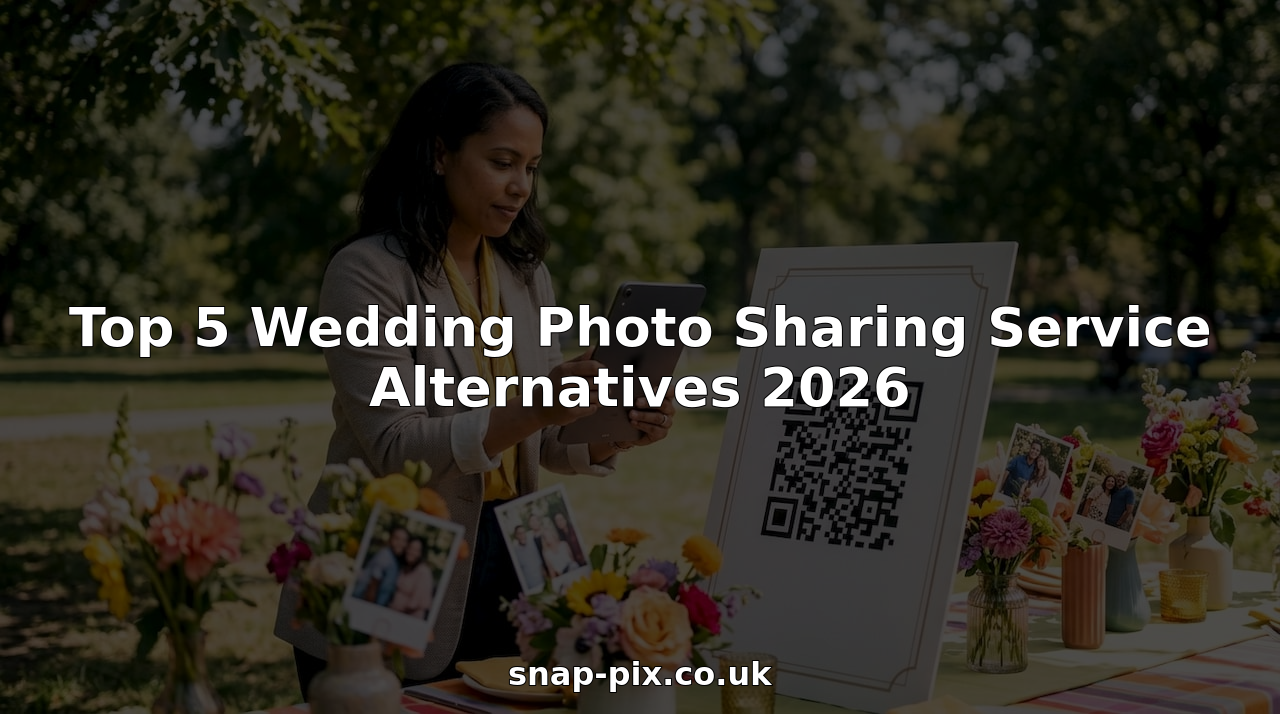
Collecting and sharing wedding photos with guests and organisers without technical hurdles or privacy worries is harder than necessary. Many platforms force app downloads, restrict storage duration, lack privacy clarity, or complicate high quality print orders. This comparison highlights five wedding photo sharing service alternatives so organisers can pick one that fits their event participation, privacy, and print needs.
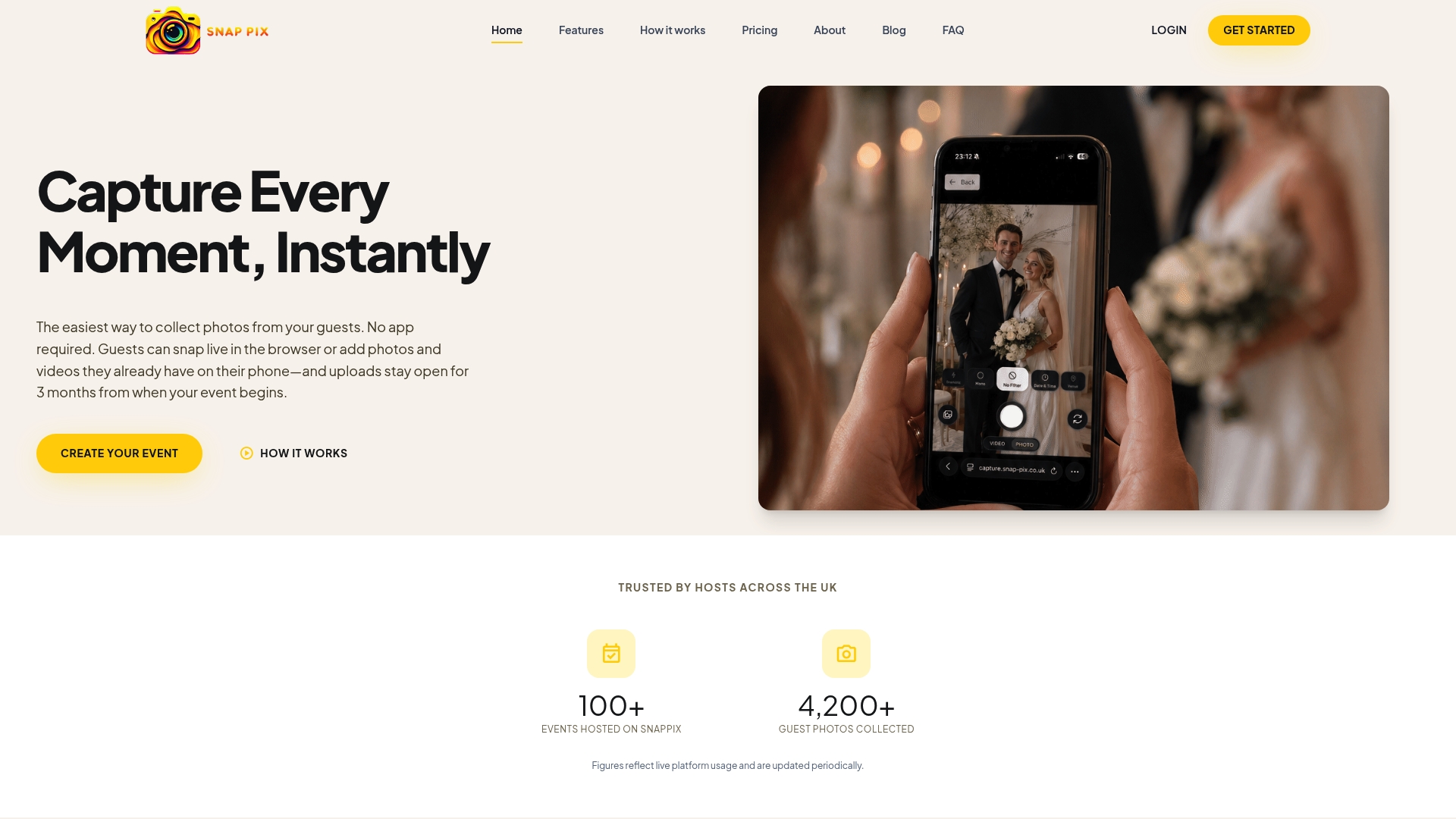
SnapPix reports over 4,200 guest photos collected. That figure shows the platform has seen real event use rather than remaining a concept.
Guests upload photos and videos through a QR code without installing an app, and galleries remain accessible for three months after each event. The service targets weddings and corporate events and focuses on simple guest participation and post-event keepsakes.
SnapPix lets guests use their mobile browsers to submit unlimited photos and videos, removing friction from the sharing process. The platform organises media with AI-powered smart albums and offers photo challenges plus a digital guest book for messages alongside images. Hosts manage galleries, moderate uploads, and choose read-only or interactive modes for attendees.
No app download required. Guests scan a custom QR code and upload directly via their mobile browser, which avoids app-store friction and lowers the barrier for spontaneous sharing. That workflow often increases contributions at events where guests do not want to install new software.
The guest experience is simple and quick; scanning a QR code and uploading in a browser removes a common obstacle to collecting candid images. Hosts get unlimited uploads and extended gallery hosting, so they can archive event photos without pressure to trim content. The platform’s AI-powered smart albums reduce manual sorting, and interactive features such as photo challenges and a digital guest book encourage participation and produce a more complete record of the day.
Event hosts who want a low-friction way to collect guest photos without asking people to download an app will find this useful. It suits couples planning weddings, coordinators running corporate gatherings, and organisers of reunions or festivals who need simple, browser-based collection and a hosted gallery.
Galleries remain available for three months after the event, so hosts have a clear window to collect and download material for long-term storage. That hosting period makes the administrative side easier for hosts who prefer a single event fee and time to curate, rather than managing immediate transfers the day after.
At a wedding, the host places a QR code at the entrance and on each table. Guests scan the code and upload candid shots straight from their phones. The couple receives a consolidated gallery, uses the AI sorting to build albums, and reads messages left in the digital guest book to compile a keepsake album.
Website: https://snap-pix.co.uk
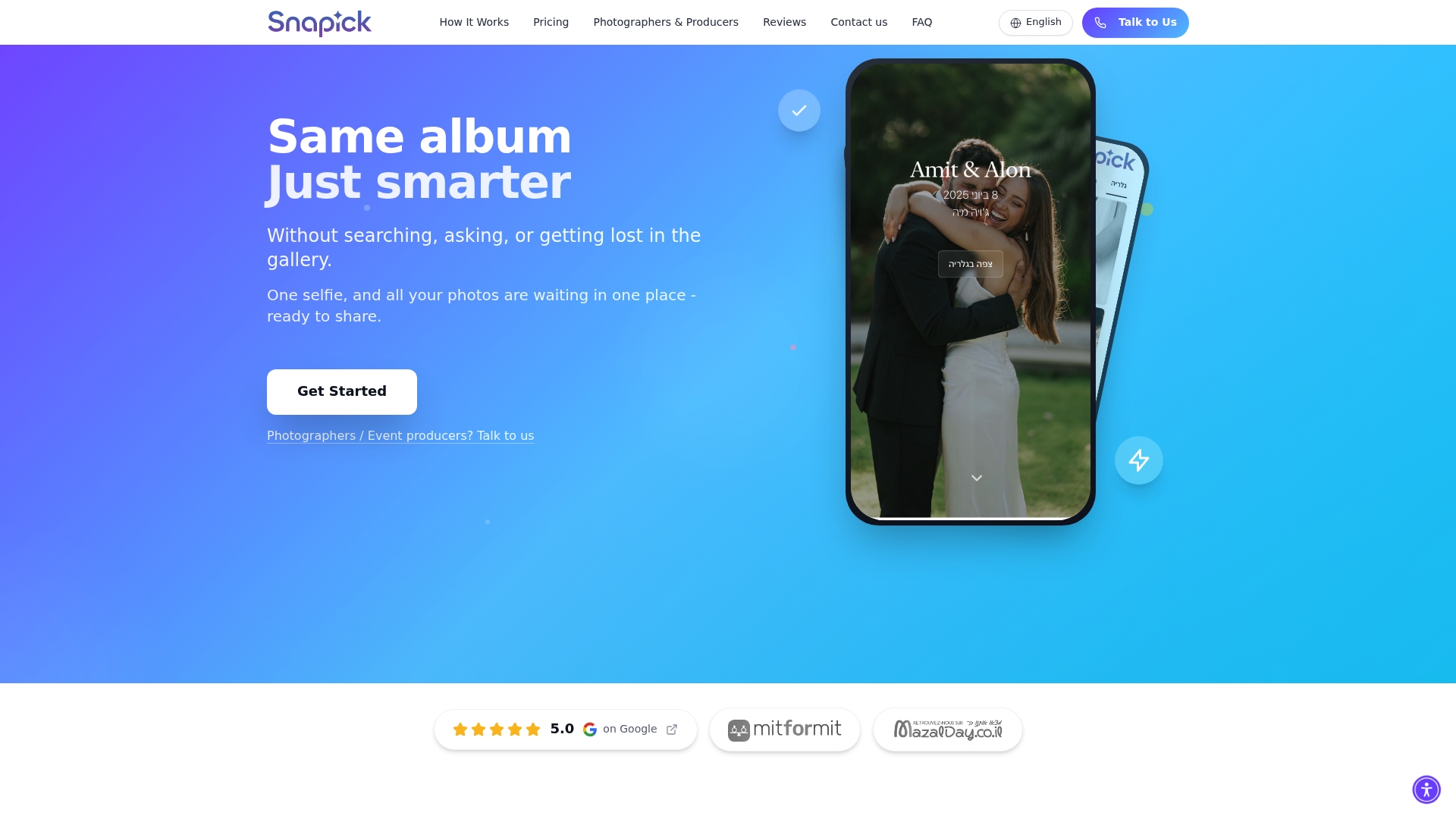
Guests receive a WhatsApp message with a direct link to the event gallery. Snapick AI’s marketing materials state fast, accurate face recognition that connects guests to every photo they appear in without requiring an app. The service stores event media in the cloud for a limited period depending on the chosen plan.
Snapick AI pairs automatic face recognition with personal galleries that deliver full quality media only of the images a guest appears in. Guests access galleries via a WhatsApp link, removing the need to download an app. The product also offers shared albums for the whole event and cloud storage options that last six to eight months depending on plan choice.
The standout claim is face recognition that links each guest to all photos featuring them while using a WhatsApp delivery model so guests do not install an app. The vendor advertises this accuracy as fast and reliable. That claim matters when you want attendees to find their pictures quickly without technical friction.
The vendor advertises customer feedback that highlights ease of use and high accuracy. The interface reads clean and simple, so guests can open a gallery and find photos without training or support. Automatic face recognition reduces the photographer’s workload by grouping images by person, and the WhatsApp link keeps distribution familiar for many guests. Multiple plan options cater to small private events and professional photographers with different needs.
Organisers running festivals or conferences with thousands of attendees should treat the scale claim with caution. Teams that need long-term archival storage beyond six to eight months should look elsewhere. Clients requiring explicit, published data processing agreements and detailed security certifications may find the available public information insufficient.
Photographers, event producers, and private event organisers who want automated guest photo recognition and quick delivery without asking guests to install an app. It suits wedding photographers who prefer a familiar delivery channel such as WhatsApp. It also fits studios that need a faster way to return full-quality images to clients.
A wedding photographer uploads event photos and lets Snapick AI run face recognition. Guests receive WhatsApp links and open personal galleries showing only their images. That process reduces the photographer’s curation time and helps guests locate their shots without manual tagging.
Website: https://snapick-ai.com
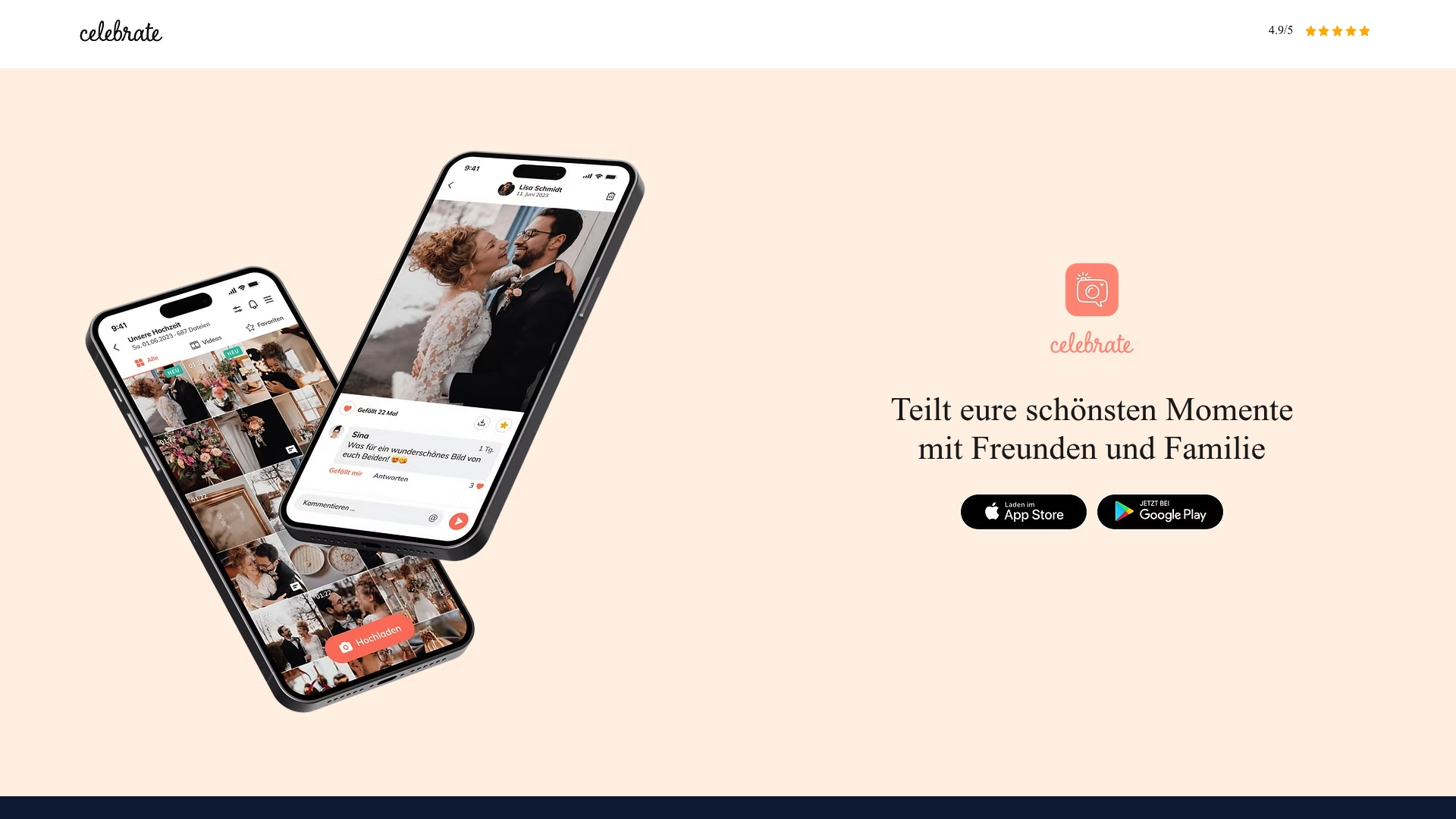
As a wedding photo sharing service, Celebrate lets guests upload and download photos and videos in their original resolution. You can create event albums and share entry via event codes without requiring guest registration. The same images are ready to order as prints or wall art straight from the app.
Celebrate supports uploading, sharing, and downloading media at original resolution, which keeps print quality high. It protects access with event codes and lets organisers create temporary event albums that guests join quickly. The app also integrates ordering so you can turn shared photos into photo products without exporting files first.
Celebrate pairs high fidelity image handling with direct photo product ordering. That combination reduces the steps between collecting candid shots and producing prints. For couples who plan to print images from guest contributions, this link between albums and fulfilment stands out.
The app is free to download and use, which lowers the barrier for guests to participate. Strong privacy controls via event codes make it simple to limit access to family and friends. Integrating print orders with the same album keeps quality consistent because the images remain in original resolution. Mobile availability means guests can contribute from their phones during the event without extra tools.
Couples and families who want a private, low friction way to gather candid photos and print them. If your priority is high quality prints from guest shots and simple access controls, Celebrate fits well. It suits events where guests prefer a quick code rather than creating accounts.
At a wedding, the couple creates an event album and shares the event code on place cards and signs at the venue. Guests add photos during the day and the family later selects standout shots to order wall prints directly from the same album. The result keeps image fidelity high and shortens the time from capture to framed prints on the wall.
Website: https://celebrate.app
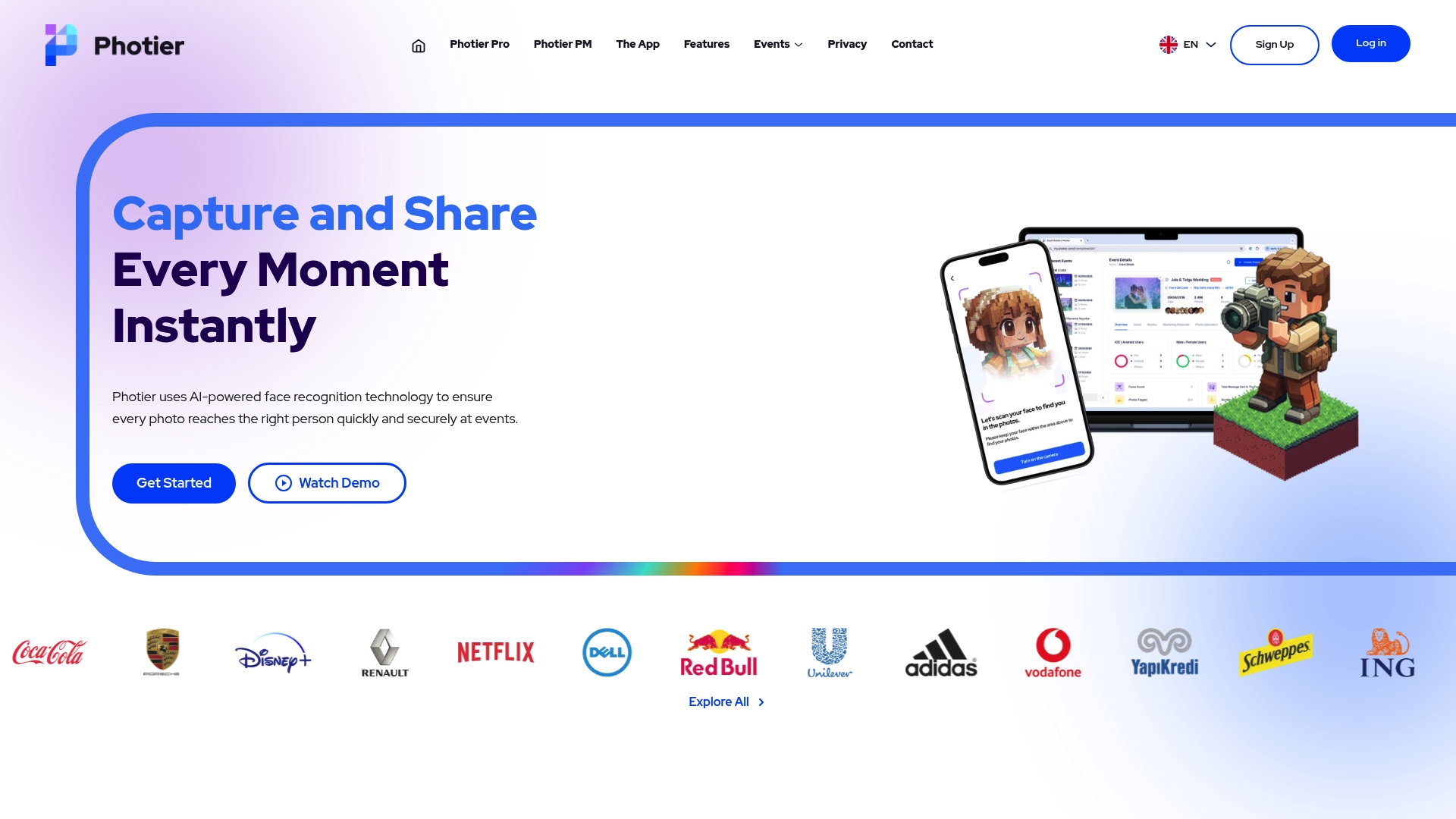
AI face recognition matches event photos to attendees instantly, letting guests receive images during or shortly after an occasion. Organisers can sell images through Photier PM without commission on the number of participants or uploads. According to the company, Photier uses encryption and complies with GDPR to protect attendee data.
Photier identifies faces in uploaded images and delivers matched photos to the right people, with instant delivery during live events and later access. The platform offers role-based event management, branded sharing with logos and QR codes, and photo sales via a built-in commerce option. These capabilities support both private and public galleries and handle high volumes of images and participants.
The product stands out for its use of AI face recognition to automate photo assignment and delivery even in large events. That automated match saves organisers time and anchors photo distribution to attendee identities rather than manual sorting. The combination of automated delivery and on-platform sales targets events that need both speed and revenue options.
Photier performs well for events that need quick, accurate photo distribution. Its management controls let organisers set privacy, assign roles, and apply branding to galleries and downloads. The platform can scale to thousands of photos and participants while offering a monetisation route through Photier PM, which supports sales without platform commission.
If you want open, share-first social features and cross-posting to networks, this platform will feel restrictive. If guests cannot consent to face recognition or you must avoid automated identification, Photier is the wrong approach. Large organisations needing transparent, published pricing or built-in social feeds will need an alternative.
Event organisers, venue managers, and photographers who run weddings, marathons, graduations, or corporate gatherings and who prioritise automated delivery. It suits teams that want branded galleries and the option to sell images to attendees. It also fits organisers who can control photo quality and guest consent at the point of capture.
A wedding planner registers the event, prints a QR code for guest uploads, and assigns an Event Owner role to the photographer. Guests scan the code and upload images during the day. Face recognition matches photos to guests and the couple offers selected images for sale through the platform in the weeks after the event.
Pricing is not explicitly specified by the vendor. The offering includes free basic event management, paid tiers such as Photier PRO, and the Photier PM sales service. Expect costs to vary with event size, feature needs, and custom branding.
Website: https://photier.com
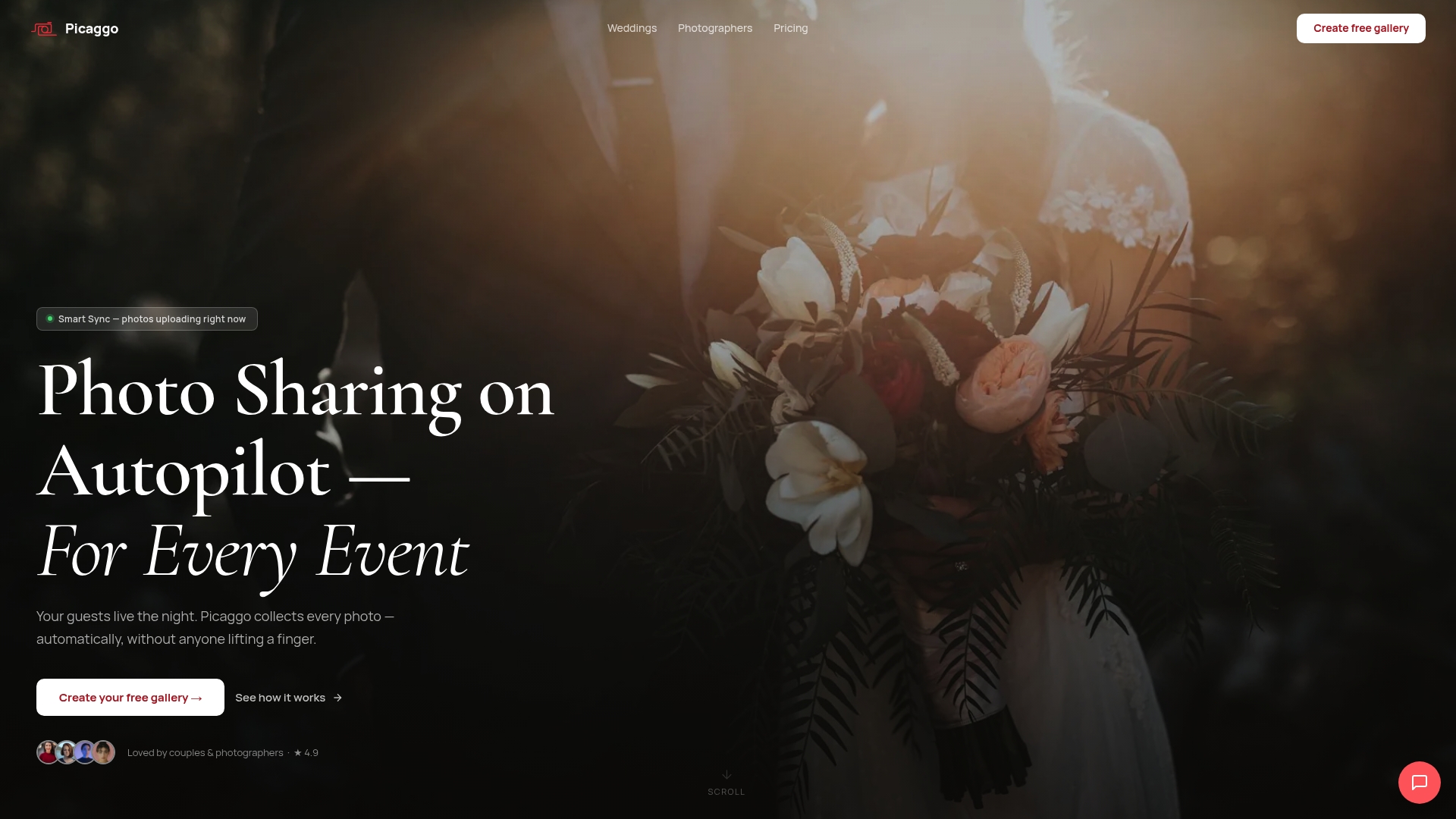
Smart Sync uploads photos automatically from guests’ devices in real time without guest interaction. That automatic collection creates an album showing multiple perspectives during the event and afterwards. The vendor plans Google Drive synchronisation and features such as a live photo wall and a digital guestbook.
Picaggo uses Smart Sync to gather photos without manual uploads, and it streams images to event screens or TVs in real time. The platform includes face recognition to find people across photos and a digital guestbook for messages. Photographers can bulk upload their files and merge them with guest images for a single album. Planned Google Drive synchronisation aims to provide long term storage and safekeeping.
The standout mechanism is Smart Sync, which uploads photos from guests’ devices without action from them. That automatic capture lets hosts and photographers watch candid content appear live on screens. The real time flow reduces missed moments and lowers the need for follow up from guests.
Automatic collection removes the burden of chasing uploads and helps hosts gather a fuller set of memories. Live streaming to screens gives guests and hosts immediate viewing and keeps momentum during the reception. Support for both app users and web access means more guests can contribute without complex steps. Multiple plans let photographers choose storage levels, and face recognition speeds locating people across albums. Live photo wall features also act as entertainment and encourage more guest participation.
If your guests will not install an app or follow a web link, Picaggo cannot collect photos automatically. Hosts worried about face recognition and data collection should choose a provider with detailed privacy policies and clear child protection measures. Teams wanting precise selection before upload may find the automatic gathering and limited pre filtering restrictive.
Couples planning weddings who want an all in one album will like Picaggo’s automatic approach. Event hosts and photographers seeking to merge guest candids with professional shots benefit from combined albums. Community oriented receptions and graduations where guests are happy to share photos suit this platform. Organisers who require strict manual control should look elsewhere.
A couple set up Picaggo before their ceremony and displayed a live photo wall during the reception. Guests added images via app and browser, while the photographer bulk uploaded professional files afterwards. The couple received a single chronological album combining candid and staged shots, which simplified album delivery.
Website: https://picaggo.com
SnapPix emerges as a leading service for effortless wedding photo sharing, yet other platforms reveal competitive strengths in several niches, warranting closer examination of their features to match event goals effectively.
SnapPix champions user-friendliness with its browser-based, app-free photo upload system, ensuring minimal preparation or technical barriers for attendees. Conversely, Snapick AI integrates WhatsApp for gallery dissemination, which, while familiar, depends on guests’ app preferences. Celebrate’s event code access avoids the need for registrations, but its reliance on mobile app interaction can deter less tech-savvy participants.
Photier excels in scenarios involving high attendee counts due to its support for mass photo recognition and shared management roles amongst event organisers; yet, it requires reliable compliance with its participant-specific facial recognition feature for accurate performance. Picaggo’s automated Smart Sync technology further simplifies photo aggregation at events with considerable guest turnout but introduces the requirement for real-time connectivity and software familiarity by users.
SnapPix stands out by ensuring a user-centric, accessible experience with its streamlined QR code-driven photo collection mechanism for attendees. While couples managing outdoor or complex layouts benefiting from event-wide features like automated syncing might seek alternatives, SnapPix remains the choice for most wedding events, especially given its straightforward use-case alignment with guest convenience and inclusivity.
When choosing a wedding photo sharing service, platforms vary in features, costs, and ease of use.
| Platform | Key Differentiator | Best For | Pricing | Notable Limitation |
|---|---|---|---|---|
| SnapPix | No app download for QR-based uploads | Weddings and corporate events | Price not published | Per-event pricing could be a concern for high-volume hosts |
| Snapick AI | Face recognition links photos to individuals via WhatsApp | Photographers wanting quick guest delivery | Price not published | Constraints on handling large scale gatherings. |
| Celebrate | High-resolution photo uploads with integrated print ordering | Couples planning personalised photo keepsakes | Price not published | Lack of transparency for premium features |
| Photier | AI face recognition with built-in sales capabilities | Large events needing on-platform image sales | Price not published | Dependent on photo quality for recognition accuracy |
| Picaggo | Automatic real-time Smart Sync photo uploads | Combining candid with professional photos | Price not published | Limited control over automatic uploads |
One common challenge with wedding photo sharing services is getting guests to share their photos without fuss. Many platforms require app downloads that guests may skip, leaving you with fewer candid memories. Snap-pix solves this by letting guests upload photos and videos instantly via a QR code using their mobile browser. This no-app requirement removes barriers and encourages more participation throughout your event.
Snap-pix also offers AI-powered smart albums to organise your photos and fun photo challenges that build momentum among guests. Galleries remain open for three months after your event, giving you time to moderate uploads and download all your cherished moments in one place. If you want a wedding photo sharing service that focuses on easy guest involvement and lasting keepsakes, consider Snap-pix as your go-to platform.
Find out more at Snap-pix website and see how effortless collecting guest photos can be with zero app installs required.
Snap-pix offers a simple guest experience with unlimited uploads and a three-month gallery hosting period. The platform allows guests to upload photos and videos via a QR code without needing to download an app, making participation effortless. This setup not only simplifies collection but also provides hosts ample time to curate their photo albums after the event.
Celebrate allows guests to upload and download photos in their original resolution, ensuring high-quality images for printing. In contrast, Snap-pix focuses on guest convenience with browser-based uploads and does not specify resolution limits. For couples prioritising easy participation and event engagement rather than just print quality, Snap-pix serves as an excellent choice.
Guests using Snap-pix can quickly find and upload photos by simply scanning a QR code at the venue, streamlining the sharing process. The platform’s focus on easy mobile access means that attendees can contribute spontaneously without app barriers, leading to a more vibrant collection of candid moments.
Snapick AI offers direct photo delivery through WhatsApp links and focuses on automatic face recognition, giving it a unique edge for fast, personalised photo access. Snap-pix, on the other hand, prioritises a low-friction QR code submission process, making it ideal for guests who may not be comfortable using apps or messaging services for photo sharing. This makes Snap-pix suitable for events where guest ease is a priority.
Yes, Snap-pix allows event galleries to remain available for three months, providing hosts with a clear window to collect and curate their event photos before archiving them. This feature ensures that attendees can revisit their shared moments without the pressure of immediate downloads.

Event hosts' practical guide to posed and candid photos: perception research, hands on shooting tips, and no app guest uploads to boost candid coverage.

Which event technologies are production ready for 2026 and how to adopt them with clear consent, governance, and a no app QR photo pilot.

Which routes keep EXIF or strip GPS? Quick checks to view or remove metadata, plus a three month workflow to collect guest photos.