Event photo cost for hosts: QR gallery budgets £10–£40
SnapPix TeamPublished 8 Sept 202617 min read
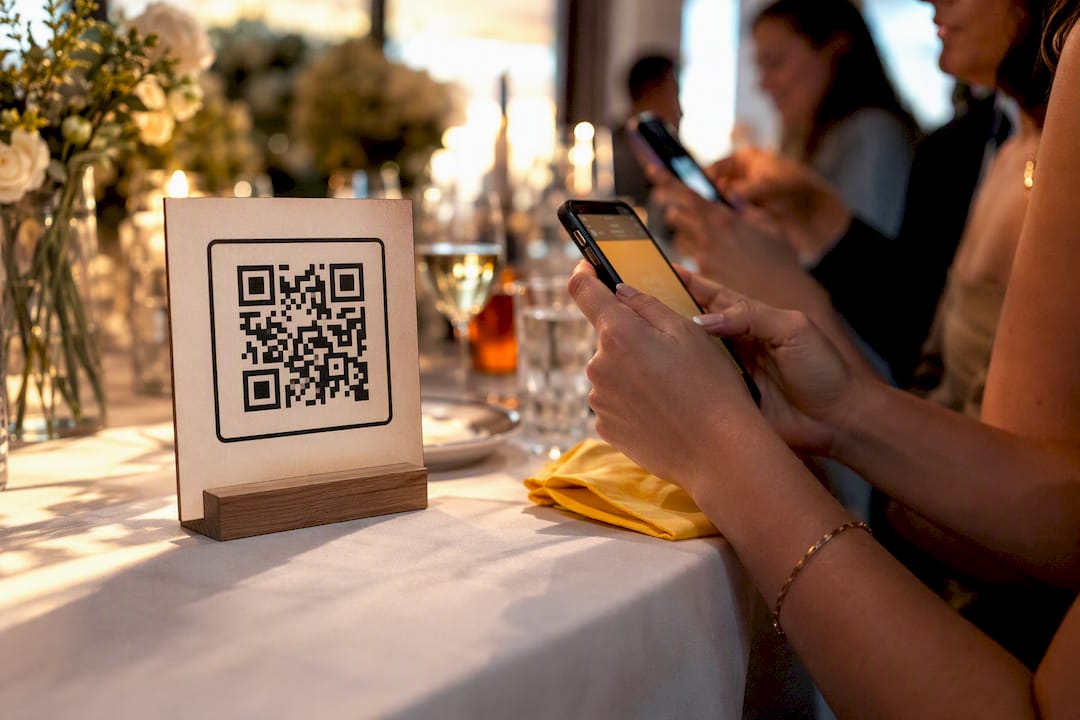
Most one-off, browser-based QR photo gallery services cost between £10 and £40 per event, with the majority of hosts landing around £15 to £25 for a solid, no-app package. Price moves with features like AI albums, same-day delivery, hosting length, and guest scale. The rest of this guide breaks down what drives that number and gives you realistic budgets for small, medium, and large events.
TL;DR:
- Short private parties typically cost between £10 and £15, covering basic features like QR sharing and a few weeks of hosting without AI enhancements.
- Medium events with 50 to 200 guests should budget £15 to £30, including AI smart albums, extended hosting, and simple branding options.
- Larger corporate events requiring fast delivery and analytics can cost between £25 and £45, especially if same-day upload or high guest volumes are needed.
- Essential considerations include no-app browser access, clear hosting periods, bulk download options, and privacy controls, while red flags are hidden pricing and mandatory app installation.
- Simple, no-app QR gallery services outperform complex setups in guest participation, often collecting thousands of photos with minimal friction.
Before comparing prices, it helps to know exactly what you’re paying for. A browser-based QR gallery service lets guests scan a code, open a page in their phone’s own browser, and upload photos or videos straight away. No app download, no account setup, no waiting.
This category sits apart from hiring a photographer or renting a hardware photo booth. You’re paying for software that collects, organises, and hosts guest content, not for someone to stand behind a camera all night. Organisers consistently look for the same core features when comparing platforms: QR code sharing, mobile-friendly galleries, fast uploads, and secure access.
A typical flat fee usually bundles:
Pricing itself tends to follow one of two shapes. Some providers charge a single flat fee per event, which suits hosts who want a fixed, predictable number with no surprises. Others use tiered pricing based on guest count or photo volume, which can work out cheaper for tiny gatherings but climbs fast once you pass a few hundred guests. Flat-fee pricing is often the simpler choice when you’d rather set a budget once and forget about it.
Four levers do most of the work when it comes to event photography pricing, and understanding them lets you spend on what actually matters for your event. Delivery speed is the biggest one. Real-time or same-day delivery costs more to build and run, but it keeps the social momentum going while guests are still in the room. Browser-based platforms with fast uploads see far higher engagement than services that make guests wait days for a link.
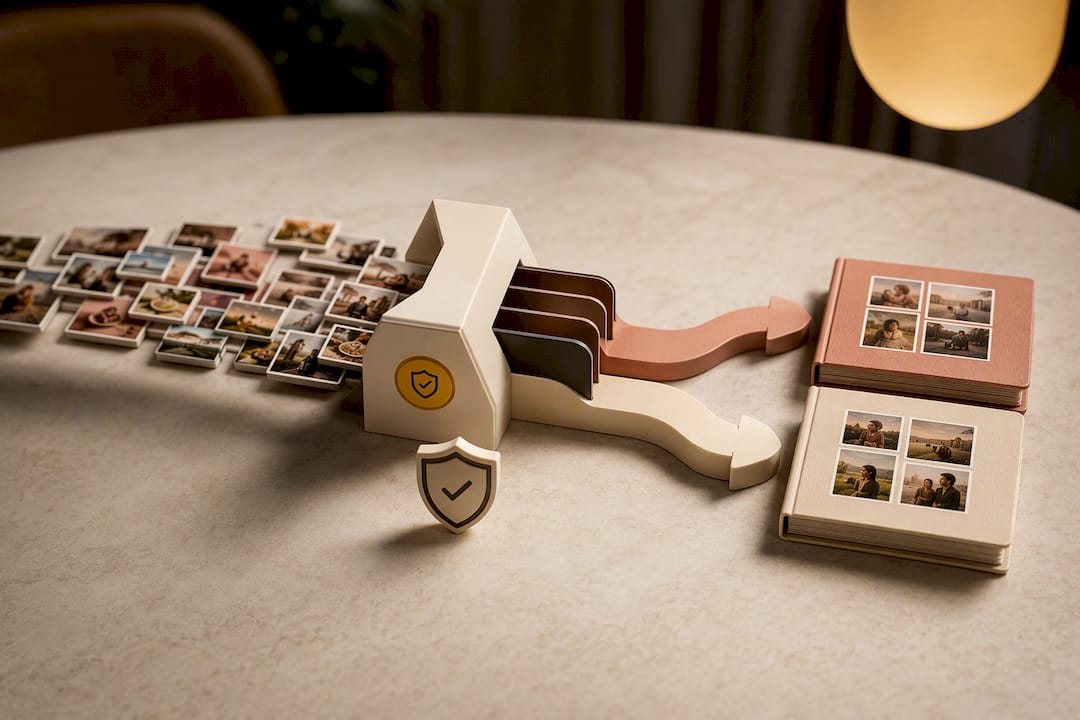
AI features like smart albums and face matching add genuine convenience, sorting hundreds of candid shots into something browsable within minutes. They also add cost, and face matching in particular can introduce privacy and consent steps you’ll want to check before you commit.
Guest friction matters more than most hosts expect. A mandatory app download is one of the quietest ways a gallery service kills its own participation rate. App-based platforms often see adoption below 15%, while no-app browser platforms reach 40 to 70%.
Scale and extras round out the list: branding customisation, longer hosting windows, higher-resolution downloads, and the sheer number of guests and photos a gallery needs to handle all nudge the price up.
Pro Tip: If you only upgrade one thing, make it delivery speed. A gallery that’s live before the cake is cut gets shared while people still care, and that’s worth more than most premium features combined.
Real budgets look different depending on the event, so here are three common scenarios to work from.
Moving between tiers is simple: add face matching or AI curation, extend the hosting period, or layer on custom branding, and the price climbs accordingly. Drop any of those and it falls back down.
Comparing quotes gets much easier once you know exactly what to check for. Run through this before you hand over any card details.
Must-haves:
Questions worth asking a vendor:
A solid feature checklist for event photo platforms covers exactly this ground, and it’s worth measuring any provider against it.
Red flags: pricing that isn’t published anywhere and only appears after a sales call, a mandatory app that guests must install before they can upload, and vague language around how long your gallery stays live once the event’s over.
A rough estimate is easy to build yourself:
Estimated cost = base fee + feature add-ons + hosting extensions + contingency
SnapPix publishes a flat one-off price of £14.99 per event, which works well as an illustrative baseline for this formula. Starting from that figure, add roughly a small amount for extended hosting past the standard window, a bit more for heavier branding, and a modest sum if you want AI smart albums included.
Hosts increasingly favour the simplest possible gallery: scan, upload, done. Every added step between “guest has a phone” and “photo lands in the gallery” costs you participation, and that’s the pattern that keeps showing up whenever adoption gets measured. It’s also why a no-app QR approach consistently outperforms anything that asks guests to install something first.
Some services report collecting over 4,200 guest photos through single browser-based QR flows without requiring an app. Combine that with AI smart albums that sort the chaos automatically and a three-month hosting window that catches the stragglers who forget to upload on the night, and you get a picture of what “good value” actually looks like in this category. It’s not the platform with the most features. It’s the one guests actually use.
— Liam
This platform offers browser-based QR uploads with no app for guests to download, AI smart albums for sorting, and a flat one-off price rather than a subscription.

That price is published at £14.99 per event, a single payment that activates unlimited uploads for your gallery rather than a recurring charge. It covers the core package described throughout this guide: QR access, a three-month hosting window, and AI-organised albums, whether you’re running a wedding, a corporate launch, or a birthday party. Full details on what’s included, including photo challenges and the digital guest book, sit on the SnapPix features page. When you’re ready, activate your event and generate your QR code directly from the SnapPix landing page.

Comparing wedding guest photo apps and the alternatives: what to look for, what to avoid, and how a no-app QR gallery works for UK couples.

How to gather, display and share memorial service photos in the UK: family permission, photo boards, slideshows, and a private QR gallery for guests' memories.

Stop chasing guests for photos. Learn how to centralize event photos in one QR gallery, with a simple workflow, privacy basics and copyright tips for hosts.