Photo scavenger hunt ideas for every age and occasion
SnapPix TeamPublished 13 Aug 202624 min read
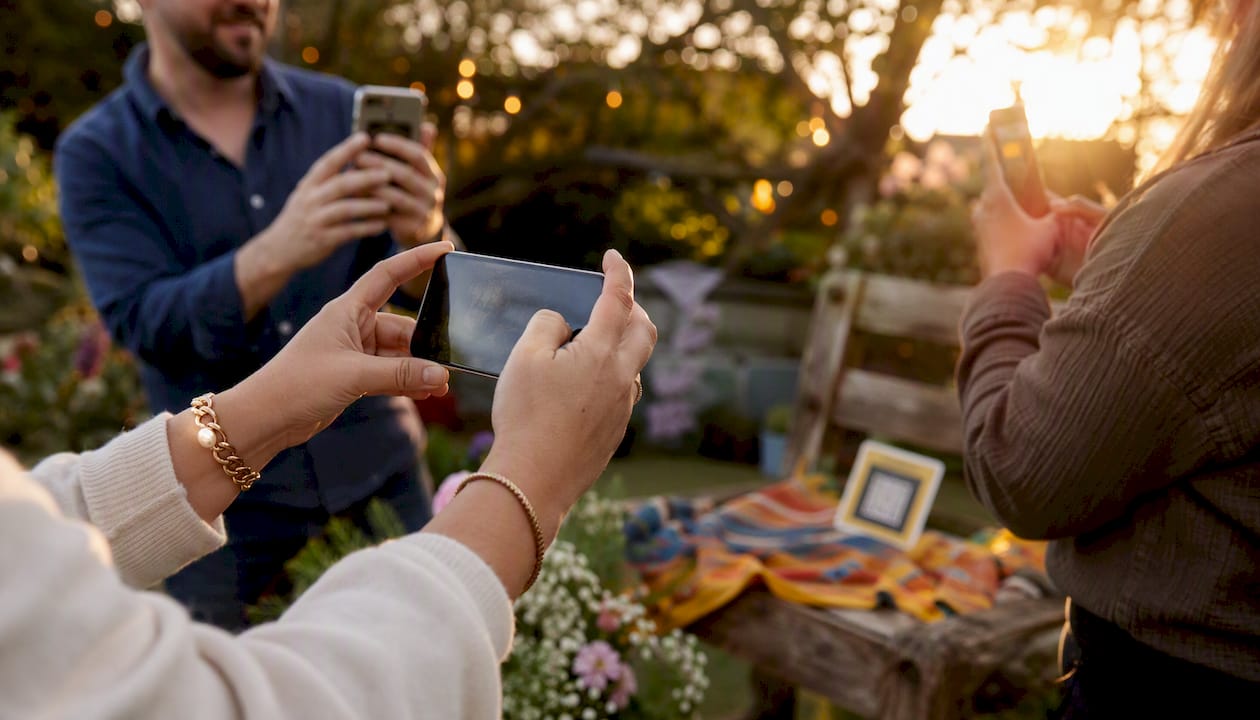
A photo scavenger hunt is a time-boxed game where players photograph items or scenes from a prompt list as proof of completion, either solo or in teams. It works at birthday parties, school trips, weddings, and corporate away-days alike. Here are three prompts you can hand out right now:
These audience-organised idea lists scale from a five-year-old with a tablet to a group of adults at a hen do. Solo play suits a quiet classroom or a lone traveller; teams of two to five keep energy high and decisions quick.
A photo scavenger hunt works best when you plan the prompt list, set clear rules, and have a simple way to collect photos before the event starts.
| Point | Details |
|---|---|
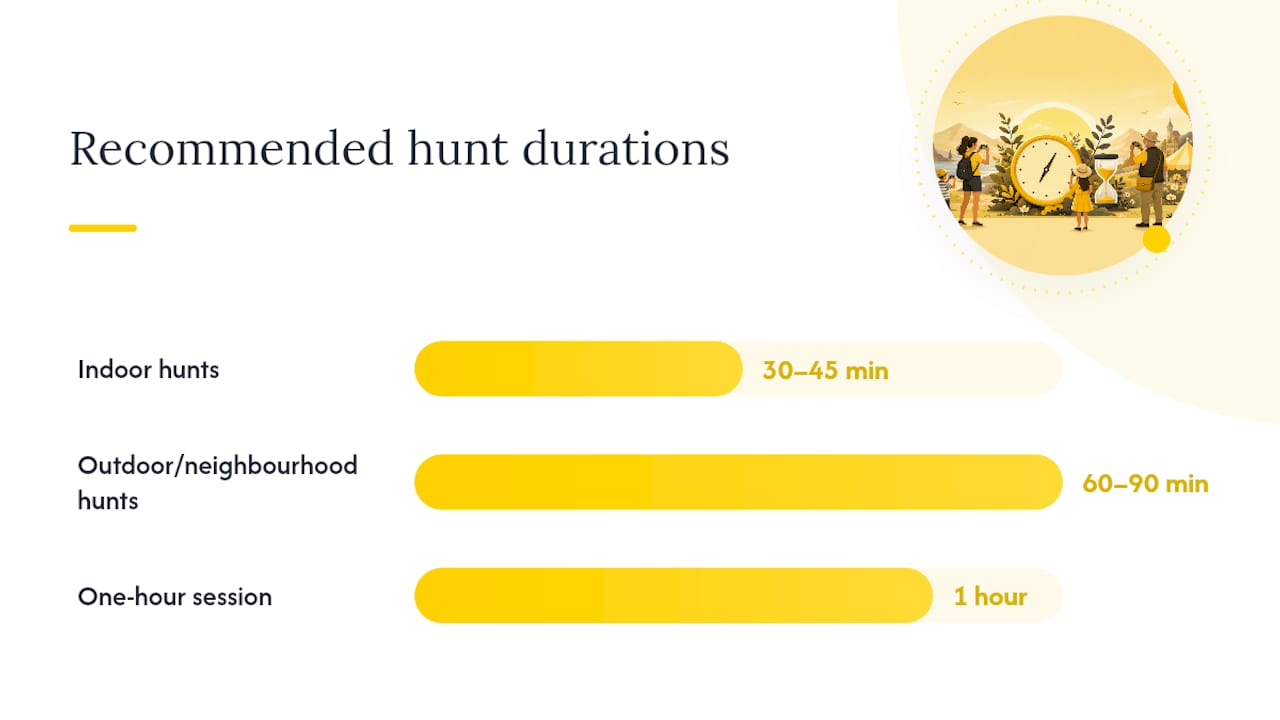
| Aim for 12–20 prompts | This range suits a one-hour hunt for most age groups and keeps energy high throughout. |
| Set rules before you start | No post-capture edits, no staged scenes, and a clear submission method prevent disputes. |
| Match prompts to your group | Use literal prompts for young children and interpretive or technique-based ones for teens and adults. |
| Check consent and safety | Get parental consent for children, tell guests how photos will be used, and avoid unsafe or private locations. |
| Use SnapPix to collect photos | A QR-code gallery gathers every guest’s shots in one place, with no app needed and a three-month upload window. |
Pro Tip: Assign small roles within each team to keep groups organized and moving efficiently. This keeps large groups moving and avoids everyone crowding around one phone.
These lists are designed to be copied, printed, or shared in a group chat. Mix and match across themes to build a custom scavenger hunt photo list that fits your event.
Both approaches work. The right choice depends on your group’s age, the venue, and how you plan to collect photos afterwards.
A free printable list generator lets you produce shuffled prompt cards in minutes with no account needed. Print one per team, hand them out at the door, and collect them at the end. No batteries required, no signal needed.
Digital-first methods suit most modern events better, though. Here is a quick comparison:
| Method | Best for | Main advantage | Main drawback |
|---|---|---|---|
| Printed list | Schools, rural venues, young kids | No tech needed | Photos scattered across devices |
| Group chat (WhatsApp, iMessage) | Small friend groups | Instant sharing | Hard to curate or download later |
| Shared album (Google Photos, iCloud) | Families, small teams | Organised by default | Requires accounts and app installs |
| QR-code upload link | Weddings, corporate, large parties | No app needed, centralised | Needs mobile signal |
Pros of printable lists:
Pros of digital collection:
The biggest headache at any group event is gathering photos afterwards. People forget to share, files sit on phones for months, and the best candid shots never make it into an album.
A no-app QR-code workflow solves this. Guests scan a code, open a browser page, and upload directly from their camera roll or take a new photo on the spot. No download, no account, no friction. SnapPix uses exactly this approach, collecting submissions into a password-protected gallery that the host can curate and download in full resolution.
Three steps to set it up:
SnapPix has collected over 4,200 guest photos across weddings, birthday parties, and corporate events. Photo challenges built into the platform also prompt guests with specific prompts mid-event, which increases participation noticeably.
Scoring keeps the game honest and gives players something to aim for. You do not need a complex system. Three tiers cover most events:
| Scoring type | How it works | Best for |
|---|---|---|
| Completion | One point per prompt photographed | Kids, casual groups |
| Quality | Judge rates each photo 1–3 on creativity | Teens, photography enthusiasts |
| Bonus points | Extra point for unexpected or funny shots | Any group, adds energy |
Good clues describe a scene or feeling, not just an object. “Something that smells amazing” is more interesting than “a flower.” Here are three practical tips:
The Photo Coach’s free scavenger hunt resource takes this further, using prompts that teach composition and observation skills alongside the game itself.
Running a photo hunt in public or with children requires a few straightforward checks. Getting these right protects everyone.
Consent checklist:
Plain-English GDPR note: Under UK GDPR, if you collect and store photos of identifiable people, you need a lawful basis for doing so. For most private events, that basis is consent. Tell guests what the photos will be used for, who will see them, and how long you will keep them. A one-line note on the invitation or briefing card is usually sufficient.
Safety “do not photograph” list:
Classroom-based hunts have additional safeguards. Twinkl’s photographic scavenger hunt resource includes school-safe rules and age-appropriate prompt ideas designed for supervised settings.
| Age group | Recommended items | Time limit | Notes |
|---|---|---|---|
| Under 10 | 8–12 | 20–30 min | Supervise closely; keep prompts literal and fun |
| 10–12 | 12–20 | 30–60 min | Add creative or interpretive prompts |
| Adults | 12–20 | 45–90 min | Include technique-based items for photography fans |
| Mixed ages | 10–12 | 30–45 min | Use prompts that any age can attempt |
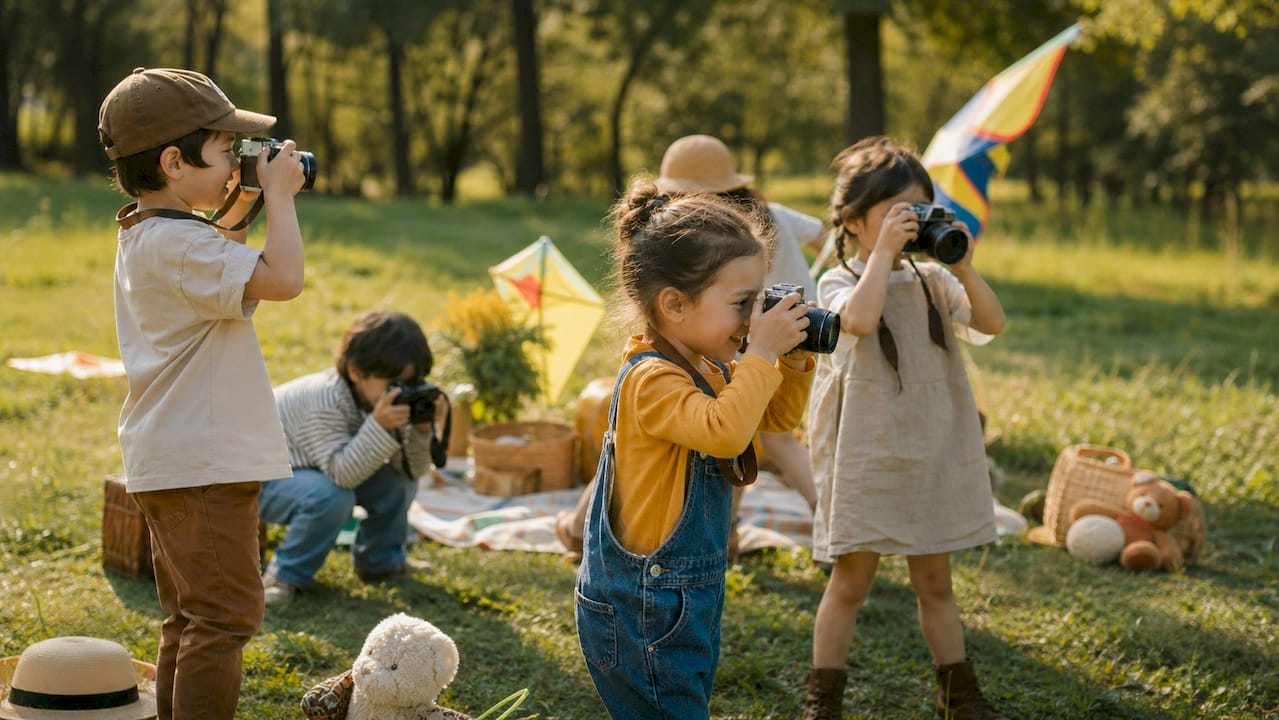
For teams of six or more, assign the photographer, navigator, and storyteller roles mentioned in the how-to section. Smaller teams of two or three can share roles naturally. Solo play works best with a shorter list (8–12 items) and a relaxed time limit.
Adding technique-based prompts (leading lines, motion blur, framing through a doorway) turns the hunt into a practical photography exercise for older or more skilled groups. Icon Photography School’s guidance covers composition-focused prompts that work well for teens and adults who want to improve their camera skills alongside the game.
Photo scavenger hunts do something that most party games do not: they produce a real, lasting output. At the end of a quiz night, you have a score. At the end of a photo hunt, you have a gallery of moments that actually happened, taken by the people who were there.
What strikes me most is how the format changes guest behaviour. People who would normally stand at the edge of a room start looking for shots. Shy guests find a purpose. The hunt gives everyone a reason to engage, and the photos that come out of it are almost always more candid and more interesting than anything a professional photographer would have staged.
For event organisers, that is a practical benefit too. A well-run photo challenge generates a shared archive, gives guests something to talk about, and produces social content without anyone having to ask for it.
Running a photo challenge at your event is the easy part. Gathering every photo afterwards, without chasing people for weeks, is where most organisers lose momentum.

SnapPix removes that friction entirely. Guests scan a QR code, upload directly from their browser, and their photos land in your gallery instantly. No app to download, no account to create. The gallery stays open for three months, so late uploads still arrive, and AI-driven smart albums do the sorting for you.
It works across event types:
See everything SnapPix can do on the features page, or head to the SnapPix homepage to set up your first event gallery.
A short list of resources worth bookmarking if you want more prompts, printable cards, or classroom-ready materials:
This article is general information, not a substitute for advice from a qualified lawyer. Consult a qualified legal professional about your own circumstances before acting on anything here.

Secure sponsor access to event photos with a host controlled workflow. Use time limited QR links, view only tokens, instant revocation, and access logs.

A practical host first workflow: collect no app QR uploads, keep moderation and professional curation, set retention and backup plans so you stay in control.

Event hosts' practical guide to posed and candid photos: perception research, hands on shooting tips, and no app guest uploads to boost candid coverage.