The only RSVP questions your wedding guests actually need
SnapPix TeamPublished 27 Aug 202619 min read
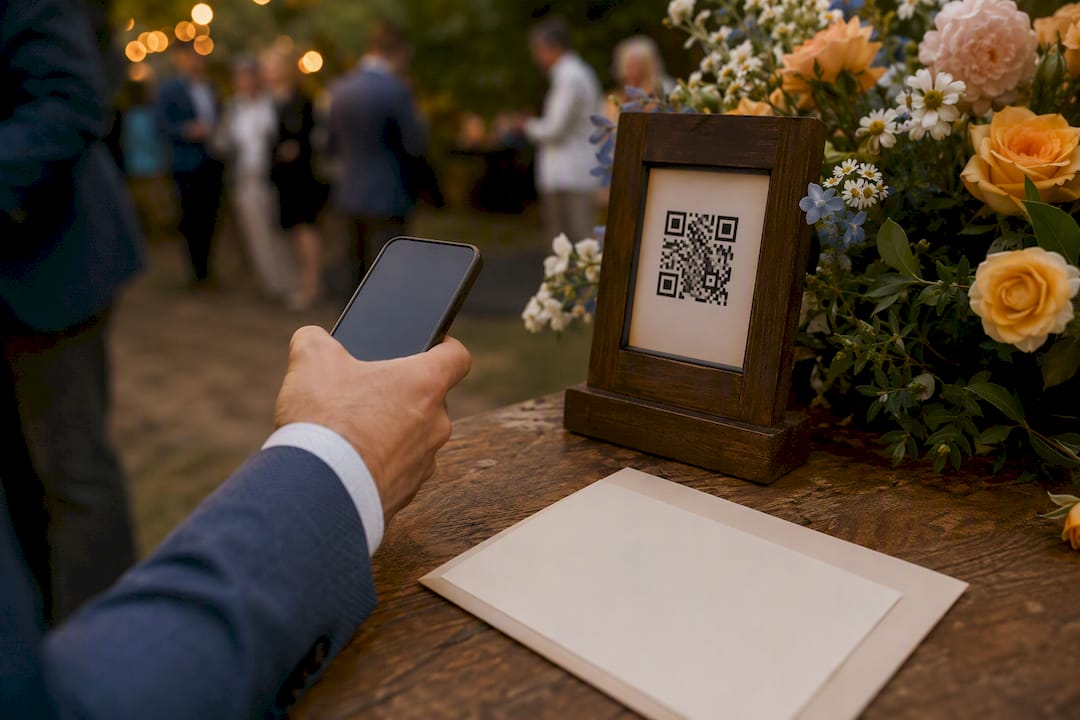
You need four to six RSVP questions to run a wedding smoothly. Anything beyond that should only appear if the answer changes a real planning decision, whether it’s a seating chart, a caterer’s headcount, or a coach booking.
Here’s the shortlist:
That’s it for the essentials. Keep the form under two minutes to complete, and if you want a song request or a message for the couple, put it right at the end, after the logistics are locked in.
A functional wedding RSVP needs only four to six questions, and every question beyond that should change a specific seating, catering, or logistics decision.
| Point | Details |
|---|---|
| Keep the core list short | Attendance, named guests, dietary needs, contact details, and meal choice (if required) cover most weddings. |
| Make attendance the only required field | Mark yes/no as required and let conditional logic reveal or hide everything else based on that answer. |
| Separate dietary from allergy questions | Preference and safety need distinct fields, each with brief helper text explaining why you’re asking. |
| Add optional fields only when they change a decision | Transport, accommodation, and accessibility questions belong on the form only if you’re booking seats, rooms, or adjustments. |
| Use one platform for RSVPs and photos | SnapPix lets you build a conditional RSVP form and collect guest photos via QR code from the same guest list. |
Six questions carry the weight of your entire guest count, seating plan, and catering order. Get the wording wrong and you’ll spend the two weeks before your wedding chasing clarifications by text. Get it right and the data comes back clean the first time.
Attendance confirmation. Phrase it plainly: “Will you be joining us on [date]?” with yes/no radio buttons, marked required. A radio button forces a decision; a text box invites a guest to write “we’ll try” and leave you guessing. Data-driven RSVP analysis consistently shows attendance should be the only strictly required field, with everything else conditional on a “yes”.
Named attendees. Don’t ask “how many are in your party?” Ask “please confirm who is attending” and list the invited names for the guest to tick, rather than typing their own. This closes the door on mystery plus-ones. Plus-one names should only appear as a question when you’ve explicitly extended that invitation. Guest eligibility belongs in your records, not in an ambiguous “bringing anyone?” field that lets uninvited guests self-nominate.
Dietary requirements and allergies. These are two different questions, even though most couples lump them together. “Do you have any dietary requirements (vegetarian, vegan, gluten-free)?” catches preference. “Do you have any food allergies we should know about?” catches safety. Add a short helper line: “This helps us brief the caterer accurately.”
Meal choice. Only ask this if your caterer requires pre-selection. Attach it to each named guest individually, not to the household, so a beef order for Grandad doesn’t accidentally attach to his vegetarian daughter.
Contact details. One email or phone number per household is usually enough. Explain why you’re asking: “In case we need to reach you with last-minute updates.” Guests share information more readily when they know the purpose.
Pro Tip: Keep dietary and allergy questions as short-text fields rather than dropdowns. Guests with complex allergies need room to explain; a dropdown with “gluten-free” won’t capture a shellfish allergy.
Every extra field costs you completion rate. Add one only when the answer genuinely changes a booking, a seat, or a delivery.
One or two engagement questions can lift an RSVP from functional to memorable, as long as they come after the logistics, never before.
Keep these fields optional and short. A guest who’s just confirmed attendance for six people doesn’t want to write an essay before submitting. Placing fun questions last means they add delight without adding friction to the parts of the form that actually matter for planning.
The order you ask questions in matters as much as the wording. A logical sequence with conditional logic stops guests submitting confusing half-answers.
Use radio buttons for yes/no answers, per-guest dropdown selectors for meal choice, short-text boxes for allergies, and date pickers for arrival and departure where relevant.
Pro Tip: Attach meal and transport questions to the individual guest record, not the household submission. When three people RSVP on one form, this is the only way to stop a vegetarian meal getting logged against the wrong name.

Minimal template (4 to 6 questions), suited to most weddings:
Extended template, for multi-day or destination weddings:
Everything above, plus a separate yes/no for each additional event, arrival and departure date pickers, a transport question only if you’re booking seats, and an optional accessibility field with a private note.
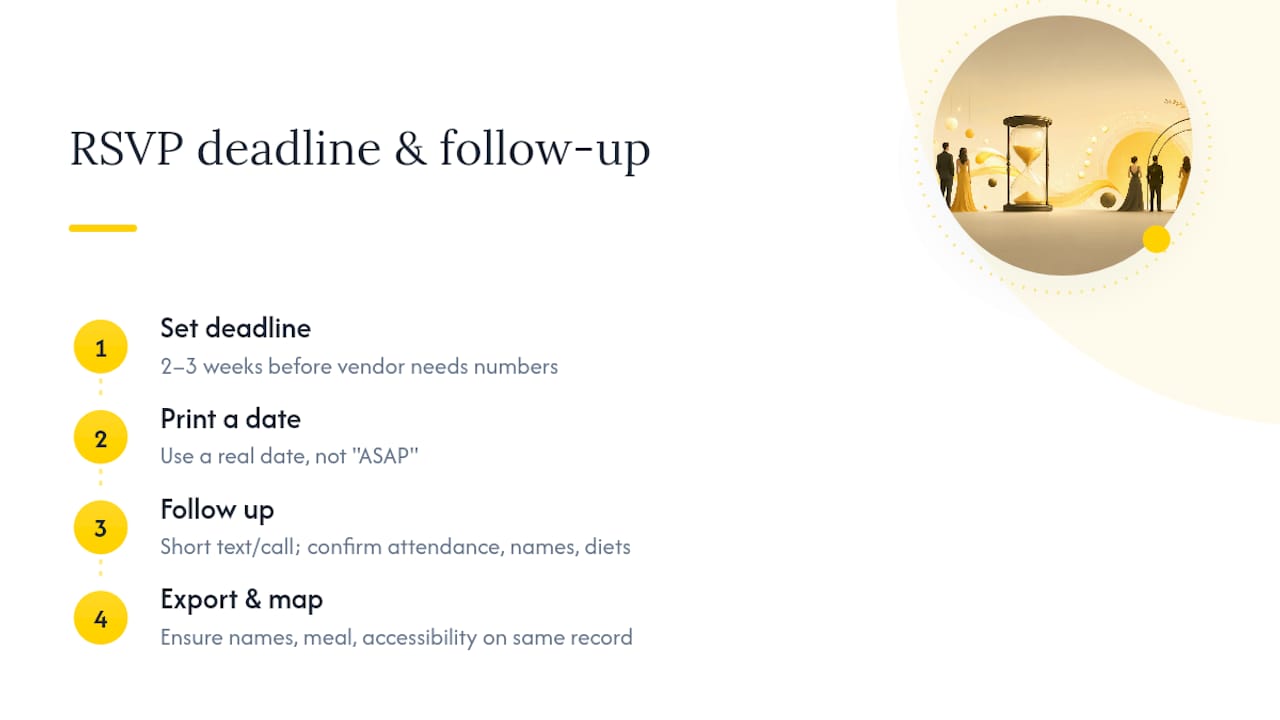
Add one line of helper text near the top stating your deadline clearly, for example “Please respond by [date]” rather than a vague “as soon as possible”.
Set your RSVP deadline two to three weeks before your caterer or venue needs final numbers, which gives you a buffer for stragglers. Printing the actual date rather than “ASAP” gets noticeably better response rates, because guests treat a specific date as a real commitment.
For non-responders, a short text or call works better than a formal chase email: “Hi! Just double-checking you got our invite. We need final numbers by Friday.” Confirm attendance, names, and any dietary notes in that one message.
When exporting your data, check that names, meal choices, and accessibility notes are mapped to the same guest record your seating chart uses. Mismatched spreadsheets are the single biggest cause of last-minute seating panic.
A friend planning her wedding last year added twelve RSVP questions, thinking more detail meant more control. She spent the final fortnight fielding confused texts asking what half of them meant.
The RSVP that works isn’t the most thorough one. It’s the one where every question earns its place by changing a real decision, table, plate, or seat.
— Liam
Building the flow described above, attendance first, conditional meal fields, named guests instead of guesswork, gets far easier when your RSVP builder actually supports conditional logic rather than fighting you at every step.

SnapPix’s custom RSVP form builder lets you set up exactly the sequence covered here: required attendance, per-guest meal and allergy fields, per-event headcounts for multi-day weddings, and optional accessibility questions with private notes. Guests reach the form through a simple QR code, so there’s no app to download and no separate login to manage. Once your guest list is built inside SnapPix, the same platform collects candid photos and videos from those same guests for three months after the big day, with AI-driven smart albums sorting the results automatically. Running your RSVP and your photo collection through one tool means your guest data stays consistent instead of scattered across three separate spreadsheets and a shared photo folder nobody checks. Have a look at the full feature list and see how quickly you can get your form live.

Secure sponsor access to event photos with a host controlled workflow. Use time limited QR links, view only tokens, instant revocation, and access logs.

A practical host first workflow: collect no app QR uploads, keep moderation and professional curation, set retention and backup plans so you stay in control.

Event hosts' practical guide to posed and candid photos: perception research, hands on shooting tips, and no app guest uploads to boost candid coverage.