QR code for wedding: the 2026 UK guide to photos and RSVPs
SnapPix TeamPublished 23 Jul 202623 min read
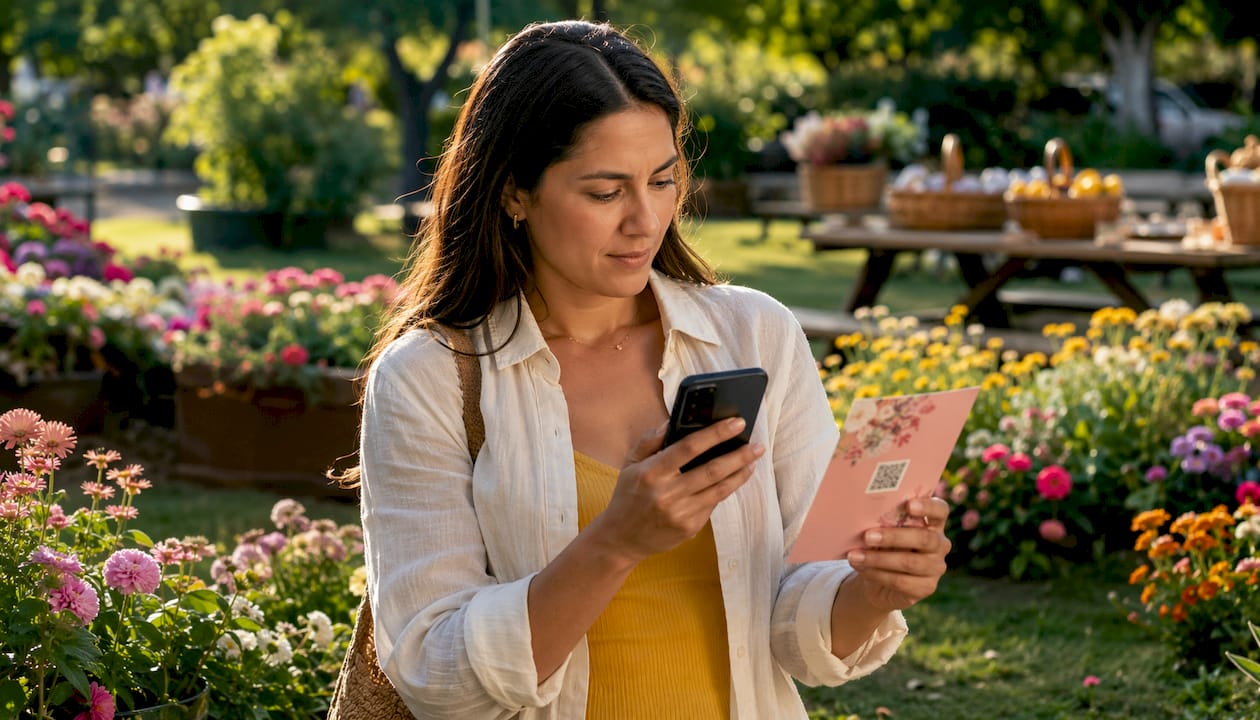
A QR code for wedding use is a scannable square barcode that guests point their smartphone camera at, instantly opening a digital page in their browser. No app download. No typing long web addresses. Just scan and go.
The practical uses go well beyond a simple link. Couples are now using them for photo sharing, RSVP collection, seating charts, digital guestbooks, venue maps, and song requests. QR codes have become increasingly popular on wedding invitations over recent years. The reason is straightforward: one small printed square replaces several insert cards, cuts postage costs, and gives guests instant access to everything they need.
Here is what a wedding QR code can do for you:
Dynamic QR codes add an extra layer of flexibility. Because they use a redirect rather than encoding the URL directly, you can update the destination after printing without reprinting a single invitation. Venue changed? Schedule updated? Photo gallery ready? Just swap the link in your dashboard.
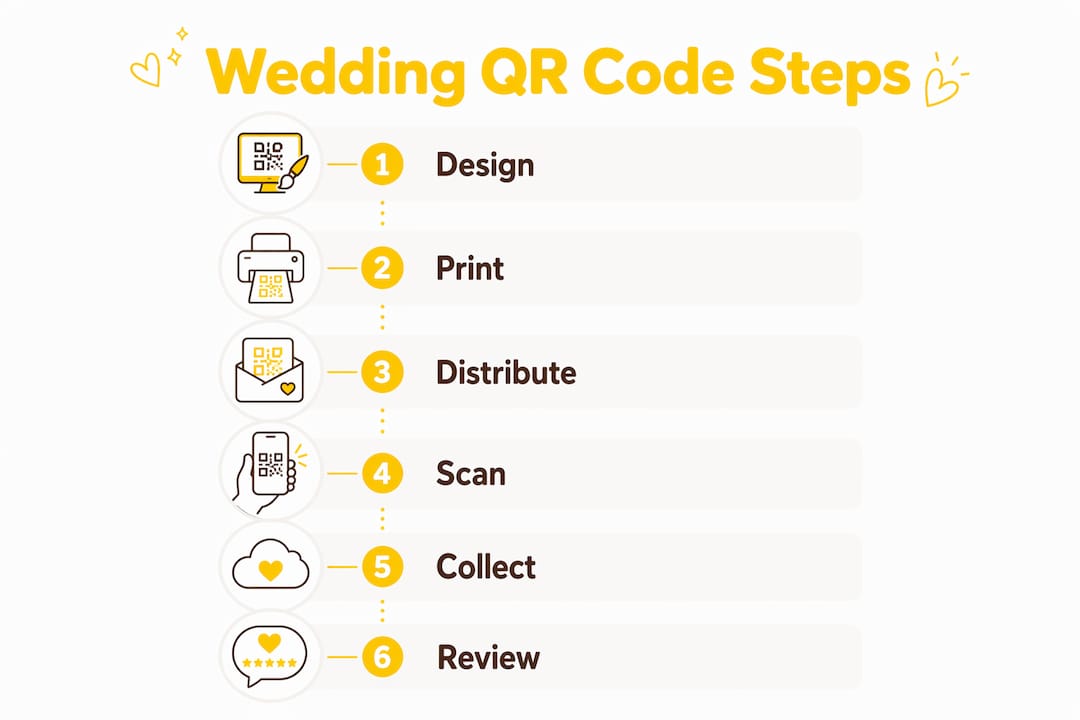
Getting your QR code right before it goes to print saves a lot of stress on the day. Follow these steps and your guests will scan first time, every time.
Choose your destination URL first. Decide whether the code links to a photo gallery, an RSVP form, your wedding website, or a multi-function landing page. A single QR code linking to a multi-function page consistently drives higher guest participation than separate codes for each task.
Pick a dynamic QR code generator. Dynamic codes let you change the destination URL after printing, which is particularly useful if your RSVP form is not live when invitations go to print.
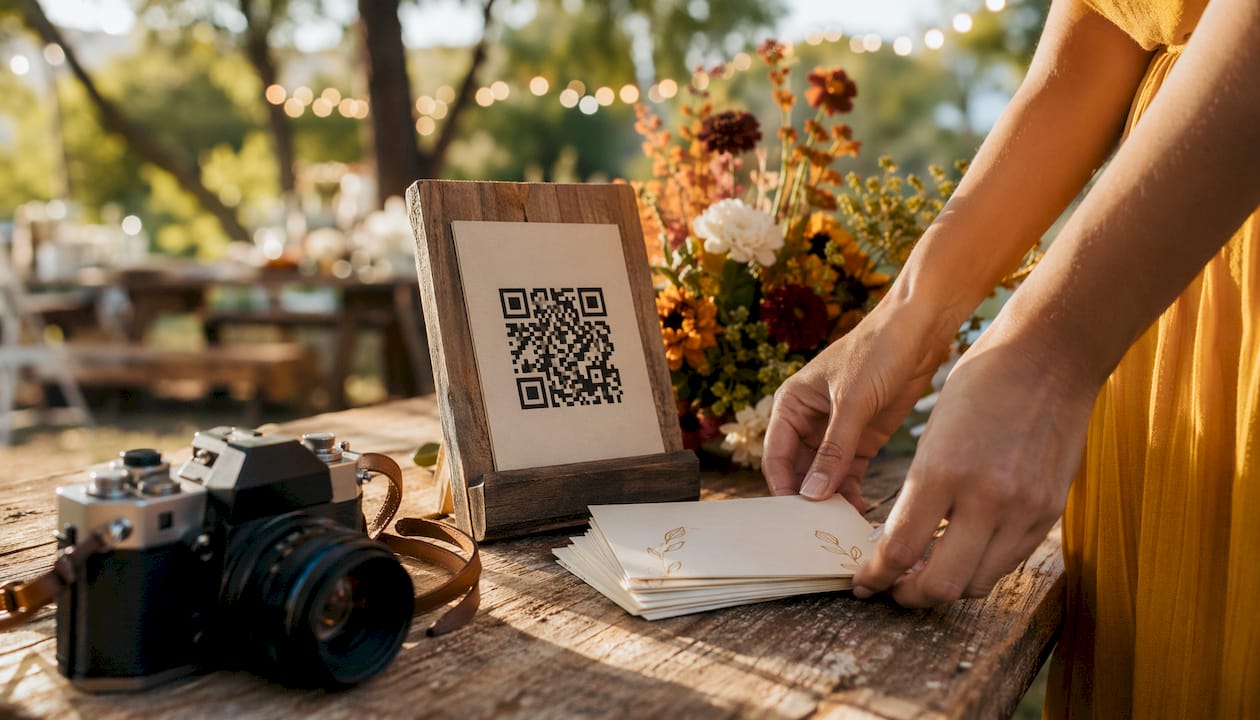
Size it correctly. The minimum printable size is 0.8 x 0.8 inches on an invitation card. For welcome signs and table centrepieces, larger sizes are recommended so guests can scan from a distance.
Keep the contrast high. Dark codes on a plain light background scan reliably. Black on white is safest. Avoid placing the code over a patterned or textured area, and never use a light code on a light background.
Add a quiet zone. Leave at least 0.25 inches of clear white space on all four sides of the code. Crowding it with text or design elements causes scan failures.
Place it where guests will see it. The back of the invitation or a dedicated RSVP card keeps the front design clean. On the day itself, table centrepieces, welcome signs, and bar areas all work well for photo sharing codes.
Test before you print. Scan the code on at least three different phones, including an older Android model, at the actual print size. A code that looks fine on screen can fail on textured card stock.
Pro Tip: Always print your wedding website URL in plain text below the QR code. Guests who cannot or prefer not to scan still have a way in, and it costs nothing extra to add one line of text.
Integrating photo sharing and RSVP into a single code is the tidiest approach. Platforms built specifically for weddings handle this automatically, giving guests one landing page that covers everything.
Five platforms stand out for UK couples in 2026. Each takes a slightly different approach, so the right choice depends on what you need most.
| Platform | Key features | No app needed | Best for | Customisation |
|---|---|---|---|---|
| Guestpix | Photo sharing, RSVP, event analytics | Yes | Integrated photo and RSVP management | Moderate |
| Wedibox | Photo sharing, RSVP, seating charts, guest messages | Yes | Single QR code for all guest interactions | Good |
| SnapPix | Photo sharing, RSVP, AI smart albums, photo challenges, digital guestbook, secure galleries | Yes | App-free photo collection with AI features | High |
| WedUploader | Photo and video uploads, unlimited storage | Yes | Simple, high-volume photo and video collection | Basic |
| Kululu | Photo sharing, RSVP, privacy controls | Yes | Flexible guest interaction with custom RSVP forms | Good |
All five platforms work directly in a guest’s mobile browser. No app installation required for any of them.
Guestpix covers the core bases well: photo sharing, RSVP collection, and event analytics that show you response rates and upload activity in real time. Couples who want a clear picture of guest engagement before and after the wedding will find the analytics dashboard genuinely useful.
Wedibox has supported over 100,000 weddings and built its reputation on consolidation. One QR code handles photos, RSVPs, seating charts, and guest messages from a single interface. For couples who want to hand guests one code and never explain anything twice, that simplicity is hard to beat.

WedUploader keeps things focused. Guests scan, upload photos and videos, and that is it. There are no extra features to configure, which suits couples who already have an RSVP solution and just need a reliable, unlimited photo collection tool.
Kululu offers customisable RSVP forms and privacy controls, making it a practical option for weddings where guest data handling needs careful thought, or where the RSVP form needs to capture specific information beyond a simple yes or no.
Snap-pix is the strongest choice for UK couples who want app-free photo collection paired with features that actively encourage guests to contribute. Over 4,200 guest photos have been collected through the platform at UK weddings. The AI smart albums organise uploads automatically, and photo challenges prompt guests to capture specific moments throughout the day, which builds a richer gallery than passive collection alone. Galleries are password-protected, guests can upload for three months after the event, and the platform handles both photo sharing and RSVP from one QR code. For couples who want more than a basic upload page, Snap-pix delivers that without adding complexity for guests.
Not every platform suits every couple. Work through these questions before you commit.
For couples planning their venue alongside their digital tools, browsing a wedding venue directory that includes photography and video services can help you coordinate QR code placement with your venue layout from the start.
Snap-pix has collected over 4,200 guest photos across UK weddings, and the pattern is consistent: guests who do not need to download anything actually participate.
The platform’s photo challenges feature is one of the details couples mention most. Rather than waiting for guests to remember to upload, challenges prompt them to capture specific moments: the first dance, the table centrepiece, a candid of the grandparents. The result is a gallery with genuine variety, not just fifty near-identical shots of the cake.
Liam, one of Snap-pix’s founders, used the platform at his own wedding. His first-hand account covers exactly how the QR codes were placed, how guests responded, and what the gallery looked like three days later. It is worth reading if you want a realistic picture of what to expect.
Privacy is handled through password-protected galleries. Guests access the gallery with a code you share, and uploads remain private to your group. The three-month upload window means guests who were too busy on the day can still add photos in the weeks that follow.
Scanning problems at events are almost always preventable. Here is how to handle the most common ones.
The code will not scan. Check the contrast and size first. A code printed smaller than 0.8 x 0.8 inches, or placed over a patterned background, will fail on older phones. If the code is already printed, make sure the physical copy is flat and well-lit. Crumpled table cards and dim lighting both cause failures.
The link opens but the page does not load. This is usually a connectivity issue, not a code problem. Venues with thick stone walls or basements often have poor mobile signal. Share your venue’s Wi-Fi password on the same table card as the QR code so guests have a reliable connection.
Some guests say they do not know how to scan. Modern iPhones running iOS 11 or later and most Android phones running Android 8 or later scan QR codes directly through the built-in camera app. Guests simply open their camera, point it at the code, and tap the notification that appears. A short line of text on the card, such as “Open your camera and point it here,” removes the uncertainty for guests who have not done it before.
The destination URL has changed since printing. This is exactly why dynamic QR codes are worth using. If you used a static code and the link has broken, print a small correction card or write the URL on a sign next to the original code. For future events, a dynamic code solves this entirely.
Pro Tip: Test your QR code at the actual venue a day before the wedding. Lighting conditions, table heights, and phone signal all affect the guest experience in ways that a home test will not reveal.
Always include your wedding website URL in plain text somewhere on the card. Guests who cannot scan for any reason still have a way to reach the same page.
If you have been comparing platforms and want a straightforward, app-free solution built for UK weddings, Snap-pix is worth a close look.

Snap-pix collects photos and videos from every guest through a single QR code, with no app installation required. Guests upload directly from their camera roll or take a new photo in their browser. You get a password-protected gallery, AI-organised albums, photo challenges to keep guests engaged throughout the day, and a digital guestbook alongside the images. The gallery stays open for three months after your wedding, so late uploads are never lost. Pricing is a one-time flat fee per event, with no monthly subscription.
Explore the full list of Snap-pix features to see how photo challenges, smart albums, and RSVP tools work together in one place.
QR codes for weddings work best when a single dynamic code connects guests to photo sharing, RSVPs, and event details from one browser-based page, with no app required.
| Point | Details |
|---|---|
| Use a dynamic QR code | Dynamic codes let you update the destination URL after printing, avoiding costly reprints if details change. |
| Size and contrast matter | Print at a minimum of 0.8 x 0.8 inches on a plain, high-contrast background for reliable scanning on all phones. |
| One code beats several | A single QR code linking to a multi-function landing page drives higher guest participation than separate codes for each task. |
| Browser-based tools outperform apps | Platforms that require no app download consistently see higher guest upload rates than those that do. |
| Snap-pix for UK photo collection | Snap-pix has collected over 4,200 guest photos at UK weddings using app-free QR codes, AI albums, and photo challenges. |

Secure sponsor access to event photos with a host controlled workflow. Use time limited QR links, view only tokens, instant revocation, and access logs.

A practical host first workflow: collect no app QR uploads, keep moderation and professional curation, set retention and backup plans so you stay in control.

Event hosts' practical guide to posed and candid photos: perception research, hands on shooting tips, and no app guest uploads to boost candid coverage.