WedUploader reviews: what event organisers need to know
SnapPix TeamPublished 10 Jul 202621 min read

WedUploader is a browser-based photo upload tool that sends guests’ photos directly into the host’s Google Drive, removing the need for app downloads entirely. For event organisers researching weduploader reviews in 2026, the core appeal is clear: guests scan a QR code, upload photos via Safari or Chrome, and files land straight in your personal cloud storage. Snap-pix has collected over 4,200 guest photos across events, which shows just how much demand exists for frictionless upload tools. WedUploader sits at the budget-friendly end of that market, and understanding its real strengths and limitations helps you decide whether it fits your event.
WedUploader attracts event organisers primarily because it costs very little and asks almost nothing of guests. There is no app to install, no account to create, and no sign-in required. Guests simply scan a QR code or visit a URL on their mobile browser, and their photos upload directly to the host’s Google Drive.
The cost model is genuinely attractive. Because WedUploader uses your own Google Drive storage, you are not paying for a separate hosted platform. The free tier covers basic photo uploads, and a Pro plan at approximately $15 removes the 30-second video length cap and allows larger file uploads. For a one-off event on a tight budget, that pricing is hard to argue with.

Pro Tip: Share both a printed QR code and a short URL at your venue. Some guests find typing a URL faster than scanning, particularly on older devices.
The combination of low cost and ease for guests explains why budget-conscious organisers keep recommending it. The trade-off, as most weduploader user feedback makes clear, is that you accept a more functional, less polished experience in return.
WedUploader places no cap on the number of uploads, but your Google Drive storage sets the real limit. The free Google Drive tier provides 15GB, which holds roughly 3,500 photos or 45 minutes of 1080p video. That sounds generous until guests start uploading 4K clips, which can consume up to 400MB per minute.
Running out of storage mid-event triggers a “Storage Full” error. Guests see a failed upload, feel confused, and often give up. That is the single most common complaint in weduploader testimonials: not the tool itself, but the moment it silently stops working because the host forgot to check their Drive.
The fix is straightforward. Audit your Google Drive before the event, clear out old files, and consider upgrading to Google One if you expect heavy video uploads. Paid Google One tiers start at 100GB and cost a few pounds per month. That small spend protects the entire upload experience.
WedUploader requires you to link your Google Drive account and configure permissions correctly before the event. That setup can take 20–30 minutes of troubleshooting, particularly if you encounter API errors such as “403 Forbidden,” which occur when Google’s security settings block the connection.
Common technical issues organisers report include:
None of these problems are insurmountable, but they do require preparation. WedUploader is not a plug-and-play tool. You need to test the full upload flow on the actual device types your guests will use, ideally a week before the event.
Pro Tip: Run a full test upload using both an iPhone on Safari and an Android device on Chrome. Permission errors often appear on one browser but not the other.
The guest-facing side of WedUploader is functional but dated. Guests access the upload page through a browser, select their photos or videos, and submit. There is no live gallery to browse, no real-time feed of other guests’ uploads, and no interactive features. The Public Album upgrade adds a basic slideshow, but it requires manual refresh rather than updating automatically.
Modern guests arrive at events accustomed to social media-style interfaces with instant feedback. A plain upload form with no visual confirmation beyond a success message feels underwhelming by comparison. That gap in expectation affects participation.
| Feature | WedUploader | Modern guest upload platforms |
|---|---|---|
| App download required | No | No |
| Real-time gallery browsing | No | Yes |
| Live photo feed | No | Yes |
| Photo challenges or games | No | Yes |
| Automatic slideshow | No (manual refresh) | Yes |
| Storage dependency | Host’s Google Drive | Hosted independently |
Guest participation rates are up to 40% higher when upload processes require fewer than three taps on mobile. WedUploader keeps the tap count low, which is a genuine strength. The missing piece is the engagement layer that encourages guests to keep uploading throughout the event rather than just once.
WedUploader suits specific event types better than others. Before committing, weigh these factors honestly.
The honest weduploader pros and cons come down to this: it is excellent at the one thing it promises (getting photos into your Drive cheaply) and limited at everything else. Knowing that upfront prevents disappointment.
Getting WedUploader to work well at your event takes preparation rather than luck. These steps make the difference between a smooth collection and a frustrating one.
Pro Tip: Encourage uploads by running a photo challenge alongside WedUploader. Give guests a list of shot prompts, such as “a candid of the couple” or “the best table decoration.” Themed prompts build momentum and increase the total number of photos collected.
WedUploader delivers reliable, low-cost guest photo collection for events, but requires careful storage management and technical setup to avoid mid-event failures.
| Point | Details |
|---|---|
| Storage is the critical limit | Free Google Drive gives 15GB; check and clear space before every event. |
| Setup takes real time | Allow 20–30 minutes to configure permissions and test across multiple browsers. |
| Guest experience is functional, not engaging | No live gallery or interactive features; participation depends on clear signage. |
| Pro plan unlocks video | The $15 upgrade removes the 30-second video cap for guests sharing longer clips. |
| Best fit is smaller, budget-led events | WedUploader works well for under 80 guests where storage and setup are manageable. |
I have looked at a lot of guest photo tools, and WedUploader occupies a very specific niche. It does exactly what it says: it gets photos from guests’ phones into your Google Drive without asking anyone to download anything. For a small wedding or a low-key corporate gathering, that is genuinely useful.
What gives me pause is the setup friction. Spending 20–30 minutes troubleshooting API errors the week before your event is not a pleasant experience, and it is not something most organisers anticipate when they first sign up. The “403 Forbidden” error in particular catches people off guard because it looks alarming even though the fix is usually straightforward.
The interface question is harder to dismiss. Guests in 2026 are used to instant visual feedback. A plain upload form with no gallery, no reactions, and no live feed feels like a step backwards compared to what social media has trained people to expect. That does not make WedUploader bad. It makes it a tool with a clear ceiling.
My advice: use WedUploader if your budget is genuinely tight and your guests are comfortable with basic browser interfaces. If you want guests to feel engaged throughout the event, and if you want a live gallery running on a screen in the corner, you will need something more capable. The guest participation strategies that work best in 2026 rely on interactivity, and WedUploader does not offer that out of the box.
— Liam
If WedUploader’s storage limits or setup complexity give you pause, Snap-pix offers a hosted approach designed specifically for events. Guests scan a single QR code and upload photos directly, with no app download and no reliance on your personal Google Drive storage.
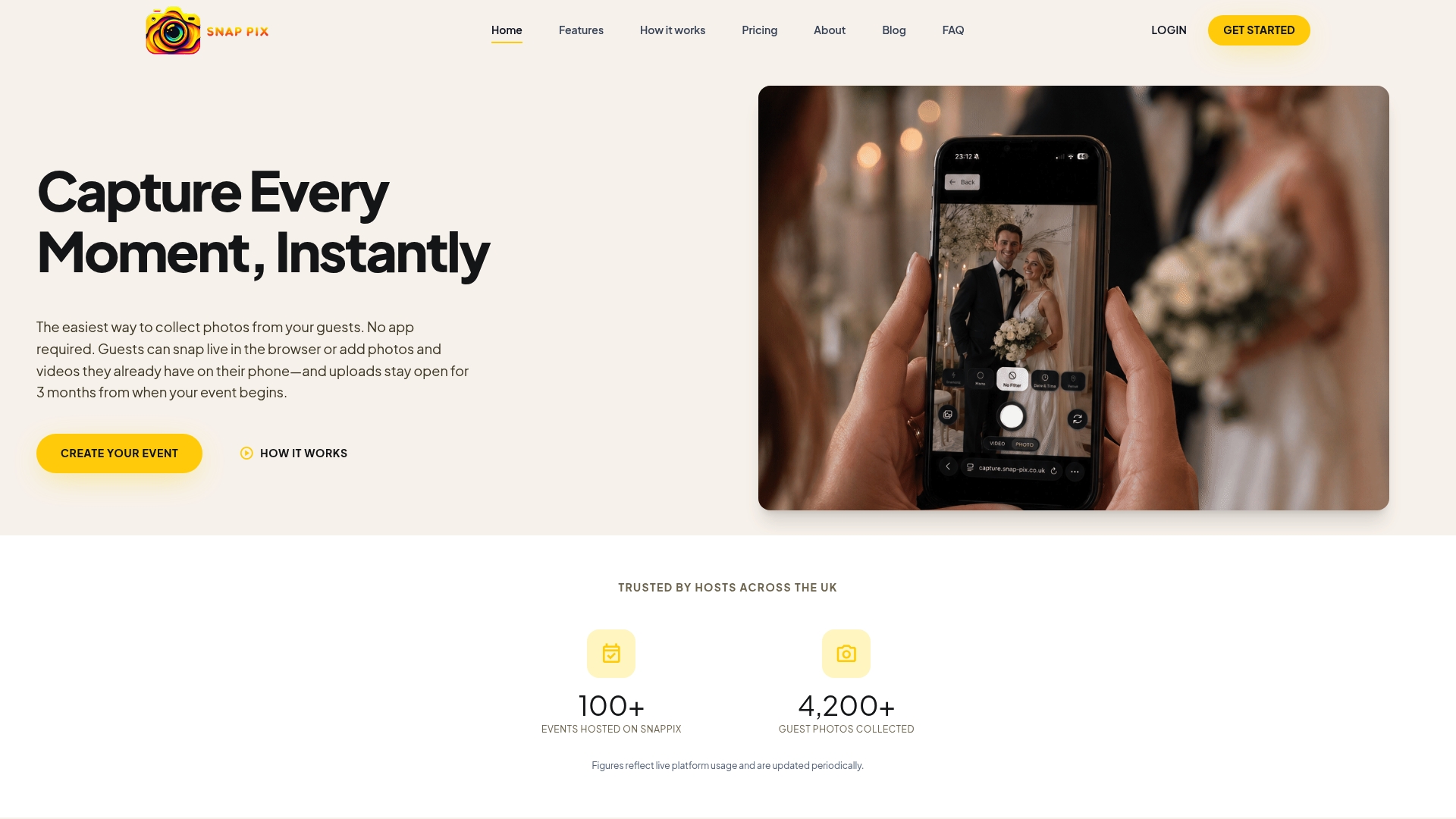
Snap-pix includes a real-time gallery that guests can browse during the event, AI-driven smart albums that organise photos automatically, and photo challenges that build participation throughout the day. The platform has already collected over 4,200 guest photos across weddings and corporate events. You can see how Snap-pix works and decide whether its hosted gallery and engagement features are the right fit for your next event.
No. Guests upload photos via their mobile browser using a QR code or URL, with no app installation or sign-in required. It works on Safari and Chrome on modern smartphones.
WedUploader uses your own Google Drive storage. The free Google tier provides 15GB, which holds approximately 3,500 photos. Paid Google One plans offer more capacity if you expect heavy video uploads.
The basic version is free. A Pro plan at approximately $15 removes the 30-second video length limit and supports larger file uploads, which is worth considering if guests will share video clips.
This error occurs when Google Drive’s security settings block the API connection. Resolving it typically requires adjusting sharing permissions in your Google Drive settings during the initial setup phase.
WedUploader works best for smaller events. Large weddings with 150 or more guests risk filling 15GB of free storage quickly, particularly when guests upload videos. Pre-event storage management and a Google One upgrade are strongly advisable for larger gatherings.

Secure sponsor access to event photos with a host controlled workflow. Use time limited QR links, view only tokens, instant revocation, and access logs.

A practical host first workflow: collect no app QR uploads, keep moderation and professional curation, set retention and backup plans so you stay in control.

Event hosts' practical guide to posed and candid photos: perception research, hands on shooting tips, and no app guest uploads to boost candid coverage.