12 Virtual Photo Booth Ideas Organizers Can Launch to Boost Engagement
SnapPix TeamPublished 31 Aug 202617 min read
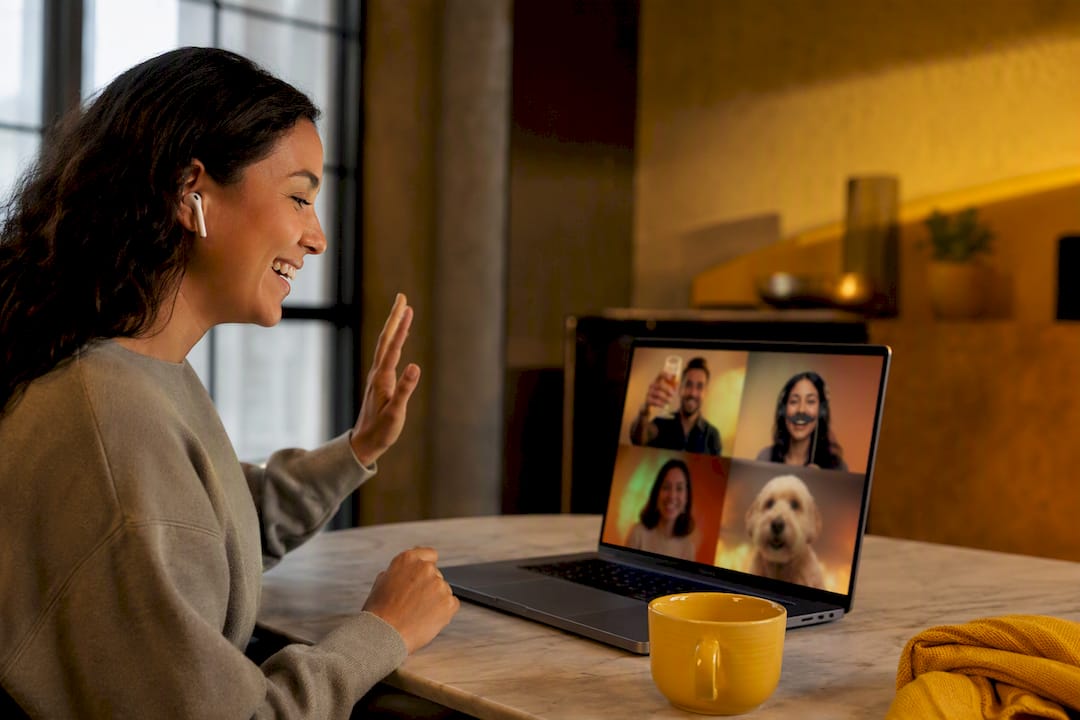
The quickest way to run an engaging virtual photo booth is a no-app, browser-based setup shared by link or QR code, paired with two or three themed prompts or a live challenge running throughout the event. Guests tap in, snap or upload, and share, no downloads required. Pair that friction-free access with a clear prompt, such as a mugshot moment or a group cheers shot, and participation climbs sharply. SnapPix is one platform built specifically around this model.
TL;DR:
- Simple, clear prompts like cheers shots or scavenger hunts significantly increase participation compared to complex themes or setups.
- Browser-based photo booths using unique links or QR codes eliminate app installation barriers and boost engagement during virtual events.
- Incorporating contests, social feeds, and scheduled reminders transforms passive galleries into lively, interactive experiences.
- Privacy considerations include adding consent prompts, enabling moderation, setting retention windows, and securing galleries with passwords or restricted downloads.
- Platforms like SnapPix automatically organize submissions into smart albums, extend upload windows, and facilitate easy setup for diverse event types without complicated logistics.
You don’t need a complicated brief to get people snapping. You need one clear prompt, an easy way to submit, and a reason to bother. Here are twelve that work across weddings, corporate events, and everything in between.
1. Pet pics. Ask remote guests to send a photo of their pet “attending” the event with them. Suits family events and company all-hands. Prompt: “Show us your plus-one (the four-legged kind).”
2. Informational mugshots. Guests hold up a sign with their name, role, or a fun fact, then snap a straight-on shot. Great for conference networking. Prep a simple printable sign template in advance.
3. Cheers shots. A synchronised toast moment, guests raise a drink to camera at a set time. Works brilliantly at weddings and virtual happy hours. Announce the countdown in chat five minutes beforehand.

4. Scavenger hunts. Guests photograph an item from a list (something red, a houseplant, a childhood photo) within a time limit. Suits longer virtual conferences where energy dips. Keep the list to five items, no more.

5. Jokes versus props. Split guests into two camps: tell a joke on camera or hold up a silly prop. Ideal for casual team socials. A little friendly rivalry does the work for you.
6. GIF loops and boomerangs. Animated captures generate more unique frames per session than static shots, which helps fill a photomosaic faster. Suits milestone celebrations and product launches.
7. Photomosaics. Guest submissions assemble automatically into a single large image, then export as a recap graphic for follow-up emails. Works for large-scale corporate events and fundraisers.
8. Social wall contributions. Live-feed submitted photos onto a shared screen or event dashboard as they arrive. Suits any hybrid event with a physical screen in the room.
9. Show and tell. Guests photograph something meaningful, an award, a keepsake, a home office setup. Fits alumni reunions and remote team culture events.
10. Sweepstakes entries. Every submitted photo counts as one sweepstakes entry, drawn randomly at the end. This structure genuinely boosts participation among camera-shy guests, since nobody is being judged.
11. Daily challenge. For multi-day virtual conferences, post a new prompt each morning and reveal a highlight reel that evening. Keeps returning attendees engaged past day one.
12. Group collage. Encourage teams or tables to submit one combined photo rather than individual shots, useful for corporate team-building where the point is collective spirit, not individual spotlight.
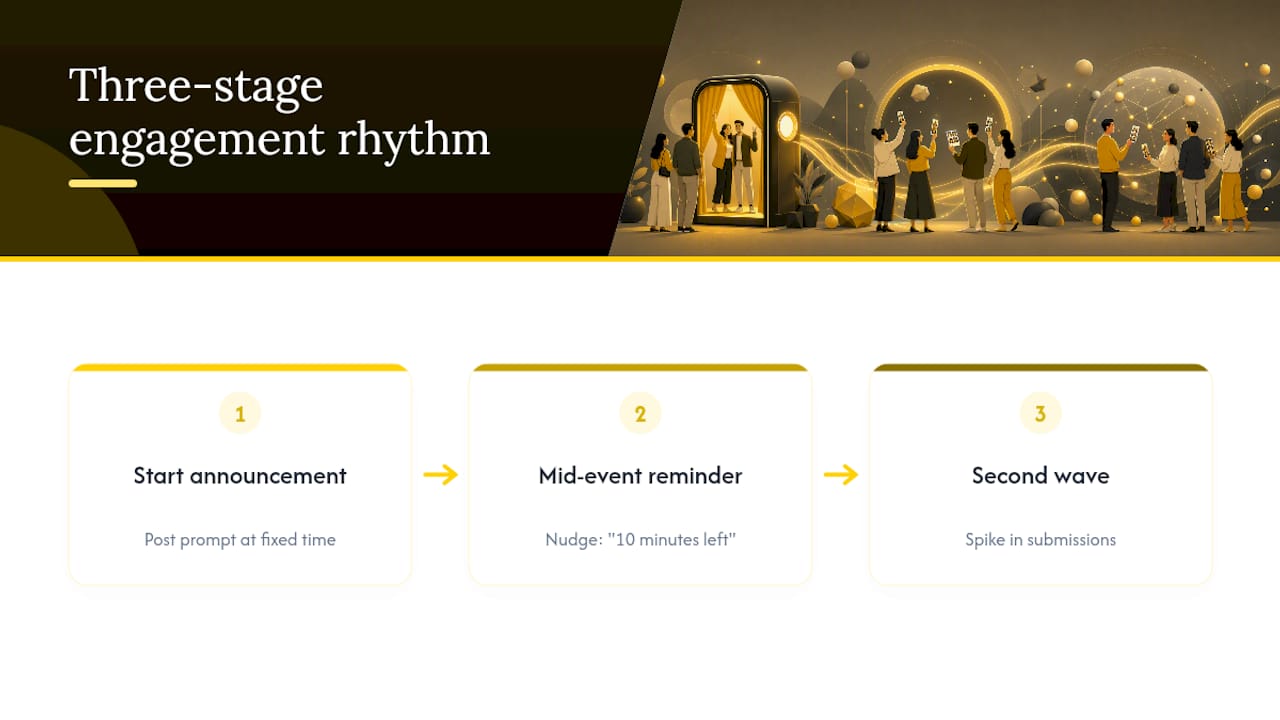
Pro Tip: Announce the prompt at a fixed time, not just once at the start. A mid-event nudge, “you’ve got 10 minutes left to get your cheers shot in”, consistently produces a second wave of submissions.
Skip the app store entirely. Browser-based booths that launch from a link or QR code remove the single biggest barrier to participation: asking a guest to install something on their phone before they’ve even decided whether to bother. The standard workflow runs in a predictable order: brand the booth, share the link or QR code, guests capture or upload from their camera roll, overlays and stickers apply automatically, then guests share or download.
Before you launch, confirm a few things:
For assets, use transparent PNGs for stickers and build frames to a defined safe zone so nothing crops awkwardly on a portrait-orientation phone photo. Prepare at least two sizes: one for square crops, one for portrait.
A booth that sits quietly in the corner of your event page won’t get used. Prompts, contests and social walls together are what turn passive access into active participation.
Some browser booths process images client-side rather than storing them on a server unless the host actively requests it, worth checking if privacy is a priority for your guest list.
Every event I’ve watched succeed with a virtual photo booth had one thing in common: the prompt was dead simple, and the access point had zero friction. Complicated theming rarely wins. A clear “cheers” moment at the right time beats an elaborate branded backdrop nobody understands how to use.
SnapPix’s own data backs this up. Guests upload through a QR code with no app to install, organised automatically into AI-driven smart albums, with photo challenges built in to prompt exactly the kind of participation described above. The platform keeps the upload window open for an extended period after the event, which matters more than hosts expect, because a surprising number of guests only find their photos once they’re home and unwinding, not mid-party. One host running a photo challenge alongside a standard QR gallery saw noticeably higher submission counts than galleries with a link and no prompt at all, the challenge, not the technology, did the work.
— Liam
Every idea above needs somewhere to live, and that’s exactly what SnapPix was built for. The platform maps directly onto the setup this article recommends: a QR gallery with photo challenges built in, no-app browser capture so guests never hit an install wall, AI smart albums that sort submissions automatically, and a three-month upload window so latecomers still get their shots in.

For a wedding, that means guests can run the cheers-shot and scavenger-hunt ideas above without the couple lifting a finger to manage submissions. For a corporate event, the mugshot and group-collage prompts slot straight into a QR code on the welcome slide, with secure, password-protected galleries keeping things contained to invited guests. For a charity gala, a social wall pulling from the same gallery keeps donors engaged between speeches, while the deletion policy gives organisers a clear, documented retention window to point to if anyone asks how their photos are handled.
If you’re planning an event and want a booth guests actually use, start with SnapPix’s features page and set up your first QR gallery before the invitations go out.
For more on QR code placement, see SnapPix’s QR code guide. For hybrid events, Arrowhead Sign Company’s display guide covers screen and signage placement worth adapting for photo prompts.

Secure sponsor access to event photos with a host controlled workflow. Use time limited QR links, view only tokens, instant revocation, and access logs.

A practical host first workflow: collect no app QR uploads, keep moderation and professional curation, set retention and backup plans so you stay in control.

Event hosts' practical guide to posed and candid photos: perception research, hands on shooting tips, and no app guest uploads to boost candid coverage.