Christmas Party Photos: Get the Best Shots From Every Guest
SnapPix TeamPublished 14 Nov 202628 min read

The best Christmas party photos are rarely taken by one person. They are the cracker-pulling, the terrible dancing and the toast you missed because you were holding the camera. The simplest way to get them all is to let every guest shoot and send everything to one private gallery. With SnapPix, guests scan your QR code with their phone camera and it opens in their browser, with no app to download and no account to create. This guide covers the moments worth catching, easy backdrops, lighting and poses, and how to share it all afterwards.
You do not need a picture of everything. A short mental list is enough, and it works for a family gathering, a work Christmas do or a party with friends.
The in-between moments are what people go back to. Nobody asks to see a stiff line-up twice. They ask to see Dad laughing at his own cracker joke.
Whoever is holding the camera misses the party. And one person can only be in one place: while you catch the speech, someone else is pulling a face behind the buffet table.
Shared photo collection fixes both problems. Every guest already has a camera in their pocket, and between them they cover every table, every corner and every angle. Your job as host becomes simple: make it easy for people to add their pictures.
Christmas venues, pubs and function rooms are often packed and the mobile signal can be patchy. SnapPix keeps uploads waiting on the phone if the signal drops, and sends them when it returns, so guests do not have to think about it.
Most guests are happy to take pictures but forget to once the drinks arrive. A photo challenge gives them a reason. Challenges come with a top-10 leaderboard, and each challenge gets its own album, so the results are easy to find later.
Ideas that suit a Christmas party:
We have more suggestions in our photo challenge ideas for parties and get-togethers and a step-by-step look at getting more guest photos with challenges. Keep the list short. Five or six prompts are enough for an evening.
A backdrop gives people somewhere to stand and something to do, which helps shy guests join in. It does not need to be elaborate.
If you want guests to enjoy a booth-style moment without hiring one, our look at how SnapPix compares with traditional photo booths shows how a backdrop plus guests’ own phones can do the job. For more on showing pictures off during the party, see our event photo display ideas.
Christmas parties tend to be dim and warm, which is lovely to be in and tricky to photograph. A few habits help, whether you use a phone or a camera.
SnapPix guests can also use camera filters, and add date, venue or event-name stamps to their pictures, which is handy for a party you want to look back on.
Group shots are the ones everyone wants and nobody enjoys. Keep them quick.
For couples at a Christmas party, the easy ones are foreheads together, walking side by side, or one shared mug of mulled wine. For a mix of posed and candid ideas without any app, see how event hosts capture both candid and posed photos.
The fastest way to ruin a good mood is to announce that photos are about to be taken. Nikon School UK says the best festive pictures happen when people are doing what they enjoy: chatting, eating, decorating, wrapping gifts. Bring the camera to the action rather than stopping it.
It helps that with a shared gallery, the photos come from friends and family who are already part of the moment. Nobody is hovering with a lens. And because guests choose what they add, the pictures feel less like a performance.
A few other tips:
Work Christmas do. Keep it light and inclusive. A QR code on each table and a single challenge or two is plenty. Everyone can join from their own phone, and colleagues choose what to share.
Family Christmas. Use the QR code on a card by the tree, so cousins, grandparents and teenagers can all add pictures. Set a slideshow running on the TV while people eat.
Friends’ party. Challenges work best here. A leaderboard turns the night into a small competition.
Birthday and milestone Christmas parties. Our guide to capturing and keeping birthday party memories works just as well for a December celebration.

A good gallery is only useful if people feel comfortable about it. A few simple habits keep everyone happy and fit with UK GDPR principles in a general way. This is not legal advice.
Here are the practical dates. Guests can add photos for 3 months from the event start date. The gallery is hosted for 12 months from the event date. After the party, download your ZIP and connect Google Drive so you have your own copy. You can download single photos or the whole lot in one ZIP.
The host can also use AI Smart Albums, which are host-only. Describe what you want, such as “cake” or “secret Santa”, and SnapPix builds an album from matching photos. It is a quick way to put together a set for the person who organised the party.

Every event starts on the Free plan: £0, no card needed, 10 uploads per guest. If you want no limit on uploads, Full Event Access is £14.99 one-time per event, with unlimited uploads and up to 50 AI illustrations (caricatures and watercolour drawings), and no subscription. Both plans include everything else, from the digital guest book and photo challenges to the slideshow and Google Drive backup.
If you are also gathering replies, you can build a guest list and take online RSVPs, with your own questions and personal email invites, in the same place. See the pricing page for both plans.
Our view on party photos
We built SnapPix after our own wedding, and what we learned applies to every party. The best pictures are not posed. They come from lots of people, each seeing something different.
The barrier is nearly always effort. If a guest has to download an app or make an account, most will not bother. So we made it a scan and nothing more.
For a Christmas party, that matters even more. People arrive in coats, with drinks in hand, in a room where the signal might be poor. A QR code on the table, an upload queue that waits for signal and a private gallery you control let you enjoy the evening and still end up with the pictures.
Start on the Free plan. If your guests are keen, Full Event Access removes the upload limit for a one-off £14.99.
Liam
Put a QR code on each table and ask guests to scan it. Guests scan your QR code with their phone camera and it opens in their browser, with no app to download and no account to create. Everything lands in one private gallery you control.
Yes. Guests can add photos for 3 months from the event start date, so the late-night pictures and the ones from the next morning can still go in. The gallery is hosted for 12 months from the event date.
It is good practice to tell guests what you plan to do with the photos and to respect anyone who says no. Always ask a parent or guardian before sharing pictures of children. Keep the gallery private and use private share links to choose who sees it.
Every event starts on the Free plan: £0, no card needed, 10 uploads per guest. Full Event Access is £14.99 one-time per event, with unlimited uploads and up to 50 AI illustrations, no subscription. Both plans include everything else.

Plan product launch event photos your team will actually use: the shots to capture, a shot list by schedule, guest uploads by QR code, and UK photo rules.
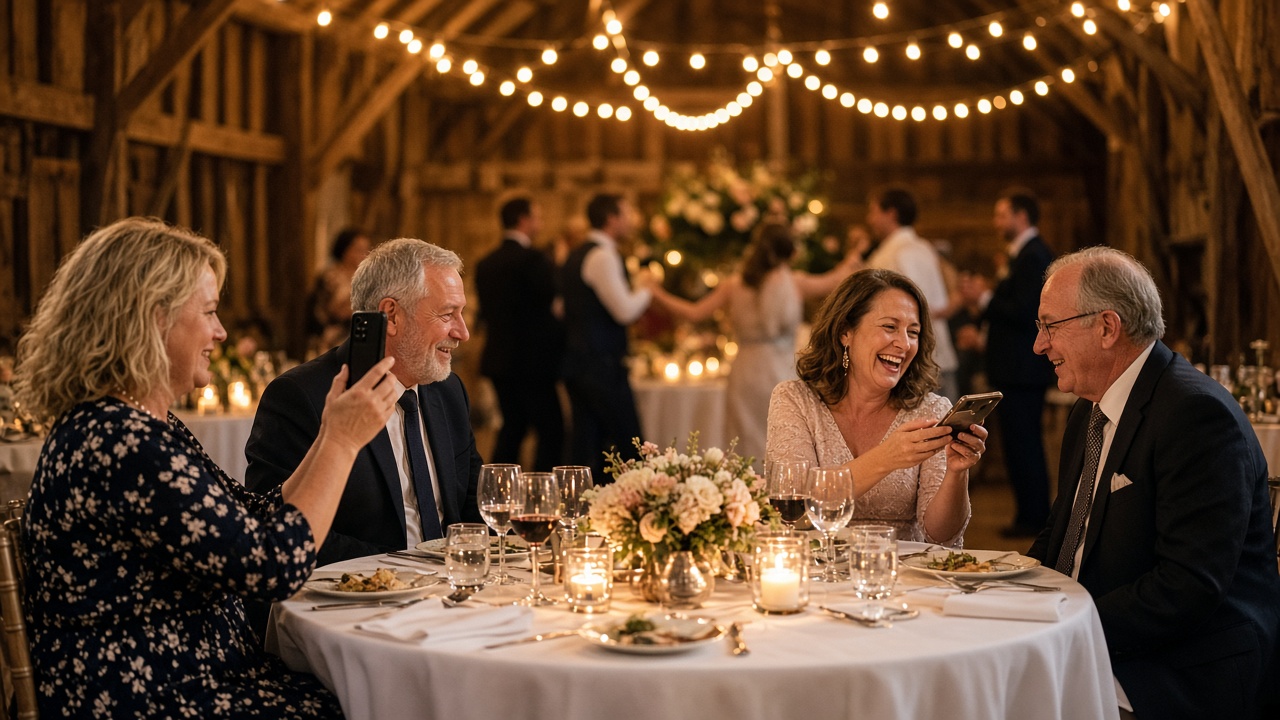
What disposable cameras on every table really cost a UK wedding once developing is added, where film still wins, and a phone-based alternative from £0.

What a normal phone photo weighs in MB, JPEG vs PNG vs HEIC, and what size you need for screens and prints, so guests' event photos stay sharp.