No app QR uploads for hosts, private event photo sharing
SnapPix TeamPublished 20 Sept 202626 min read
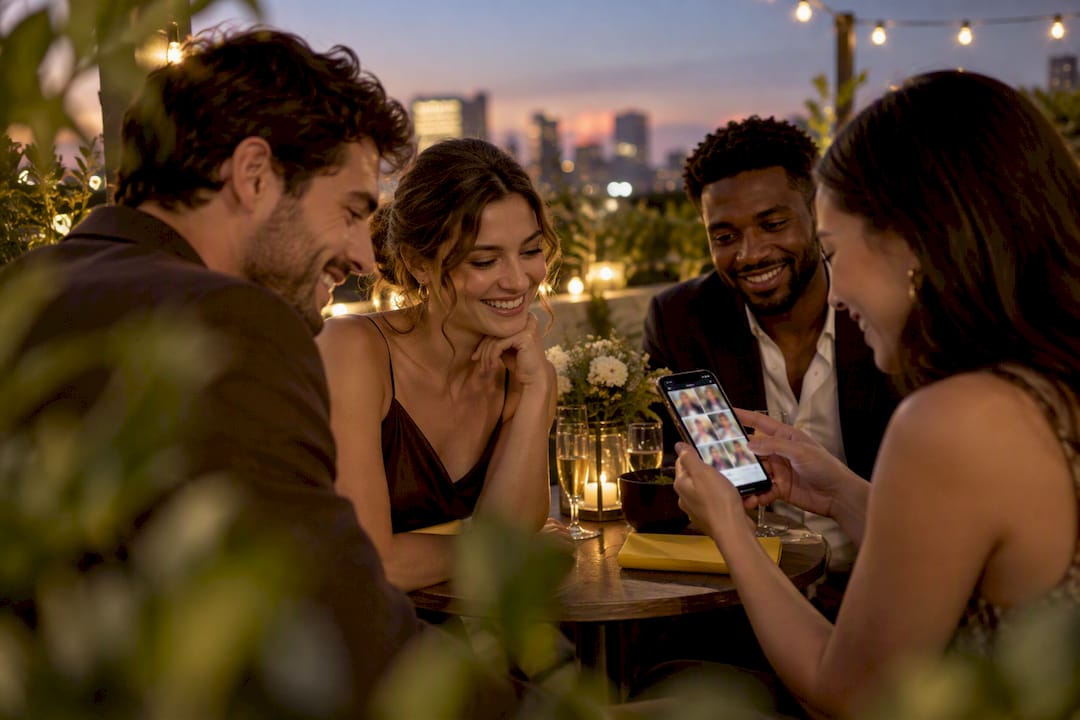
The fastest way to handle private event photo sharing is a QR-code, browser-upload gallery. No app, no account, no fuss for guests. You point a phone camera at a code, upload straight from the browser, and the photos land in a private gallery only you control. One ready-made option built exactly for this provides uploads, moderation, and downloadable originals without asking guests to install anything.
TL;DR:
- Using a QR-code, browser-upload gallery allows guests to upload photos without apps or accounts, increasing participation and simplifying access.
- The platform should enable testing on multiple devices before the event and include privacy measures like password protection and access logs.
- Hosts must clearly communicate consent, set retention windows, and provide easy options for photo removal to handle privacy and legal compliance effectively.
- During the event, regular moderation and live slideshow features encourage more guest contributions and visible engagement.
- Choosing a platform that offers full-resolution downloads, expiration controls, and minimal setup maximizes privacy while facilitating easy sharing and storage.
Two flows run at once during any event: what your guests see, and what you see as the host. Understanding both helps you spot where things usually go wrong.
On the guest side, the process is short by design:
On your side as host, the sequence looks like this:
Most galleries also support a live slideshow mode. Plug a laptop into a venue screen and photos appear as they’re uploaded, which tends to encourage more guests to contribute because they can see their shot go live within the hour. Uploads typically spike during the event itself, then trickle in for a day or two afterwards as guests sort through their camera rolls at home.
Retention windows sit in the host settings, usually set once at creation. Event-focused QR galleries commonly promise no sign-up and instant browser uploads as standard, which is worth checking before you commit to any platform, since some still push a login screen on guests despite the marketing.
Not every gallery does the same job well. Before picking one, run through what actually matters for a private event rather than what looks impressive on a features page.
Pro Tip: Test the QR code on at least two different phones (one iPhone, one Android) before the event. A code that scans fine on your handset can still stall on an older browser, and you won’t find that out until a guest is standing at the bar trying to upload.
Some private-sharing tools go further on the technical side. Picdrop offers galleries that expire automatically and can be password-locked, while SafelyShare uses encrypted, timelocked transfers that put control back with the sender rather than a server. Neither approach is mandatory for a birthday party, but they show what “secure photo sharing” can mean at the stricter end.
Get explicit consent before publishing anyone’s identifiable portrait, especially if the photos might end up on social media or in promotional material. Guidance on event photography compliance draws a clear line here: wide crowd shots at a public-facing event sit on different legal footing to a close portrait of one guest, and the latter needs clear, specific permission.
A few practical steps make this manageable rather than daunting:
Advice on portrait rights at events backs the same approach: tell guests in advance, and make removal simple rather than burying it in a contact form nobody finds.
Hosts routinely under-communicate this. A short, explicit retention window stated clearly up front tends to reduce removal requests after the event, simply because guests already know what to expect and when the photos disappear.
Enable whatever security options your platform offers: a gallery password, expiring links rather than permanent public URLs, and a limit on how many times a link can be used before it needs re-sharing. None of this is complicated to switch on, but it’s frequently skipped because hosts assume “private” happens automatically. It doesn’t; it’s a setting.
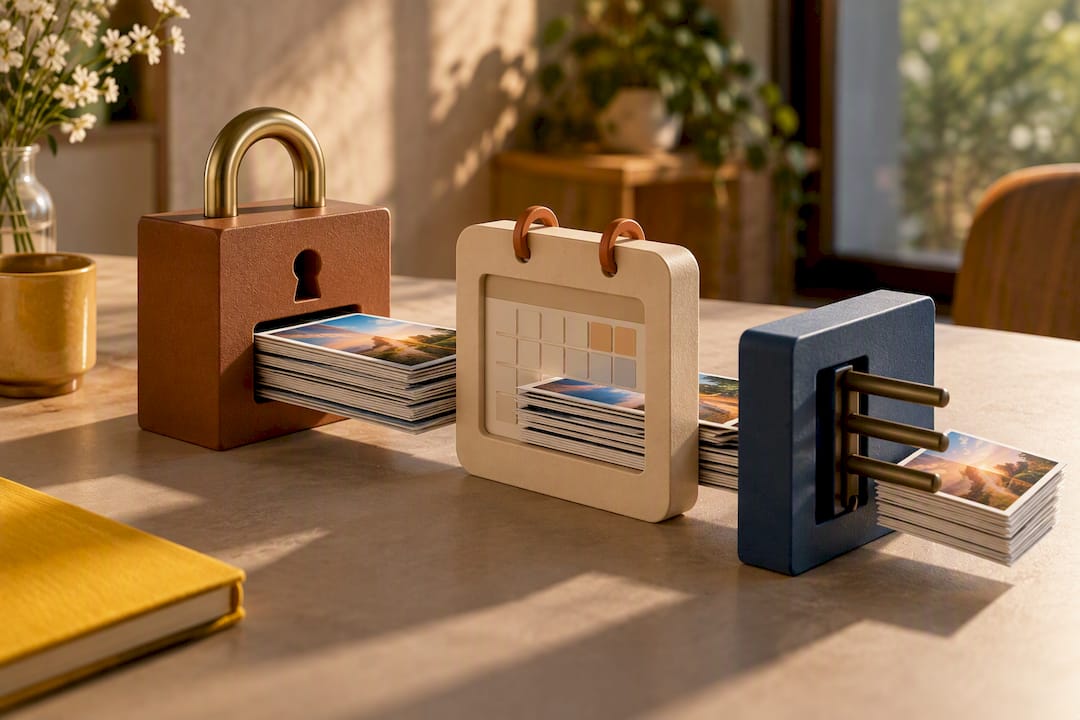
Treat this as three short checklists rather than one long to-do list, split by timing.
Before the event:
At the venue:
During the event:
After the event:
Pro Tip: Print the QR code big. A code the size of a business card works fine on a table setting, but stretch it across a welcome sign and you’ll catch guests who’d otherwise never think to look for it.
A walkthrough for corporate hosts covers a near-identical checklist adapted for staff briefings and multi-day conferences, if your event runs longer than a single evening.
This platform was built around exactly the workflow above, rather than bolting privacy features onto an app that was designed for something else.
The platform has handled thousands of guest photos from various event types, providing insight into how the no-app approach performs once real guests, not just testers, are handling it. That figure lines up with the broader pattern in the category: platforms that strip out the app-install step tend to collect noticeably more photos than ones that require a download first, simply because fewer guests abandon the process halfway through.
Every item from the earlier checklist maps directly onto a SnapPix setting: retention window, password protection, moderation before public display, and full-resolution downloads at the end. A detailed breakdown of the temporary gallery features covers exactly how the retention and deletion controls work if you want the technical detail before activating an event.
The case for app-free galleries isn’t really about technology. It’s about friction, and friction kills participation. Every extra tap between “I took a nice photo” and “the host now has it” loses you guests. An app store detour loses you most of them.
Three mistakes come up again and again. First, hosts forget to test the QR code on more than their own phone, then discover on the day that older Android browsers choke on it. Second, hosts set no retention window at all, which leaves guests unsure whether their photos are gone tomorrow or archived forever. Third, hosts skip the opt-out signage, assuming everyone’s comfortable being photographed. Not everyone is.
Fix those three things and a QR gallery does exactly what it promises: a low-effort, high-participation way to gather memories without turning your guests into unpaid app testers. SnapPix handles the mechanics well enough that the remaining work is simply making the code visible and telling people it exists.
— Liam
This service removes the biggest source of friction in event photo collection: the app. Guests scan, upload from their browser, and their photos land straight into a private gallery, no download and no account required. Full access includes smart albums, photo challenges, digital guest book, and password-protected galleries, all included without extra charges once you activate.

Test your own QR code before the big day, then activate Full Event Access for £14.99 one-off per event, or start with the free tier if you’re just trying the flow out. Check the pricing page for the full breakdown, or browse the feature list if you want the specifics before you commit. If you’re planning a family birthday rather than a wedding, the birthday-specific setup guide walks through the same steps with examples suited to smaller gatherings.
For deeper legal detail on consent and portrait rights, the event photography compliance guide and the portrait rights and GDPR breakdown both cover the ground this article touches on, in more depth. If you want to see stricter private-sharing models in action, Picdrop’s expiring galleries and SafelyShare’s encrypted transfers illustrate the upper end of what “temporary and private” can mean technically. For broader category context beyond weddings and parties, low-prep virtual event ideas pair well with a shared photo wall for remote or hybrid gatherings.
A QR-code, browser-upload gallery is generally the most reliable method, since guests need no app and no account to contribute. SnapPix uses this approach and adds password protection and a three-month access window so the gallery stays private to invited guests.
It depends on consent and context rather than a single blanket rule. Publishing an identifiable portrait, particularly for promotional use, generally needs clear consent from that person, while broad crowd shots at an event may sit on different legal footing but still warrant caution and an easy opt-out for anyone who asks not to appear.
Use a gallery with password protection, a defined retention window, and no public indexing, so only people with the link and password can view it. Tools such as Picdrop and SafelyShare build entire products around this expiring, access-controlled model, and SnapPix applies the same principle to event galleries.
The strongest option for a private event is usually one that needs no app at all. Guests scan a code and upload directly from their browser, which is the workflow SnapPix uses, and it tends to collect far more guest contributions than tools that require a download first.
There’s no fixed legal answer, but a clearly communicated window of a few months balances guest convenience against unnecessary long-term storage. Some platforms keep galleries live for a few months after the event, giving latecomers time to upload while keeping the retention period short enough that guests know exactly where they stand.

Event hosts' practical guide to posed and candid photos: perception research, hands on shooting tips, and no app guest uploads to boost candid coverage.

Which event technologies are production ready for 2026 and how to adopt them with clear consent, governance, and a no app QR photo pilot.

Which routes keep EXIF or strip GPS? Quick checks to view or remove metadata, plus a three month workflow to collect guest photos.