Guest Photo Album: How to Collect Every Guest's Photos in One Place
SnapPix TeamPublished 4 Nov 202628 min read

A guest photo album is a private online gallery where everyone at your event adds their own photos and videos, so you end up with one shared collection instead of pictures scattered across a dozen phones. With SnapPix, guests scan your QR code with their phone camera and it opens in their browser, with no app to download and no account to create. Below you’ll find how it differs from a traditional guest book, how to set one up, how to keep it private and how to keep the photos safe afterwards.
At most weddings, the best candid moments are not on the photographer’s cards. They are on your guests’ phones: your nan dancing, the ushers pulling faces during the speeches, the cake going slightly wonky. A guest photo album gathers those into one place that you control.
It is different from the two things people often mix it up with.
The three work well together. The photographer covers the formal shots, the paper book holds handwriting, and the shared gallery catches everything in between. SnapPix also has a digital guest book, so guests can leave a message in the same place they leave photos.
The biggest reason guest galleries fail is friction. If a guest has to install something, sign up and remember a password, most will not bother. Your older relatives will be the first to give up.
Here is how SnapPix removes those steps:
If your reception is in a barn with patchy mobile signal, uploads wait on the phone in an offline queue and go up when the signal returns. Guests do not need to do anything.
The guest portal comes in 6 languages, which helps if some of your guests are more comfortable in another language. Guests can also add the page to their home screen if they want to come back to it easily.
You can also invite people with a link, which suits anyone who cannot be at the venue. Our guide to QR codes for your wedding covers where to put the code, and the guide to a QR code for guests to upload photos goes into the wording on signs.
You create the event in under a minute and get one QR code. Then it is about where you put it.
Add the event name, date and venue. Every event starts on the Free plan, so you do not need a card to begin.
The best places are the ones guests already look at:
We can post printed QR place cards, table signs and entrance signs to you, so you do not have to design them yourself. See our QR cards for the options. If you prefer to print your own, the wedding QR code sign guide has ideas for wording.
A sign is easy to miss. Ask your best man, MC or toastmaster to mention it after the meal, and ask a few friends to scan it early. People copy what they see others doing. Small touches at the table help too: if you are planning the food and drink side, crowd-pleasing party tips can give you ideas for keeping guests relaxed and phones out for the right reasons.
Both plans include photo challenges with a top-10 leaderboard, and challenge albums to keep the entries together. Prompts such as “the best dance move” or “someone laughing with the happy couple” give shy guests a reason to take part. Keep the list short, five or six at most.

Most couples want the gallery shared with guests only, not open to the internet. SnapPix galleries are private by default. Your QR code carries a private event password, so only people you give it to can get in. There’s nothing for guests to type.
A few habits keep it that way:
An album full of family photos will include children. The ICO, the UK’s data protection regulator, says that private sharing of event photos is likely to be personal use, while public posting may go beyond it, and it asks for particular care with children’s images. The ICO’s page is written about school events, but the principle is a sensible one for any celebration.
In practice, that means:
This is general good practice, not legal advice. If you are running a larger or workplace event and have questions about consent, check with whoever handles data protection for your organisation.
The two plans share the same features. The difference is how many photos and videos guests can upload, and the AI illustrations.
| Free | Full Event Access | |
|---|---|---|
| Price | £0, no card needed | £14.99 one-time per event, no subscription |
| Uploads | 10 uploads per guest | Unlimited uploads |
| AI illustrations | Not included | Up to 50 AI caricature and watercolour illustrations |
| Guests | Unlimited guests | Unlimited guests |
| Everything else | Included | Included |
“Everything else” is a long list, and it is on both plans: photo challenges with a live leaderboard, the digital guest book, the optional Event Reel with likes and comments, the full-screen slideshow, host-only AI Smart Albums, private share links, high-resolution downloads with a one-click ZIP and Google Drive backup. Hosts also get a guest list and online RSVPs.
A simple way to choose:
You can see both on the pricing page.
On paid events, guests can turn a photo into a caricature or a watercolour drawing. There are up to 50 per event, and up to 4 per guest. They tend to give people something to do at the table between courses, and the results are fun to look through afterwards.
A gallery with hundreds of pictures needs a way to browse. Smart Albums are host-only. You describe what you want, such as “first dance” or “cake”, and SnapPix builds an album from matching photos. It is a quick way to pull together a set for the grandparents or the thank-you cards.
The Event Reel is optional. If you switch it on, guests can like and comment on photos. Some couples love that; others want a quieter gallery. It is your choice.
For wider tips on sorting a large set, our practical workflow for organising event photos walks through it step by step.

Two dates matter:
Put both in your calendar. After the event, do these things:
This is not just caution about any one service. The Library of Congress’s personal archiving guidance says an online service should not be your only backup, and recommends keeping a copy on a drive in a different location and looking after your archive over time. It is the same reason photographers tell you to keep the originals.
If you later want to print a few favourites, our ideas for displaying event photos might help.
The same album works for other occasions, and the set-up is identical.
The guest list and online RSVPs are included too. You can send personal email invite links or an open RSVP link or QR, add your own questions and follow-up questions, and let guests bring a plus-one if you allow it. Responses are summarised for you, and you can export the guest list as a CSV. You will find the full set on the features page, and our wedding page has the wedding-specific guide.
We made SnapPix for our own wedding, in Manchester. We wanted the photos our guests took, but we did not want to ask our grandparents to install anything.
That shaped the rest. The QR code opens in the browser. The gallery is private from the start. The offline queue is there because plenty of lovely venues have poor mobile signal. And we kept the price to one flat £14.99 per event, with a Free plan that is properly usable, because nobody should be paying a subscription for a wedding that happens once.
Our advice is simple: make it easy for guests, tell them once, and keep a copy of everything yourself after the day.
Liam
If you are planning a wedding or a party, you can have your album ready this evening. Every event starts on the Free plan, at £0 with no card needed and 10 uploads per guest. Full Event Access is £14.99 one-time per event, with unlimited uploads and up to 50 AI illustrations, and no subscription.
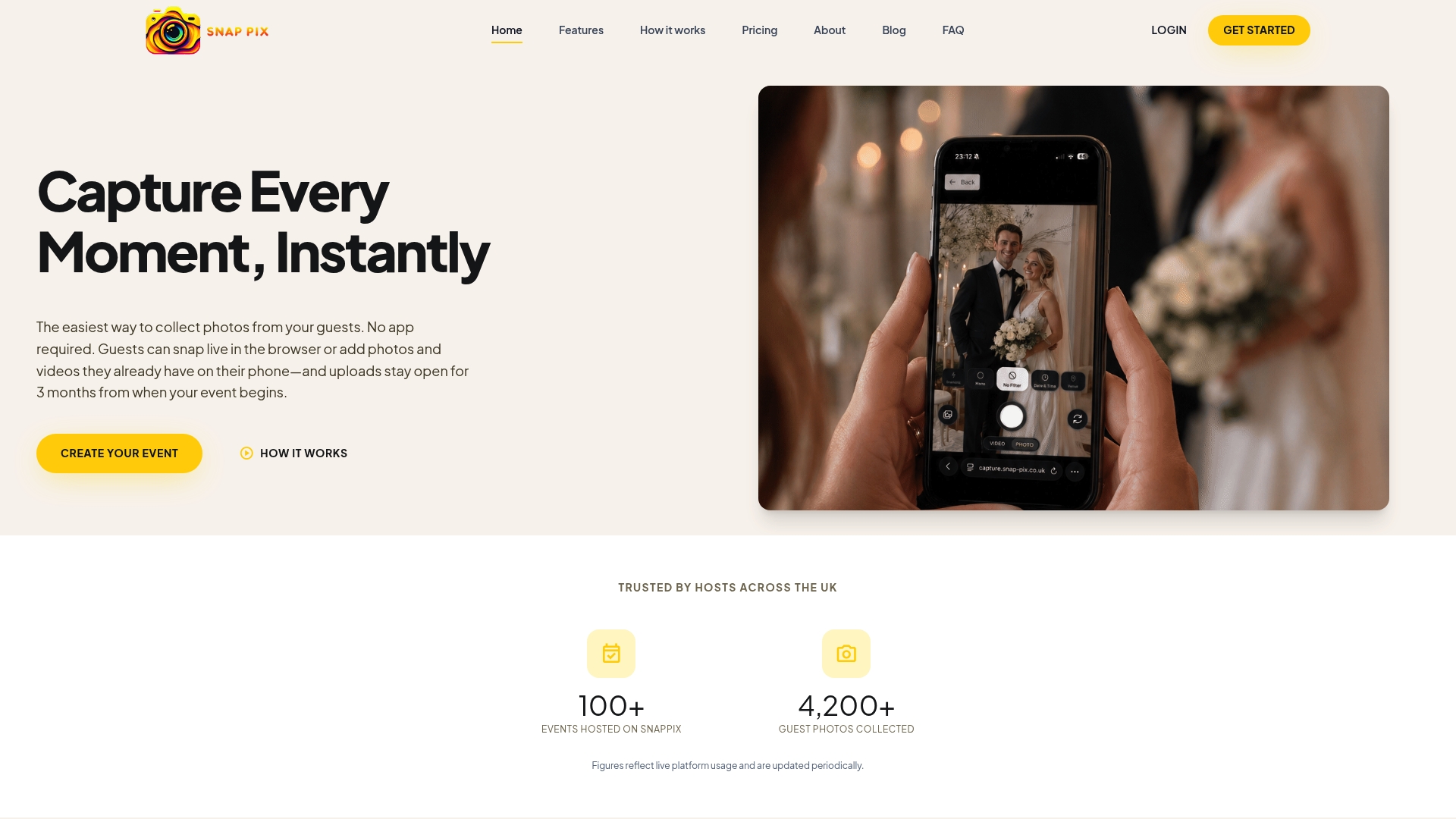
Create your event on SnapPix and see both plans on the pricing page.
No. Guests scan your QR code with their phone camera and it opens in their browser, with no app to download and no account to create. They can then take photos, record videos of up to 60 seconds, or upload from their camera roll.
Yes, galleries are private by default. Your QR code carries a private event password, so only people you give it to can get in. There’s nothing for guests to type. For anyone outside the guest list, you can use a private share link with an expiry date.
Guests can add photos for 3 months from the event start date. The gallery is hosted for 12 months from the event date. Download your ZIP after the event and connect Google Drive so you have your own copy.
Uploads wait on the guest’s phone in an offline queue and go up when the connection returns. Guests do not have to retry anything. It helps at countryside venues and barns where mobile signal comes and goes.
The Free plan is £0, no card needed, with 10 uploads per guest. Full Event Access is £14.99 one-time per event, with unlimited uploads and up to 50 AI illustrations, and no subscription. Both plans include everything else, such as challenges, the guest book and Google Drive backup.

How to get lovely wedding rehearsal dinner photos in the UK: what to capture, how to brief people, and an easy way to collect every guest's snaps in one place.

Learn how to control who can see and add to your event photo gallery, what expiry really means, and how to keep guest photos private and safely saved.

Simple ways to capture birthday party memories, from guest photos and messages to keepsakes you will actually look at again, with tips for children's photos.