Corporate Retreat Photos: What to Capture and How to Share Them
SnapPix TeamPublished 11 Nov 202627 min read

Good corporate retreat photos come from three things: a short shot list, a way for everyone to add their own pictures, and a clear plan for privacy. A professional can cover the formal moments. Your team will capture the laughs on the coach, the late-night quiz and the muddy walk. Put both into one private gallery and you end up with a record people actually want to look at.
This guide is for the person organising the retreat or away day. It covers what to photograph, how to keep it natural, how to get colleagues sharing, what UK data protection guidance says about photographing staff, and what to do with the pictures afterwards.
Start with a list, even a short one. Without it, you end up with 300 photos of the buffet and none of the keynote.

UK event photographers who cover retreats suggest a spread that includes group activities, speeches or breakout sessions, candid team interactions and venue shots. Another UK shot list runs through arrivals and registration, opening remarks, team-building activities, breakout sessions, networking breaks, awards and group shots.
Here is a practical version you can copy.
If you are still deciding which activities to build the retreat around, a guide to planning team-building activities for a corporate retreat can help you choose moments worth photographing. For wider inspiration on atmosphere, a list of corporate event themes gives ideas for set pieces such as a welcome toast or a final-night group portrait.
If you hire a photographer, give them the paperwork. A useful brief covers the schedule, priority moments, key people, floor plans, intended uses of the images, brand priorities and any restrictions. Say up front whether the photos are for a newsletter, a recruitment page or an internal slideshow, so the coverage fits.
The same brief works for a colleague who volunteers as the unofficial photographer. Two lines on a printed sheet is plenty: who must be photographed, and what to avoid.
Nobody relaxes when a lens follows them round the room. The aim is for photos to happen around the schedule, not on top of it.
A few habits help:
For more on mixing relaxed and posed pictures, see our guide to capturing candid and posed photos without an app.
The usual routes are a group chat, a shared folder or a hashtag. They all have problems: photos end up on personal phones, quality drops, and half the team never finds the link.
A QR code on the welcome pack, the agenda or the dining tables is simpler. With SnapPix, guests scan your QR code with their phone camera and it opens in their browser, with no app to download and no account to create. There is nothing for colleagues to sign up for, which matters when you have people who are wary of installing anything on a work or personal phone.
What colleagues can do once they are in:
Your QR code carries a private event password, so only people you give it to can get in. There’s nothing for guests to type. The gallery is private by default.
A QR code alone does not guarantee photos. A little prompting does.
There are more ideas in our guide to 12 practical ways to get people involved at corporate events, and a setup walkthrough in corporate event photo sharing in minutes.
With a big group, you will want to find specific pictures fast. AI Smart Albums are host-only. You describe what you want (such as “team lunch” or “award presentation”) and SnapPix builds an album from matching photos. Our walkthrough on using AI Smart Albums for a corporate event shows how.
This section is general information, not legal advice. If you are unsure about your own situation, speak to your company’s data protection lead or HR team.
In the UK, identifiable photographs count as personal data. Guidance from UK universities, which handle this for events every week, is consistent. The University of Edinburgh says people must be informed that an image will be or has been captured, and that a lawful basis is needed before use. Under UK GDPR that lawful basis might be legitimate interests, consent or something else, depending on the use.
A few practical points follow from that guidance.
If anyone brings children, such as at a family day within the retreat, ask parents before sharing photos that include them.
We cover the storage side in more detail in secure event photo sharing: a guide for UK organisers.
SnapPix galleries are private by default. If you need to show a few pictures to someone outside the group, such as a senior manager who was not there, you can create a private share link with an expiry date. Photos do not need to go into a public channel for the right people to see them.
The retreat is over, and the gallery is full. Now the pictures need a job.
Tell your photographer, and yourself, how the images will be used. Typical uses are press releases, annual reports, sponsor decks, stakeholder communications, social media, internal updates or future event promotion. Matching shot to use saves time:
| Use | Best photo type |
|---|---|
| Intranet or blog header | Wide room shots, speaker candids |
| Newsletter header | Tight candids, branded moments |
| Recruitment and HR pages | Team interactions, culture candids |
| Annual report or website | Formal team, department and leadership portraits |
| Planning next year | Venue shots, activity shots, session layouts |
The first three rows follow guidance on matching images to channels. For anything public, check you have the right permission first, as above.
A simple aftercare checklist:
What we think about retreat photos
We built SnapPix after making it for our own wedding, and the lesson carries over to any group trip. The best pictures are rarely the posed ones. They are the quick phone snaps taken by someone who happened to be standing in the right place.
At a retreat, colleagues are often tired, away from home and glad of a simple way to share. If joining means downloading an app or making an account, many will not bother. That is why we designed SnapPix around one QR code that opens in the browser.
We also think privacy should be easy for hosts. The QR code carries a private event password, so only the people you give it to can get in, and the gallery is private by default. Photo challenges and the guest book are included on both plans, so a small team and a large one get the same experience.
Start with a short shot list, let everyone contribute, and tell people how the photos will be used. That covers most of what makes retreat photos good.
Liam
SnapPix starts on the Free plan: £0, no card needed, 10 uploads per guest. Full Event Access is £14.99 one-time per event, with unlimited uploads and up to 50 AI illustrations, no subscription. Both plans include everything else, including unlimited guests, photo challenges, the digital guest book, host-only AI Smart Albums, the slideshow and Google Drive backup. You can see both on the pricing page, or look through the full list of features.
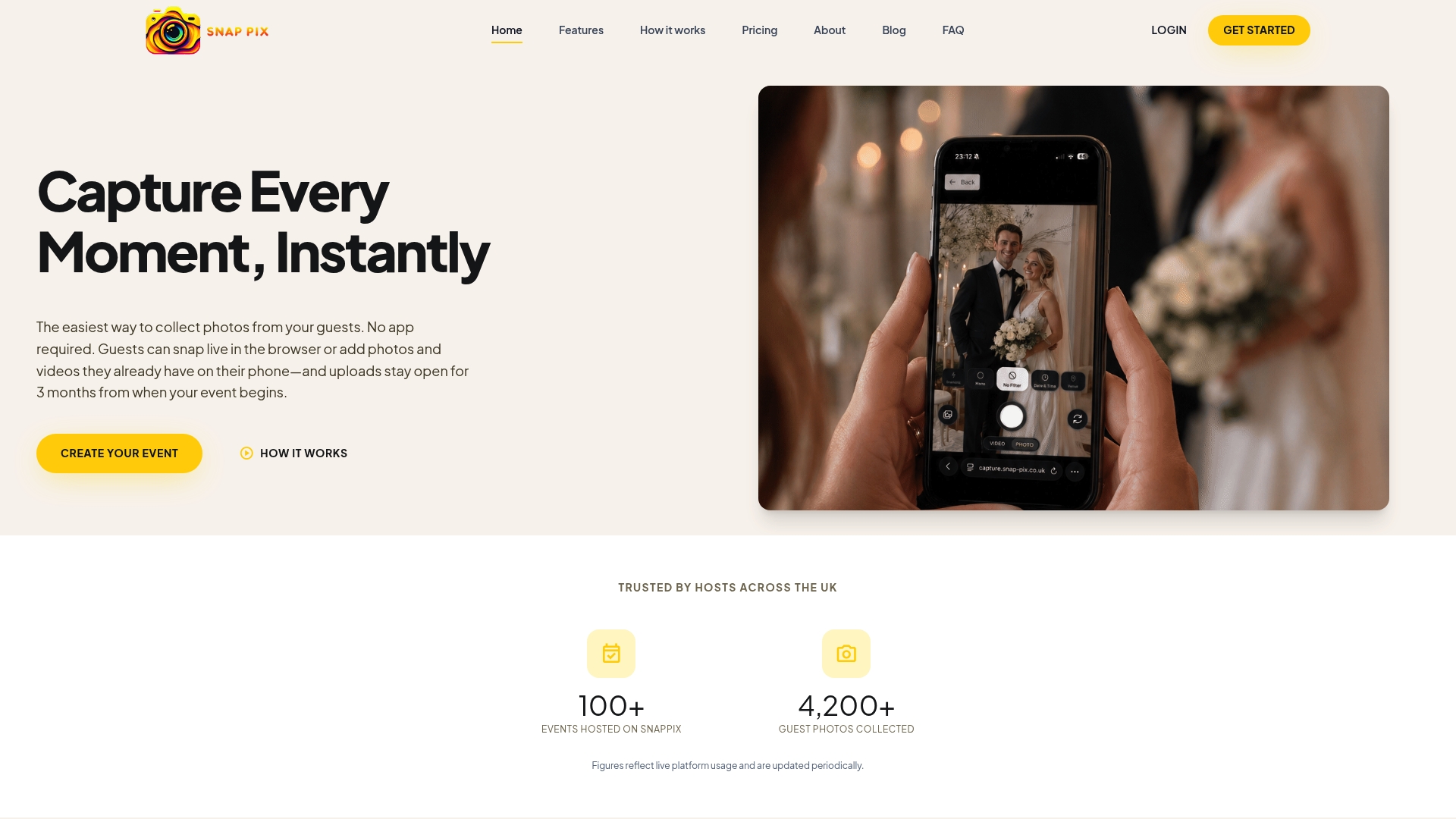
Creating an event takes under a minute. Print the QR code on place cards, table signs or an entrance sign, or simply put it on the agenda.
Not always. A professional is worth considering for formal portraits and key sessions, especially if the images will be public. For everything else, a shared gallery where colleagues add their own pictures usually captures more of the real atmosphere. Many organisers combine both.
No. With SnapPix, guests scan your QR code with their phone camera and it opens in their browser, with no app to download and no account to create. They can take photos, record videos of up to 60 seconds or upload from their camera roll.
Possibly, but check you have a suitable lawful basis first. UK university guidance suggests that staff outside senior or public-facing roles should generally be asked to consent to their images being recorded and used, and that consent should be a clear opt-in with a record kept. Your data protection lead or HR team can advise on your own situation.
Uploads wait on the guest’s phone and send when the signal returns, so a weak connection at a rural venue does not lose pictures. Tell people to leave the browser page open or return to it once they are back in range.
Guests can add photos for 3 months from the event start date, and the gallery is hosted for 12 months from the event date. Download the ZIP after the event and connect Google Drive so you hold your own copy.

Plan product launch event photos your team will actually use: the shots to capture, a shot list by schedule, guest uploads by QR code, and UK photo rules.
What disposable cameras on every table really cost a UK wedding once developing is added, where film still wins, and a phone-based alternative from £0.

What a normal phone photo weighs in MB, JPEG vs PNG vs HEIC, and what size you need for screens and prints, so guests' event photos stay sharp.