Guest Photo Security: How to Keep Your Event Photos Private
SnapPix TeamPublished 10 Nov 202629 min read

Guest photos are safe when four things are true: only people you invite can get in, the QR code is genuine, you know who can view and download, and you handle other people’s images with care. This guide shows you how to check each one before your wedding or party, and what to do afterwards.
People use the phrase to mean several different worries. It helps to split them up, because each has a different fix.
None of this needs technical knowledge. You are just asking a handful of plain questions of whichever service you pick.
The first question is simple: if someone who was not at your reception got hold of the link, could they see everything?
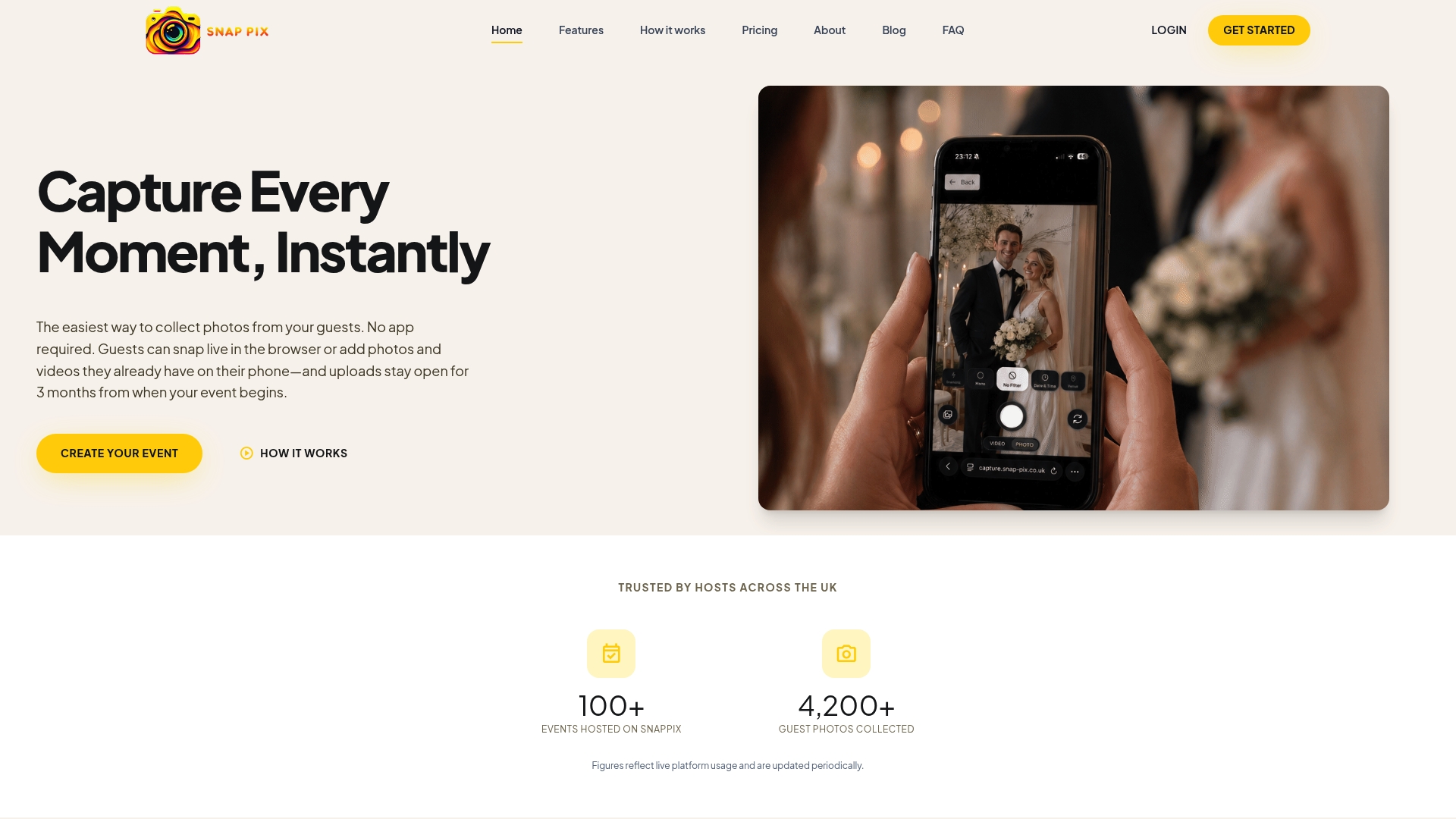
A good setup is private by default. At SnapPix, your QR code carries a private event password, so only people you give it to can get in. There’s nothing for guests to type. Guests scan your QR code with their phone camera and it opens in their browser, with no app to download and no account to create.
That last point matters for security as well as convenience. When guests do not have to create accounts, there are no new passwords for them to reuse and no extra personal details sitting in yet another place.
If you want to share photos with someone who was not at the event, such as a grandparent who could not travel, use a private share link with an expiry date rather than passing the main QR code around. That way the access ends on its own.

Before the day, create a test event and try the following:
It takes ten minutes and tells you more than any marketing page.
QR codes are convenient, and that is exactly why scammers like them. The National Cyber Security Centre explains that a code in a pub or restaurant is probably safe to scan, while codes in open spaces such as stations and car parks carry more risk. It also advises using your phone’s built-in scanner and being suspicious of any page that asks for excessive information.
For events, the worry is a sticker placed over a genuine code. Fraudsters can put malicious QR-code stickers over legitimate ones at festivals and events, sending people to fake sites that try to steal personal and financial details. Organisers are advised to inspect their codes regularly for signs of tampering.
A wedding reception is a much smaller, controlled space than a festival, but the habits still help:
The cost of getting it wrong is not trivial. Between April 2024 and April 2025, Action Fraud received 784 reports of quishing scams, with victims losing nearly £3.5 million. That is a reason for care, not alarm: a printed card on your own table is a very different thing from a random sticker in a car park.
For more on placing and printing codes so they scan first time, see our guides on event QR code signage and the complete party QR code guide.
These four actions are separate, and a secure gallery treats them separately. It is worth asking about each.
| Action | What to check | How it works with SnapPix |
|---|---|---|
| Upload | Who can add photos, and for how long | Guests with your QR code can add photos for 3 months from the event start date |
| View | Whether the gallery is open to anyone | Private by default, with an event password carried in the QR code |
| Download | Whether you keep full quality | Single downloads and a one-click ZIP of high-resolution files on both plans |
| Share | How you pass photos to people outside the event | Private share links with an expiry date |
Guests can take photos and videos of up to 60 seconds in the browser camera, or upload from their camera roll. If the signal drops at the venue, uploads wait on the phone and go through when it returns. That is handy in countryside barns and old halls where mobile signal is patchy.
The Free plan gives 10 uploads per guest. Full Event Access lifts that to unlimited uploads. Everything else is the same on both plans, including the private gallery, the digital guest book, photo challenges and Smart Albums.
Guests who join through your QR code can see the gallery. Photos are not published to a public page. If you would like a bit of fun at the reception, you can run a full-screen slideshow from the host side, which is a deliberate, visible way to show pictures to the room rather than something that happens by accident.
The optional Event Reel, with likes and comments, is something you can choose to use if you want guests to react to each other’s photos. Our photo challenges also have a top-10 leaderboard, so guests can see how they are doing.
You can download single photos or take everything at once as a ZIP. Both are high resolution. When you want to send a few favourites to your parents, a private share link with an expiry date is neater than forwarding a QR code that opens the whole gallery.

For a deeper look at the topic, our guide to secure event photo sharing goes through what hosts should look for.
A wedding gallery is full of people who did not sign up to anything: guests, children, the venue team. UK data protection law applies to photos in which people can be identified, though how it applies to a private family event is a question for a professional if you are unsure. What follows is general good practice, not legal advice.
The University of Edinburgh’s data protection guidance notes that identifiable images are covered by data protection law, which means people should be told about photography and there needs to be a proper basis for taking and using the pictures. It also points out that putting identifiable photos on the open internet is treated as sending them abroad, which is another reason to keep a gallery private rather than public.
For organisers of larger or more formal events, such as a corporate do, UK GDPR and the Data Protection Act 2018 mean working out your role, choosing a lawful basis and telling attendees that photography is happening. If you run a work event, speak to whoever handles data protection at your company.
Girlguiding’s guidance also expects photos to be stored securely, for example password protected or in limited-access cloud storage, and deleted from devices once they have served their purpose. That is written for a youth organisation, but the same habit suits a host: collect in one private place, keep your backup in one place you control, and tidy up stray copies.
A private gallery is only half the story. Photos also need to survive. With SnapPix, guests can add photos for 3 months from the event start date, and the gallery is hosted for 12 months from the event date.
So plan the afterwards:
If you are planning a gallery that stays tidy and time-limited, our guide to temporary photo sharing is worth a read.
Print this or save it to your phone.
Before the day
On the day
After the day
We built SnapPix in Manchester after our own wedding, and we wanted guests to be able to join without friction and without handing over anything about themselves.
That is why there is no app and no guest account. Guests scan your QR code with their phone camera and it opens in their browser. Your QR code carries a private event password, so only people you give it to can get in. There’s nothing for guests to type.
We think good security should be built in, not left for the host to set up. Galleries are private by default, and when you want to share outside the event, private share links come with an expiry date.
We also think hosts should not pay for the basics. Every event starts on the Free plan, with £0, no card needed and 10 uploads per guest. Full Event Access is £14.99 one-time per event, with unlimited uploads and up to 50 AI illustrations, no subscription. Both plans include everything else, including the private gallery, guest book, photo challenges and Smart Albums.
Our advice is simple: pick a gallery that is private by default, check your printed QR codes, tell your guests what you are doing, and download your photos when it is all over.
Liam
If you want a private gallery without asking guests to install anything, start on the Free plan: £0, no card needed, 10 uploads per guest. Full Event Access is £14.99 one-time per event, with unlimited uploads and up to 50 AI illustrations, no subscription. Both plans include everything else.
See both plans on our pricing page, or browse the full feature list to see how the private gallery, guest book and photo challenges work together.
A code on your own printed card in a venue you control is a low-risk situation, and the NCSC says codes in places such as pubs and restaurants are probably safe to scan. Guests should use their phone’s normal camera, and be wary of any page asking for more than it should. Check your printed codes before guests arrive.
They should not. A private gallery keeps photos behind access that comes with your QR code, and you control who you give that to. Avoid posting the code or gallery link publicly. To send photos to someone outside the event, use a private share link with an expiry date.
Identifiable photos count as personal data under UK data protection law, so it is good practice to tell guests that you are collecting photos and where they will go. For children, ask their parents before sharing pictures beyond the private gallery. If you are unsure how the rules apply to your event, ask a data protection professional.
Guests can add photos for 3 months from the event start date, and the gallery is hosted for 12 months from the event date. After the event, download your ZIP and connect Google Drive so you keep your own copy.

Plan product launch event photos your team will actually use: the shots to capture, a shot list by schedule, guest uploads by QR code, and UK photo rules.
What disposable cameras on every table really cost a UK wedding once developing is added, where film still wins, and a phone-based alternative from £0.

What a normal phone photo weighs in MB, JPEG vs PNG vs HEIC, and what size you need for screens and prints, so guests' event photos stay sharp.