One link, no app: sports tournament photo sharing with privacy
SnapPix TeamPublished 22 Sept 202619 min read
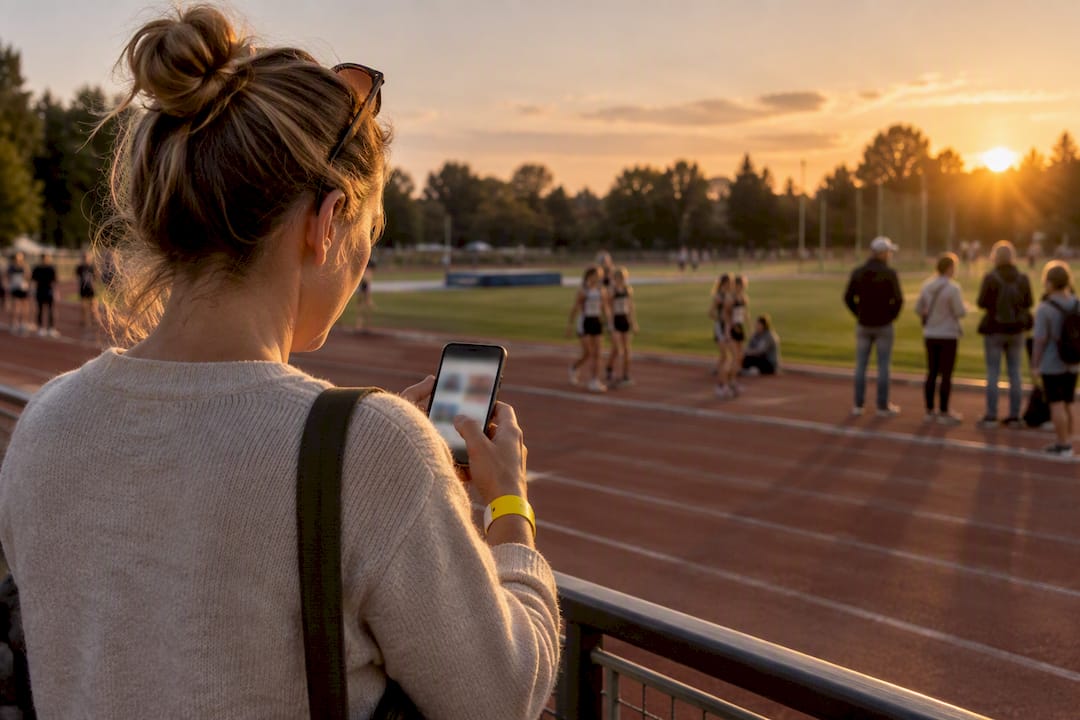
The simplest reliable way to handle sports tournament photo sharing is a private, browser-accessible gallery reached by QR code or a single link. It skips app downloads, keeps full-resolution photos intact, and lets every parent, coach, and spectator upload in seconds. Get the privacy settings and organisation right, and the rest looks after itself. Some platforms build the whole experience around this approach.
TL;DR:
- Using a QR code or private link gallery allows spectators to upload full-resolution photos directly in their browser with minimal friction, increasing participation.
- Clear signage at key points like registration and medals boosts scan rates and engagement, especially with well-placed visual prompts.
- Collecting consent at registration and keeping the gallery link private ensures appropriate privacy protections for children and compliance with data regulations.
- Organizers should set a specific gallery retention period, typically a few months, to balance accessibility with storage management.
- Platforms like SnapPix offer cost-effective options, including free plans for small events and affordable one-time fees for full-feature access, simplifying setup and management.
Not every event needs the same setup. Your choice depends on how many contributors you expect, how much control you want over quality, and how much time you have to manage it on the day.
A QR code or link gallery works by giving every guest one destination. They scan a code on a poster or programme, open it in their phone’s browser, and upload straight from their camera roll. No account, no app store, no waiting. This matters because friction is the biggest reason spectators never bother sharing what they’ve captured. Every extra step, whether that’s a download or a login screen, quietly drops participation.
Photographer-managed galleries suit tournaments with a budget for a hired professional. You get consistent quality and, often, a built-in sales workflow if the photographer wants to offer prints or downloads for a fee. The trade-off is coverage: one photographer cannot be pitchside, in the stands, and by the medal table all at once.
Private group chats and messaging apps feel convenient because everyone already has them installed. The catch is compression. Photos shared through most messaging platforms lose enough resolution to make printing genuinely disappointing, and albums fragment across a dozen separate threads with no central home.
Manual transfers, such as a shared cloud folder or a USB stick passed between parents, work fine for a five-a-side club night. They collapse the moment you have more than a handful of contributors, because nobody wants to hunt down a folder link mid-tournament.
Getting from “final whistle” to “gallery live” takes minutes once you know the order of operations.
Pro Tip: Put the QR code where people naturally pause, like the medal presentation or the registration desk. That’s when the urge to save the moment is strongest, and scan rates jump accordingly.
Youth sport photography carries different obligations from a wedding or office party, and it’s worth treating it that way from the outset.
Keep the gallery link private rather than posting a public social media album, and make sure you can revoke access if a family requests it. Collect consent at registration, ideally through a short line on your existing sign-up form asking whether a guardian is comfortable with their child appearing in shared photos. State clearly how long the gallery will remain hosted.
Be especially cautious with any face-search or automatic tagging feature when children under 13 are involved. In the United States, this territory brushes up against COPPA-style protections for children’s data, so treat biometric matching for under-13s as something that needs explicit parental consent and, ideally, a quick legal check rather than a default setting. Store the full-resolution originals securely, and be explicit about who is permitted to download them, whether that’s every guardian or only the club committee.
Coverage improves fast once contribution feels effortless and slightly fun. Two things drive that: visible prompts and light competition.
Pro Tip: Announce the photo challenge winner over the tannoy or in the final results post. Public recognition, however small, is what actually gets phones out of pockets.
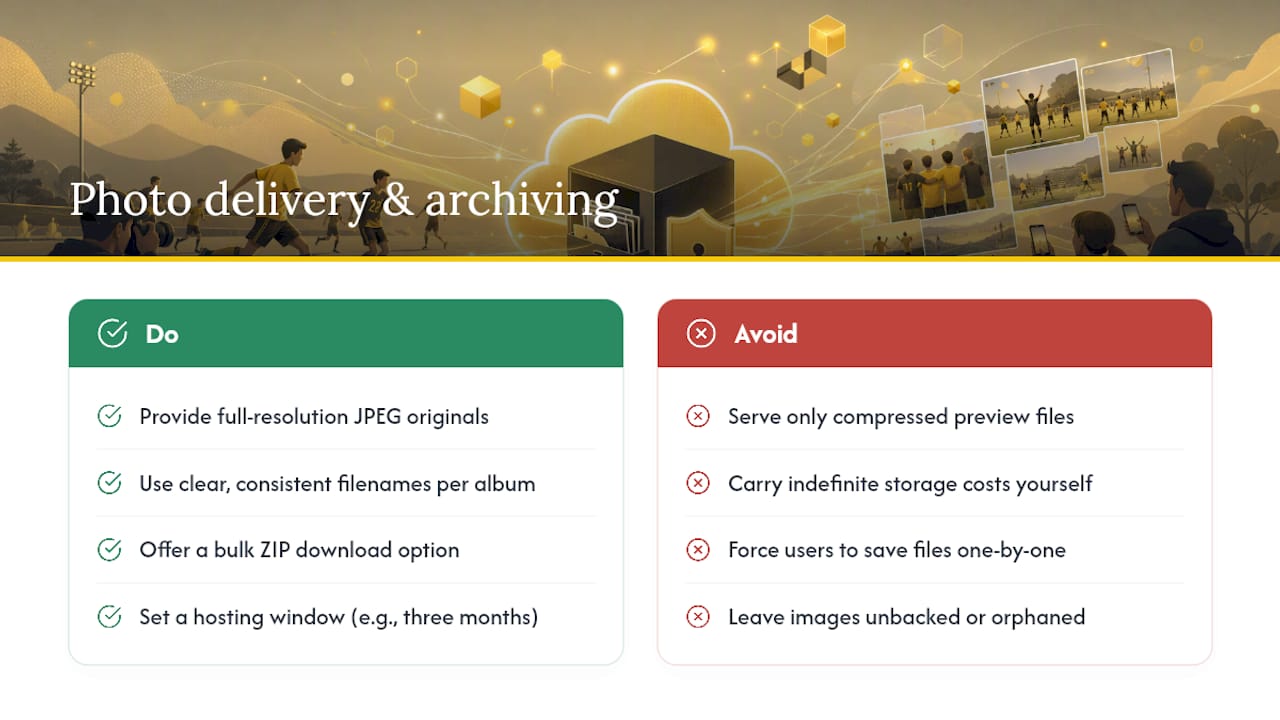
A gallery is only useful if the files inside it are genuinely worth keeping. Insist on full-resolution originals rather than compressed previews. Anything you plan to hand to a print lab should stay in JPEG format with clear, consistent file names, ideally matching your album naming convention from setup.
Decide early whether the gallery is a short-term convenience or a season-long archive. A three-month hosting window gives parents ample time to download images and order prints without leaving organisers to carry indefinite storage costs. Offer a bulk zip download for anyone who wants everything at once, rather than forcing individual file saves. For anything you consider genuinely valuable, back it up separately to cloud storage or a local drive with the album name and date kept in the file metadata, so nothing gets orphaned a year later.
The most common mistake isn’t technical. It’s assuming people will find the gallery on their own. A code without signage, or a link buried three messages deep in a group chat, gets ignored. The workflow that actually works is boring and reliable: one link, one clear announcement, one owner chasing stragglers. Platforms built specifically around no-app QR access, such as SnapPix, exist because that friction point is where most tournament galleries quietly fail, and SnapPix’s own gallery approach has already collected over 4,200 guest photos across events built the same way.
— Liam
There are practical options available that provide a QR-code gallery guests can open straight in their browser, without requiring an app or account, with AI-driven smart albums that group photos by player or team automatically. Photo challenges can help keep contributions coming throughout the day, and galleries can stay live for a specified period, giving parents time to download full-resolution shots for printing.

Setting one up costs nothing to try: the Free plan covers small events, while Full Event Access at £14.99 one off per event unlocks unlimited uploads and the full feature set for a whole tournament. Check the SnapPix features page for exactly how the QR gallery and guest book work, then activate your gallery before your next match day.
For signage placement that actually gets scanned, Arrowhead Sign Company’s corporate event display examples cover banner and step-and-repeat positioning that translates well to pitchside setups. For implementation detail on the gallery side, SnapPix’s guides on QR code placement for events, organising bulk event photos, and temporary gallery retention settings walk through naming conventions and access windows in more depth.
Yes. A QR code or private link opens the gallery directly in a phone’s browser, with no app store visit or account creation needed. This is the core design behind platforms like SnapPix, which is built entirely around no-app browser access.
Keep the link private rather than posting a public social media album, collect consent at registration, and avoid biometric or face-search features for under-13s without explicit parental sign-off. In the United States, treat this as bordering COPPA-style obligations rather than a routine setting to leave switched on.
A single private link or QR code shared once in the main team channel works far better than asking dozens of people to email or message files individually. Placing that code at registration and the medal area captures uploads while enthusiasm is highest.
Most organisers find a few months strikes the right balance, giving families enough time to download and print without leaving hosting open indefinitely. SnapPix, for example, keeps galleries accessible for three months after the event.
SnapPix offers a Free plan for smaller galleries, or Full Event Access at £14.99 one off per event for unlimited uploads and the full feature set across a whole tournament.

Secure sponsor access to event photos with a host controlled workflow. Use time limited QR links, view only tokens, instant revocation, and access logs.

A practical host first workflow: collect no app QR uploads, keep moderation and professional curation, set retention and backup plans so you stay in control.

Event hosts' practical guide to posed and candid photos: perception research, hands on shooting tips, and no app guest uploads to boost candid coverage.