Private No App Photo Sharing: 5 Ways to Send or Collect
SnapPix TeamPublished 12 Sept 202637 min read
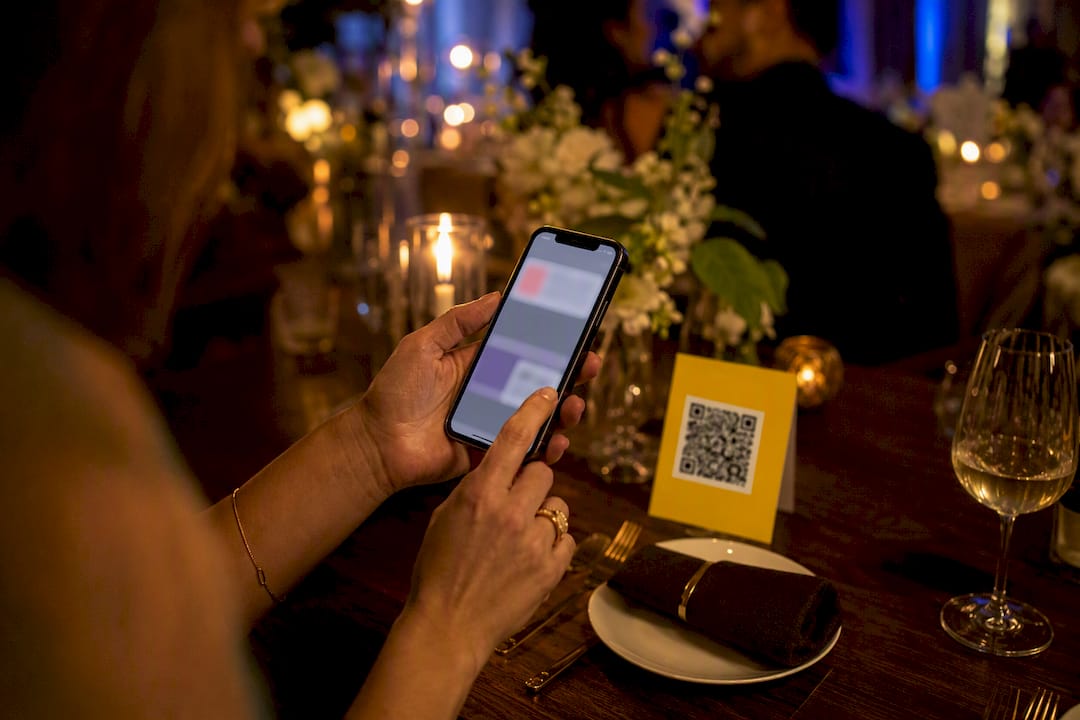
The best ways to share photos without social media are no-account private links, end-to-end encrypted messaging, peer-to-peer transfers like AirDrop, and QR browser galleries for events. For a family album, use an encrypted cloud link. For a sensitive single image, use encrypted messaging or a passworded one-off link. For a wedding or party, a no-app QR gallery beats chasing everyone’s phone numbers. Here’s how each one works and when to pick it.
TL;DR:
- End-to-end encrypted cloud links provide the strongest privacy with control over sharing duration and revocation, ideal for long-term family albums.
- Encrypted messaging apps are best for quick, single sensitive photos, but do not prevent recipients from saving or forwarding once received.
- Peer-to-peer transfers like AirDrop deliver full-resolution files directly between devices, without involving a server, but require physical proximity.
- No-account, one-off links are suitable for sending a batch of photos without requiring the recipient to create an account, but quality may vary and links can be less secure if not properly protected.
- QR browser galleries efficiently collect photos from multiple guests at events, offering low friction and customizable options for privacy and organization.
Before you pick a tool, it helps to see the whole picture side by side. Each method below trades something for something else, usually privacy against convenience, or image quality against file size.
End-to-end encrypted cloud storage gives you the strongest privacy on this list, because the provider genuinely cannot see your files. Setup takes a few minutes longer than a normal upload, and recipients occasionally need to enter a password, but the trade-off buys you real control. Best for: ongoing family albums where you want to add and remove photos over months.
Encrypted messaging apps (Signal, iMessage between Apple devices) are the fastest way to send something private right now. They are E2EE in transit, so nobody sitting on the network between you and the recipient can read the image. The catch: once it lands on someone’s phone, you have no control over what they do with it. Best for: a single sensitive photo you need to send in the next thirty seconds.
Peer-to-peer transfers like AirDrop skip the internet entirely. The devices talk directly to each other, so there’s no server in the middle to worry about. Best for: handing over full-resolution wedding photos to someone stood next to you.
No-account, one-off links sit in the middle. You upload once, share a link, and the recipient downloads without creating an account. Quality depends on the service, some compress images to save bandwidth. Best for: sending twenty photos to your sister without asking her to sign up for anything.
QR browser galleries solve a different problem: collecting photos from a crowd, not sending them to one person. Guests scan a code, upload from their camera roll, done. Best for: weddings, parties, and any event where dozens of people are all taking photos on different phones.
A quick note most guides skip: even a passworded link doesn’t stop the hosting provider seeing your images unless the service is genuinely end-to-end encrypted. And most phones still embed location and camera data inside the photo file itself, so a private link can still leak where a picture was taken unless you strip that metadata first.
End-to-end encryption means your photos are scrambled on your own device before they ever reach a server, and only someone with the right key, usually the recipient with your shared link, can unscramble them. Services like Proton Drive are built this way by design: the company hosting your files literally cannot open them, because the decryption happens client-side, not on their servers.
That’s a meaningfully different promise from ordinary cloud storage, where the provider can technically access your files even if they say they won’t. If you’ve ever assumed a password on a shared link makes it “private,” it’s worth knowing that a password alone doesn’t stop the storage company from viewing the file. Genuine privacy needs the provider to have zero access, which is exactly what E2EE gives you.
That last step matters more than people think. A link left live for months is a link someone can stumble onto or have forwarded to them without your knowledge.
Pro Tip: If a service’s marketing only talks about “bank-level encryption” without saying who holds the decryption key, assume the provider can see your files. Ask directly, or look for the words “zero-access” or “end-to-end” in their actual security documentation.
The honest trade-off here is friction. Some E2EE services ask non-technical recipients to create an account before they can view anything, which is a real barrier for a grandparent who just wants to see the baby photos. Cost can also creep in if you need more storage than the free tier offers. If your recipient is comfortable clicking a link and typing a password, this is close to the gold standard. If they need something that “just works” with zero setup, weigh that against the privacy gain.
For most one-off, low-stakes sharing, yes. Signal and iMessage (between two Apple devices) both encrypt content end-to-end in transit, meaning nobody intercepting the connection, not even the app maker in Signal’s case, can read what you send. Security researchers generally agree that for casual sharing, E2EE messaging is genuinely sufficient, it’s only when you need to revoke something after sending that messaging apps fall short.
Speed is the real selling point. There’s no upload page, no link to generate, no password to invent. You open the chat, attach the photo, and it’s gone in seconds.
Encryption in transit says nothing about what happens after delivery. Screenshots, phone-based backups, and forwarding are all completely outside the app’s control once the image is on someone else’s device. There’s also a metadata wrinkle: even inside a secure chat, the original file can still carry EXIF location data if the app doesn’t strip it automatically, which some do and some don’t.
For iMessage, confirm both parties see the blue bubble, that’s your signal the message is actually end-to-end encrypted rather than falling back to standard SMS, which isn’t. For Signal, enable disappearing messages for anything sensitive and double-check the recipient’s safety number if you’re sharing something you genuinely can’t afford to have intercepted. For secure email (services offering PGP or built-in encryption), attach the photo as normal but confirm the recipient’s client actually decrypts it, an encrypted email sent to someone without compatible software just arrives as gibberish.
Use peer-to-peer transfer whenever you and the recipient are in the same room and want the fastest, highest-quality copy with nothing touching a server. AirDrop creates a direct Bluetooth-and-Wi-Fi connection between two devices, so your photos never pass through Apple’s cloud or anyone else’s. That’s the whole appeal: no upload, no compression, no third party in the middle.
The full-resolution file arrives exactly as it left your phone, which matters if you’re handing over professional shots or anything you might want to print later.
Pro Tip: If you’re handing over dozens of event photos to one person on the spot, a USB cable or direct local transfer is genuinely faster and higher quality than uploading and re-downloading through any cloud service.
Peer-to-peer wins decisively when you’re both physically present and want zero cloud involvement. It’s the wrong tool the moment either of you is remote, there’s no working around distance with a Bluetooth connection.
A no-account link is the right call when you want to send a defined batch of photos to someone once, without either of you creating an account anywhere. It’s a genuinely different thing from an ongoing album: a one-off link is built to be downloaded and forgotten, while a browsable album stays live for repeat viewing.
The setup is usually quick. You upload your files to a transfer service, generate a link, and send it however you like, text, email, whichever the recipient checks most often. Some services, including options compared in this WeTransfer versus Dropbox breakdown, differ significantly on whether files are end-to-end encrypted or just encrypted server-side, which is worth checking before you assume a transfer link is private by default.
This is your simplest correct choice when the relationship is a single handover, not an ongoing share, and when the recipient has zero appetite for setting up an account just to see some holiday photos.
Ask yourself four questions before you pick a tool, and the right method usually becomes obvious.
Security specialists call this exercise defining your threat model, working out specifically who or what you’re protecting against before choosing a tool. Casual sharing between friends usually only needs E2EE messaging. Content you might need to pull back later needs a proper vault with revoke and expiry built in.
Steer clear of ad-funded photo platforms that scan uploads to serve targeted advertising, that scanning is precisely the kind of server-side access E2EE is designed to prevent. Avoid public, unlisted links with no password, “unlisted” is not the same as private; anyone with the URL can view it indefinitely. And be wary of any service that auto-backs up your shared photos to a second cloud location without telling you, quietly duplicating your exposure across two platforms instead of one. As Proton’s guidance on private photo sharing points out, a password on a link is often mistaken for genuine privacy when the underlying storage still isn’t end-to-end encrypted.
Weddings and parties break every method above, because you’re not sharing with one person, you’re collecting from dozens of guests, most of whom won’t install an app for a single afternoon. This is where a QR browser gallery earns its place on the list.
The guest experience is deliberately minimal. Someone scans a code printed on a table card or shown on a screen, their phone opens a browser upload page, no app store, no account, no password to invent on the spot. They pick photos from their camera roll or shoot live through the browser, hit submit, and they’re done in under a minute. That low-friction design matters: event workflows built this way deliberately avoid asking guests to register, because every extra step is a guest who decides it’s not worth the bother.
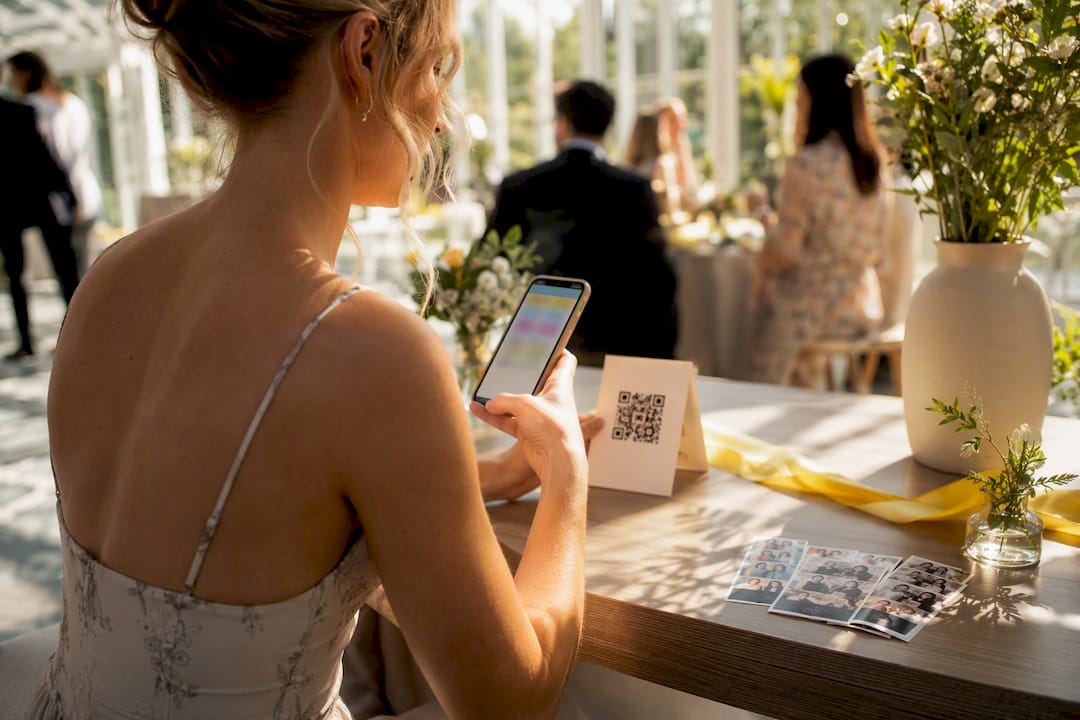
SnapPix runs on exactly this model. Guests scan a QR code and upload straight from their phone, no app installation required, and the resulting gallery stays live for three months so latecomers and forgetful guests still have time to add their shots. Hosts can password-protect the gallery so it’s not sitting open to anyone who happens to find the link, and a clear deletion policy governs what happens to the photos once the hosting window closes.
The platform has already collected thousands of guest photos across real events, evidence that the no-app model genuinely gets busy, distracted guests to actually contribute rather than forgetting to send anything afterwards. Beyond straightforward collection, AI-driven smart albums group similar shots automatically, and built-in photo challenges nudge guests to capture specific moments you might otherwise miss entirely.
Pro Tip: If you’re planning a wedding, don’t wait until the day itself to decide how you’ll collect guest photos. Set the QR code up in advance and display it at every table, on the programme, and near the guest book, so it becomes second nature rather than an afterthought people forget by dessert.
Use this approach instead of a post-event album link whenever you’re gathering from a group rather than sending to an individual. A shared album link still requires everyone to find it, remember to check it, and manually upload, exactly the friction a QR gallery is designed to remove.
Three things separate hosts who actually get their guest photos from those who end up with a scattered pile of texts. First, decide your method before the event, not during it, retrofitting privacy after photos are already scattered across group chats is nearly impossible. Second, match the tool to the audience: your tech-savvy cousin will tolerate an app, your grandmother won’t. Third, always set an expiry or deletion date, indefinite hosting is how forgotten links become tomorrow’s privacy problem.
The most common mistake is treating “private link” and “encrypted” as the same thing, they aren’t. The second is assuming guests will use whatever app you personally prefer. The third is skipping metadata checks on anything with a location attached. For most hosts, an app-free QR gallery with a password and a defined hosting window solves more problems than it creates.
— Liam
SnapPix is the practical alternative to chasing forty different phone numbers after your event: one QR code replaces the app download, the account creation, and the group chat nobody checks. Guests scan, upload from their camera roll or straight from their browser camera, and every photo lands in one organised gallery, no software required from a single guest.

Set-up takes minutes: create your event, print or display the QR code, and let uploads roll in for a three-month window while AI-driven smart albums sort the results and photo challenges keep guests engaged throughout the day. Galleries can be password-protected, and the deletion policy spells out exactly what happens to your photos once hosting ends. If you’re planning a wedding, birthday, or any gathering where you don’t want to rely on social media to gather everyone’s shots, take a look at the full feature list and get your event’s QR code set up before the guest list arrives.
Use an end-to-end encrypted cloud link for ongoing albums, encrypted messaging like Signal or iMessage for quick single images, AirDrop for in-person transfers, and a QR browser gallery like SnapPix when collecting from a group at an event.
The most private method is end-to-end encryption, where the provider cannot see your files at all, combined with a passworded, expiring link you revoke once the recipient has downloaded everything.
AirDrop is genuinely private in the sense that it creates a direct device-to-device connection with no cloud server involved, though setting visibility to Contacts Only is essential to stop strangers from seeing your device nearby.
Yes. Photos typically embed camera and GPS data in their metadata, so anyone who downloads the file can potentially see where it was taken unless that data is stripped before sharing.
Yes, a QR browser gallery like SnapPix lets guests scan a code, upload directly from their phone’s browser, and skip any app installation or account creation entirely.

Event hosts' practical guide to posed and candid photos: perception research, hands on shooting tips, and no app guest uploads to boost candid coverage.

Which event technologies are production ready for 2026 and how to adopt them with clear consent, governance, and a no app QR photo pilot.

Which routes keep EXIF or strip GPS? Quick checks to view or remove metadata, plus a three month workflow to collect guest photos.