Wedding Guest Experience: How to Look After Everyone, Start to Finish
SnapPix TeamPublished 12 Nov 202634 min read

A good wedding guest experience is mostly small, considerate decisions: clear information before the day, a warm welcome, comfort and access, something to do in the gaps, and a proper thank-you afterwards. Guests tend to remember how the day made them feel more than the exact details, so you don’t need a big budget. You need a plan. One easy way to include everyone is to let them share their own photos of your day through one QR code, which is what we built SnapPix for.
Think of it as a timeline rather than a list of extras. It starts when the invitation lands and ends when the thank-you card arrives. In between, guests want to know where to be and when, to feel comfortable, to meet people, and to feel that you noticed they came.
The UK guide from Guides for Brides makes the same point: it is about helping everyone feel informed, comfortable and included, not about adding to your to-do list. That is good news if your budget is tight. Most of what follows costs little or nothing.
A useful way to plan is to walk through the day as a guest would, in six stages:
Most guest frustration comes from missing information. Put everything in one place, such as a wedding website, a printed insert or an email, and send it well ahead.
Include:
If you want to collect RSVPs and dietary needs in the same place, SnapPix includes a guest list and online RSVPs with your own questions. You can send personal email invites, or share an open RSVP link or QR code. Responses are summarised for you, and guests can bring a plus-one if you allow it. You can see the whole set on our features page.
Guests arrive nervous about parking, unsure which door to use and often a bit early. A few things help a lot:
A welcome sign is also the ideal place for your QR code. Put a small card or sign at the entrance with a short line such as “Scan to add your photos of the day”. Hosts can order printed QR place cards, table signs and entrance signs from us, posted to them. Have a look at our QR cards page for what is available.
Comfort is the part of a guest experience people notice only when it goes wrong. Cold guests, no seats, long queues for the toilets and no shelter in a downpour are what get remembered.
Start with the basics:
Weddings bring together grandparents, toddlers, wheelchair users, people with hearing loss and guests who find crowds exhausting. A few checks cover most of it. Torbay Council’s inclusive events guidance suggests asking whether the space is easy to reach for wheelchair users and pushchairs, whether there are ramps or lifts, whether toilets are accessible to everyone and whether signage is clear. It also lists simple adjustments: rearranging seating, widening walkways, creating a quiet space, changing lighting or sound, and arranging interpreters.
The NHS Greater Manchester inclusive events guide adds that access details should be shared in advance and that BSL interpreters or live captions need arranging a few weeks ahead. The RIBA inclusive events checklist asks about toilets, lift size, a variety of seating and enough space for everyone to move around comfortably.
In practice:
Small extras also go down well: a basket in the toilets with plasters, hairbrushes and tissues, and a phone charging point for a long day.
Your seating plan is a guest experience tool. Seating people by shared interests, life stage or personality helps conversation start naturally, and Emily Young Weddings suggests blending guests who know fewer people into established groups rather than leaving them on their own.
A few practical habits:
Larger guest lists need more operational thought. Wedding experts quoted by Boho Weddings link guest numbers to bar capacity, toilets, signage and the timing of transitions between ceremony, drinks and reception. The more guests you invite, the more those logistics matter.
The gap between the ceremony and the wedding breakfast is where guests get bored. The same goes for the stretch between the meal and the first dance, which is often the longest. Common guest complaints include unclear scheduling and long gaps, and Benessamy suggests a printed schedule or chalkboard, plus table quizzes, guest books and photo booths to fill the time.
Ideas that work in a UK venue:
More is not better. Planner commentary reported by Gathered warns that a tightly packed schedule of performers and games can be less enjoyable than giving guests time to relax, chat and dance. Pick one or two things, and leave space around them.
There is one activity that works in the gaps, at the table and on the dance floor: letting guests take and share photos. They already have a camera in their pocket, and they are often standing in places your photographer isn’t.

The usual problem is getting those photos afterwards. Guests take them and they stay on individual phones. A shared gallery fixes that, and the trick is making it so easy that nobody needs persuading.
Here is how it works with SnapPix:
Your QR code carries a private event password, so only people you give it to can get in. There’s nothing for guests to type.
Mobile signal at rural venues, barns and old country houses can be patchy. Uploads wait on the phone if signal drops and go through when it returns, so guests don’t lose their pictures.
If you’d like more on the practical side, our guides cover how to collect wedding photos from guests and using a QR code at your wedding. Our wedding page is the place to start if you’re planning the big day.
People take part more when there is a small prompt. Both plans include:
On Full Event Access, guests can also get AI caricature and watercolour illustrations, which work like a modern take on a live sketch artist. There are up to 50 illustrations per event and 4 per guest.
Guests can also use SnapPix in six languages through the guest portal, and add it to their phone’s home screen if they want to come back to it.
The things guests mention afterwards are rarely expensive. Amanda Whiston Events points to small personal details and participatory table elements, such as personalised letters at each place or a custom cocktail. Other ideas:
Pick two or three that suit you. Trying to do all of them is how a budget disappears.
The end of the night is when guests are tired, coats are needed and taxis are scarce. EXECUTIONAL’s event guest guide recommends planning for the cloakroom rush, having taxi numbers or the rank location ready and knowing the last train times. If you have a wedding website, repeat that information there and print it near the exit.
A final touch is something small to take home: a favour, a feedback card or a note. It doesn’t need to be elaborate.
Guests enjoy hearing from you after the day. A UK stationery guide from Splendid Swan suggests naming the person, mentioning their gift and sending cards promptly, within one to three weeks. Guides for Brides notes that etiquette allows up to three months, and that sharing favourite photographs is a nice part of saying thanks.

That is where a shared gallery earns its place. You can send guests a private share link with an expiry date, so they can look back at the day’s photos. Put a short line about it in your thank-you cards. Some couples already add a QR code to their cards to link to a photo gallery, as Bespoke-Bride reports.
Two timings to know with SnapPix:
So download your ZIP after the event and connect Google Drive. Then your photos are safe in your own storage, whatever happens later.
A photo of a recognisable person counts as personal data under UK GDPR, as this UK guide to photo consent explains. At a wedding the practical version is simple: your gallery is private by default, so only people you give the QR code or a share link to can see it. If children are among the guests, ask their parents before sharing their pictures more widely, for example on social media.
You can’t do everything, and you shouldn’t. Guides for Brides recommends choosing one or two interactive experiences that reflect your personalities rather than trying to include everything. A simple way to decide:
| Your situation | Where to focus |
|---|---|
| Small guest list, one room | Seating plan, personal notes, a guest book |
| Large guest list | Signage, toilets, bar capacity, timings, a clear order of the day |
| Rural venue with poor mobile signal | Printed information and a photo tool that queues uploads |
| Tight budget | Information, comfort, one activity and a shared photo gallery |
| Many older or less mobile guests | Step-free routes, seating, quieter music, a rest area |
| Lots of children | Activities at the table, a quiet corner, early food |
Then check each idea against three questions: does it help guests feel informed, comfortable or connected? Does it fit your venue and schedule? Can you afford it without cutting something more important?
Our view is that the best guest experience asks very little of the guest. Nobody wants to download an app on the way to a reception, remember a password or find the one person who has the link. That is why guests scan your QR code and are straight in, with no app and no account.
We built SnapPix in Manchester, as a couple who made it for our own wedding. We wanted the photos our friends and family took, not only the ones from the day’s professional shots, and we wanted them in one place the day after.
We also think a host shouldn’t have to choose between a decent tool and a fair price. Every event starts on the Free plan, which includes photo challenges, the digital guest book, host-only AI Smart Albums and Google Drive backup. If you want unlimited uploads and AI illustrations, Full Event Access is a one-time fee for your event, with no subscription.
Plan the welcome, the comfort and the pacing first. Then let your guests add their own view of the day.
Liam
Every SnapPix event starts on the Free plan: £0, no card needed, 10 uploads per guest, with unlimited guests and high-resolution downloads with a one-click ZIP. Full Event Access is £14.99 one-time per event, with unlimited uploads and up to 50 AI illustrations, and no subscription. Both plans include everything else, from photo challenges to the guest book and the slideshow. See both plans on our pricing page, or create your event in under a minute.
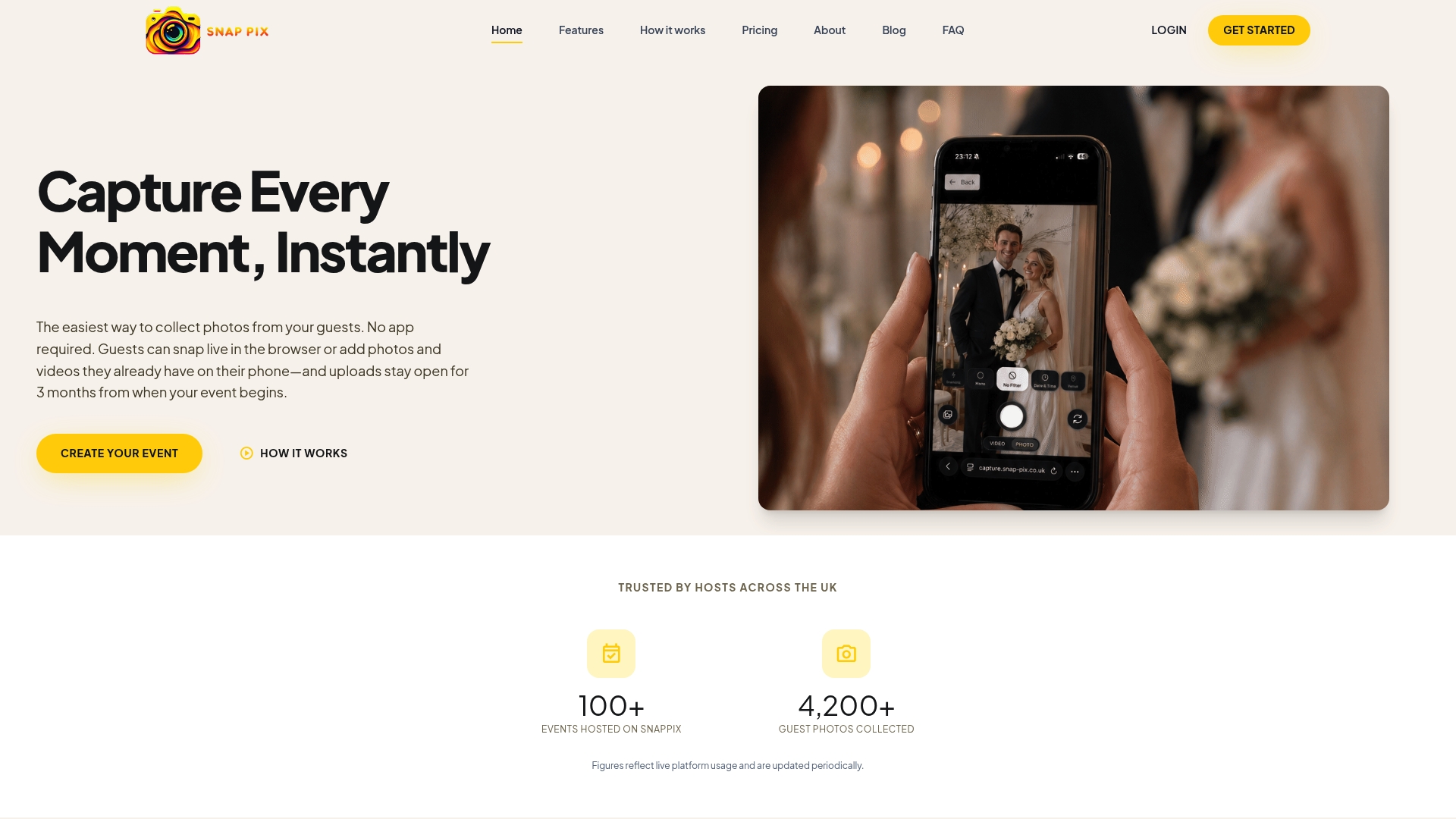
Put your effort into information, comfort and one or two personal touches. A clear website, signs, seating that works and a warm welcome cost very little. Add one activity, such as a guest book or a photo challenge, rather than a long list.
Give them a drink, something to eat and something simple to do, such as lawn games, a table quiz or a photo challenge. Print the order of the day so they know how long the wait is. Leave some time free for chatting.
Guests scan your QR code with their phone camera and it opens in their browser, with no app to download and no account to create. They can take photos, videos of up to 60 seconds, or upload from their camera roll. Everything goes into your private gallery.
Guests can upload for 3 months from the event start date. The gallery is hosted for 12 months from the event date. Download your ZIP after the event and connect Google Drive so your photos are stored in your own account too.

Plan product launch event photos your team will actually use: the shots to capture, a shot list by schedule, guest uploads by QR code, and UK photo rules.
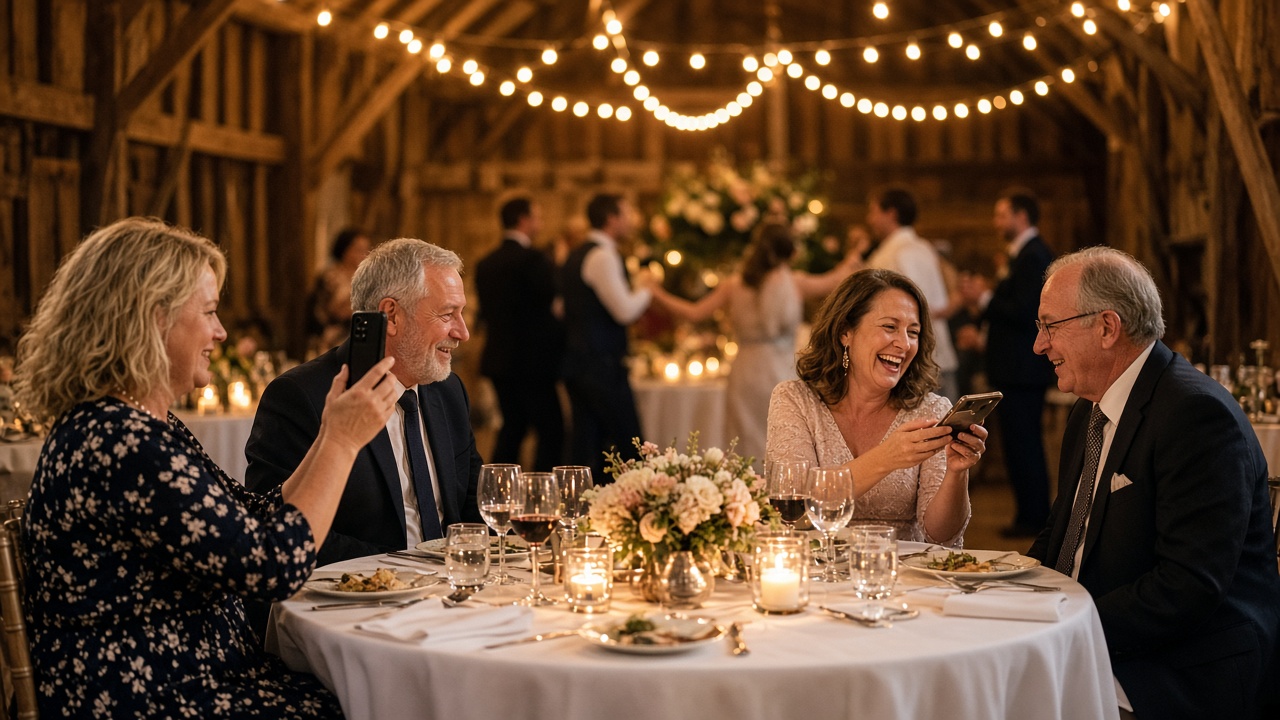
What disposable cameras on every table really cost a UK wedding once developing is added, where film still wins, and a phone-based alternative from £0.

What a normal phone photo weighs in MB, JPEG vs PNG vs HEIC, and what size you need for screens and prints, so guests' event photos stay sharp.