AI photo organisation for events: the no-app guide
SnapPix TeamPublished 9 Aug 202626 min read
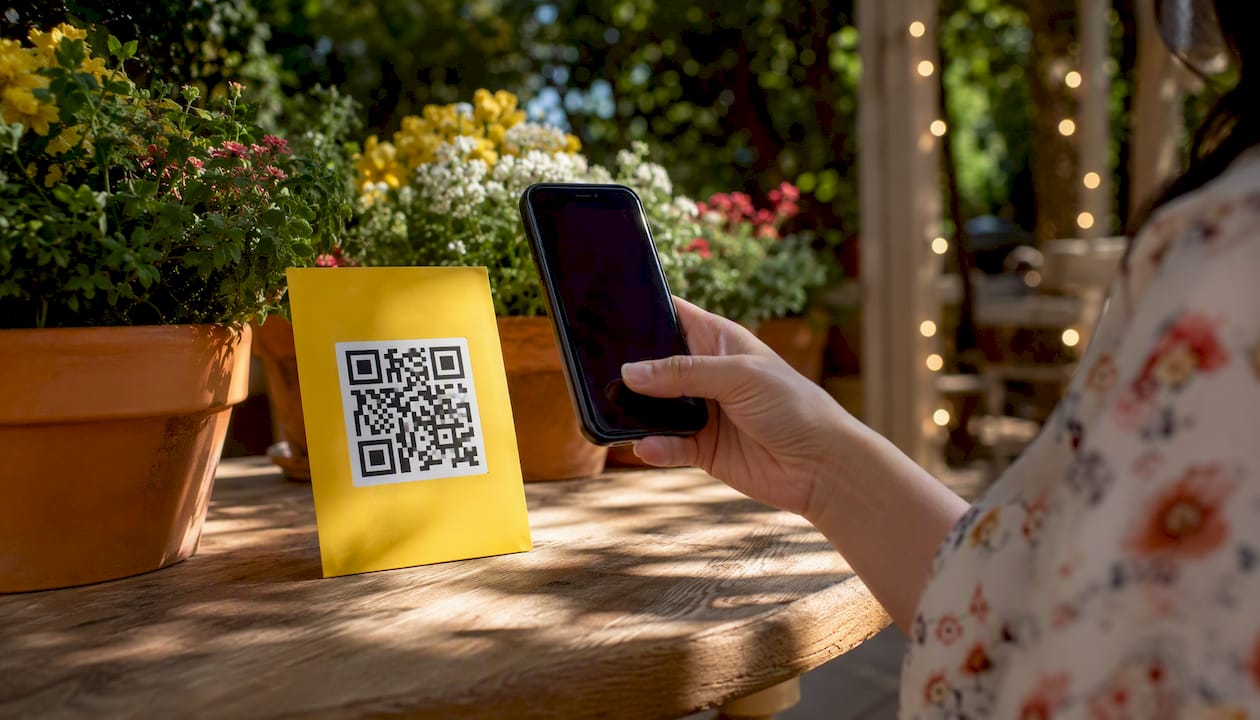
The fastest way to collect and organise guest photos at any event is a browser-based QR gallery paired with AI Smart Albums. Guests scan a code, upload directly from their phone browser, and the AI groups everything automatically. No app download. No account creation. No chasing people for files afterwards.
Here is what this approach gives you in practice:
SnapPix has already collected over 4,200 guest photos across weddings and corporate events using exactly this model, making it one of the most proven no-app platforms available to UK hosts.
A no-app QR gallery with AI Smart Albums is the most practical way for UK event hosts to collect, organise, and download guest photos without friction on either side.
| Point | Details |
|---|---|
| No-app collection removes friction | Guests scan, upload in their browser, and never visit an app store or create an account. |
| AI Smart Albums sort the bulk | Face clustering, scene tagging, and highlight surfacing handle most of the organisation automatically. |
| Setup takes minutes, not hours | Create the gallery, generate the QR code, test the upload flow, and print signage before the event. |
| Three-month upload window matters | Guests with cameras or late uploads can still contribute weeks after the event. |
| SnapPix covers the full workflow | QR Gallery, AI Smart Albums, Photo Challenges, Guest Book, and high-res downloads in one flat-fee platform. |
The flow is simpler than most hosts expect. SnapPix documents the full host and guest process in its how-it-works guide, and it breaks down into two parallel tracks.
Host steps:
Guest steps:
Browser-based QR photo sharing works because modern phones handle the entire flow natively in Safari or Chrome, with no app store visit or account required.
| Device type | Native QR scanning | Browser file upload |
|---|---|---|
| iPhone | Yes, built into Camera app | Yes, via Safari |
| Android | Yes, built into Camera app | Yes, via Chrome |
| Older Android | Needs a free QR scanner app | Yes, via browser |
| Older iPhone | Needs a free QR scanner app | Yes, via browser |
The vast majority of guests at a typical UK event will be on a supported device. Older phones still work; they just need a one-time free scanner download.
Pro Tip: Run a full test upload yourself before the event. Scan your own QR code, upload a photo, and confirm it appears in the gallery. This takes two minutes and catches any configuration issues before your guests arrive.
The term “intelligent photo management” covers a lot of ground. For event hosts, the features that genuinely save time are specific. SnapPix’s AI Smart Albums automatically group and surface highlights from your event gallery, and the practical outputs include:
Event-focused AI trained on ceremony and reception scenes produces more relevant smart albums than general-purpose personal-photo tools, which are built around holidays and family snapshots rather than structured event moments.
That said, AI is not a replacement for a final human pass. The smart albums surface the highlights quickly, but you will still want to review sensitive or ambiguous images before sharing the gallery broadly. Think of it as AI doing 80% of the sorting work so your manual review is focused and fast.
Getting the setup right before the day makes everything easier. Work through this list in the week leading up to your event.
Pro Tip: Place your largest QR code sign near the exit. Guests who missed earlier prompts will see it as they leave, and that is often when they remember the photos sitting on their phone.
Keep uploads flowing throughout the event rather than waiting for a single moment. A few tactics that work well:
Galleries remain accessible for the default three-month upload window, so guests who used a camera on the day can still add their shots later. Optional extensions are available if you need the gallery open for longer.
Collecting identifiable photos of guests puts you in scope of UK GDPR, even at a private event. These steps keep you on solid ground.
Uploading via a browser without creating an account means guests do not leave a persistent profile on the platform. That ephemeral nature reduces the data footprint significantly and makes deletion requests straightforward to honour.
This guidance is practical rather than formal legal advice. For large corporate events or any situation involving images of minors, speak with your venue’s legal contact or a data protection adviser.
Most platforms in this category use a one-time flat fee per event rather than a monthly subscription. SnapPix follows this model, with a default three-month upload window and an optional annual extension for longer hosting.
The factors that typically push the price up or down:
Qualitatively, entry-level plans suit small gatherings where the host wants basic collection and a simple gallery. Mid-range plans add AI Smart Albums and challenges, which suits weddings and milestone parties. Higher-tier plans typically include custom branding, priority support, and extended hosting, making them the right fit for corporate events where the gallery reflects the company’s identity.
Not every event needs the same configuration. Here is a practical way to think about the fit.
| Event type | Guest tech comfort | AI value | Best configuration |
|---|---|---|---|
| Wedding | Mixed | High | QR Gallery + AI Smart Albums + Photo Challenges |
| Informal birthday party | High | Medium | QR Gallery + Guest Book |
| Large corporate social | Mixed | High | QR Gallery + AI Smart Albums + password protection |
| Formal conference | High | Medium | QR Gallery alongside assigned photographer |
| Graduation or school event | Mixed | High | QR Gallery + moderation queue + privacy note |
| Intimate dinner | High | Low | QR Gallery only |
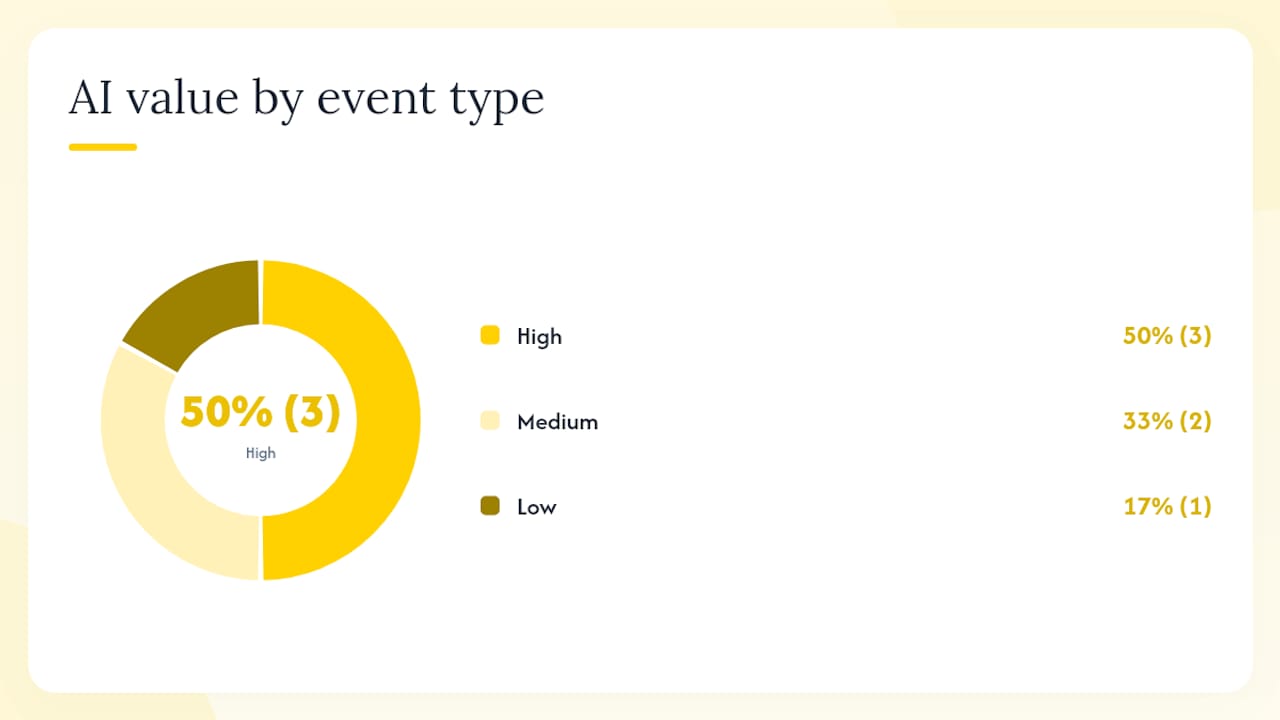
No-app QR galleries work best when guests are arriving from different devices and platforms, when you want candid shots alongside professional ones, and when you need everything in one place without chasing people for files. For formal conferences with a single assigned photographer, the gallery is a useful supplement rather than the primary capture method.
Multi-day or multi-venue events are well served by a single gallery hub with clearly labelled photo challenges for each day or location, which keeps the collection organised without requiring separate galleries.
The conventional wisdom about event photo collection is that you need a professional photographer to get the shots that matter. That is true for portraits and key moments. But the candid photos — the ones guests take of each other at the bar, the group selfies, the spontaneous dances — those almost never make it into the official album. They sit on phones and disappear.
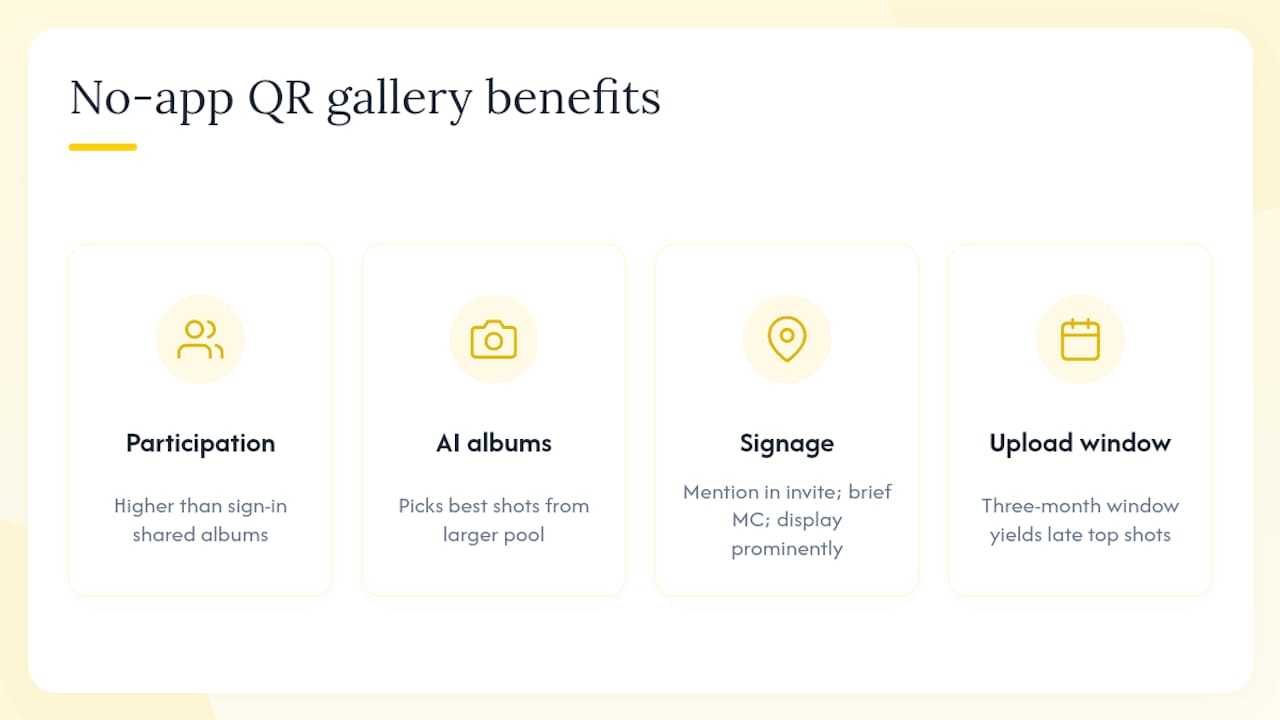
What changes with a no-app QR gallery is not the quality of any single photo. It is the volume and variety of what you actually end up with. When guests do not have to install anything, participation rates are meaningfully higher than with shared-album approaches that require sign-in. The AI Smart Albums then do the work of finding the best of that larger pool, which means you are not just collecting more photos — you are ending up with more good photos.
The gotcha most hosts encounter is signage placement. A QR code that guests only see once, on a single table card, will be ignored. The hosts who get the best results treat the gallery like a feature of the event, not an afterthought. They mention it in the invitation, brief the MC, and put the code somewhere impossible to miss.
The three-month upload window also matters more than it sounds. Guests with cameras, or guests who forgot to upload on the night, will add photos days or weeks later. That long tail of contributions often includes some of the best shots.
Every feature covered in this article is built into SnapPix: a QR Gallery, Photo Challenges, and Guest Book, plus password-protected galleries, AI Smart Albums, a three-month upload window, high-resolution downloads, and unlimited guests. There is no app for your guests to install and no account for them to create.

The pricing is a one-time flat fee per event, with optional extensions if you need the gallery open for longer. You can set up your gallery, generate your QR code, and run a test upload before you commit to anything. Head to SnapPix to see the full host and guest flow, or go straight to the features page to check every capability against your event’s needs.
Before your event, run a test upload on both an iPhone and an Android device to confirm the full flow works end to end. It takes two minutes and removes the most common source of on-the-day surprises.

Event hosts' practical guide to posed and candid photos: perception research, hands on shooting tips, and no app guest uploads to boost candid coverage.

Which event technologies are production ready for 2026 and how to adopt them with clear consent, governance, and a no app QR photo pilot.

Which routes keep EXIF or strip GPS? Quick checks to view or remove metadata, plus a three month workflow to collect guest photos.