Prom Photo Sharing That Actually Works: Private QR Uploads for Organizers
SnapPix TeamPublished 19 Sept 202621 min read
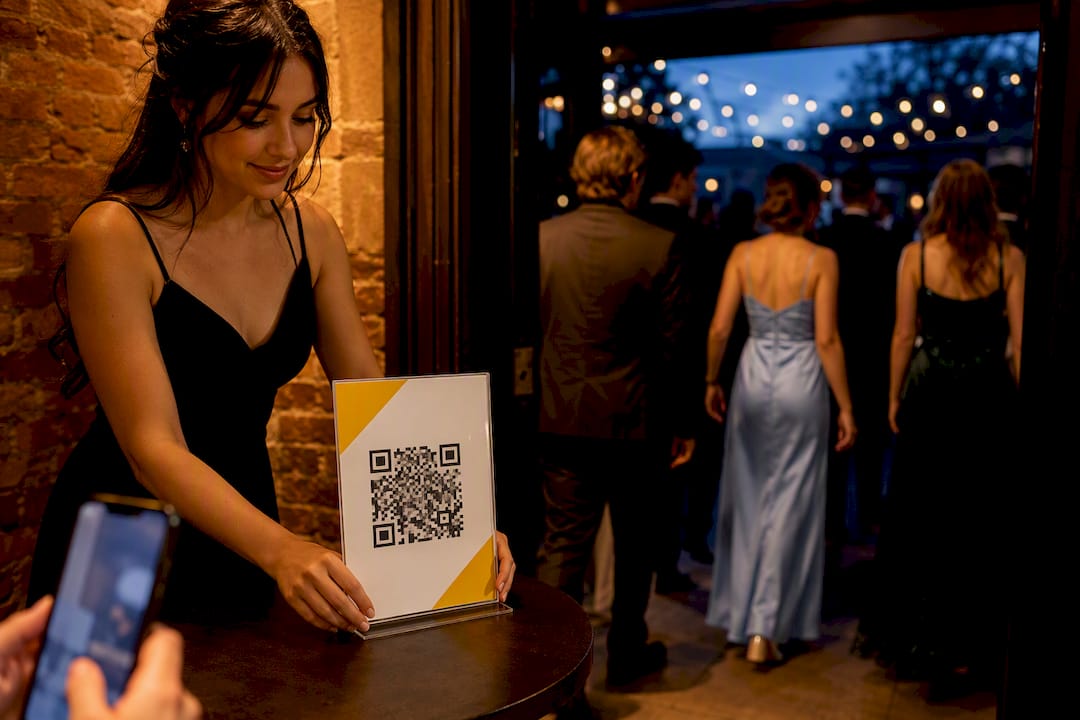
The best way to collect prom photos is a QR code that opens a browser upload page into one private gallery. No app downloads, no chasing group chats, and guests can add photos and videos in seconds. Hosts get private access controls and high-resolution downloads afterwards, and some platforms already run this exact workflow for schools and parents organising prom.
TL;DR:
- QR-code browser uploads eliminate the need for app downloads, making it easier for guests to upload photos and videos directly from their phones during prom.
- Placement of the QR code at high-traffic, natural stopping points significantly increases the number of photos uploaded, especially when combined with engagement incentives.
- Maintaining a private gallery with a non-guessable link and optional password protects guest privacy, with uploads accessible for around three months post-event.
- Accepting both guest photo uploads and professional shots into a single gallery provides a comprehensive record of the night without managing separate platforms.
- Setting up the gallery takes minutes using platforms like SnapPix, which guide users through generating QR codes and managing uploads, ensuring a friction-free experience for guests.
Guests do not download anything. They point their phone camera at a QR code, tap the link that pops up, and land straight on a browser upload page tied to your event gallery. That is the whole barrier to entry, and it is why this method beats group texts or shared drives for prom photo sharing.
The guest side runs in three steps:
On the host side, setup happens once, before the night starts:
Most phones export photos as JPEG and videos as MP4 or MOV, and browser uploads handle both without conversion. Keep video guidance simple: tell guests to trim clips to under a minute if their phone struggles with a large file, since long 4K clips take longer to upload over venue WiFi.
Before you hand out a single QR code, confirm three things: how the gallery link is shared, whether it is password protected, and how long uploads stay live. A temporary photo sharing setup built for events usually gives you a unique link plus an optional password, so only people with the QR code (not a random search) can reach the gallery.
Check these before the event:
If your school has a photo consent policy for minors, confirm it covers guest-uploaded images before you promote the QR code, not after uploads start.
Pro Tip: Test the QR code yourself on your own phone the day before prom. A broken link on the night means guests give up after one try and never come back to it.
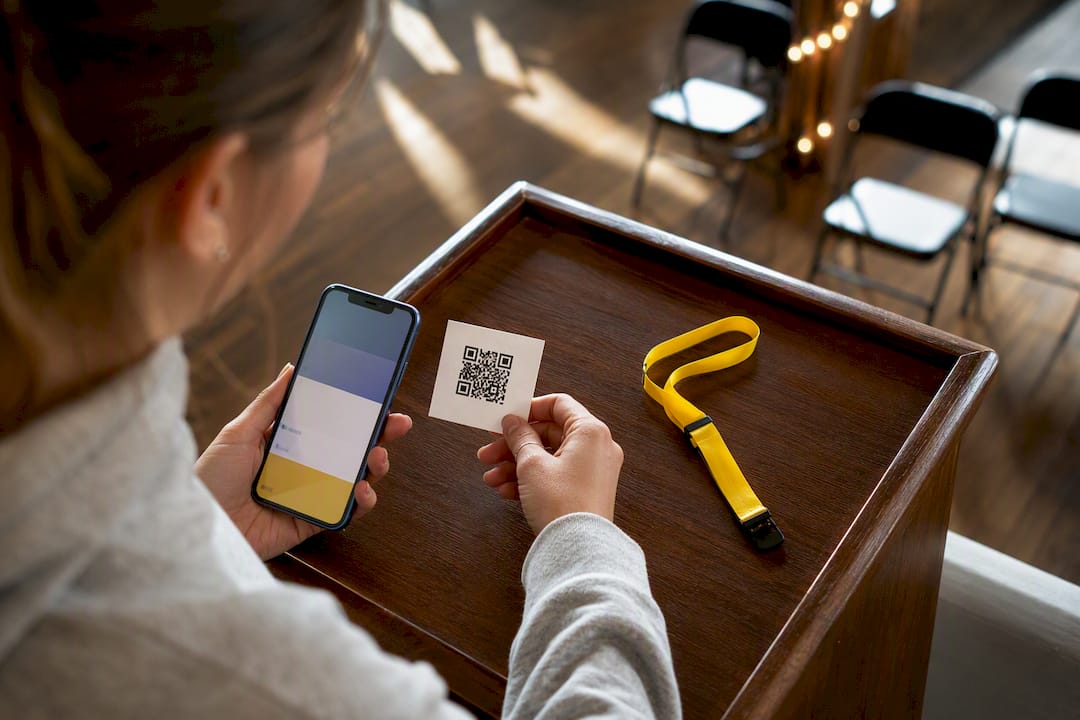
Placement decides whether you collect 50 photos or 500. Put the QR code anywhere guests naturally pause: check-in tables, the photo booth backdrop, dessert stations, and bathroom mirrors get surprisingly high scan rates because people are already looking at their phones.
Run through this sequence during the night:
A short script works better than a long explanation: “Scan the code on your way in, snap the night, upload as you go. No app, just your camera.” Keep slide text to one line: “Share your prom photos here” with the QR code beneath it.
Pro Tip: Turn uploading into a mini competition. Announce a prize draw for anyone who uploads at least five photos or videos, and pull a random winner at the end of the night. Simple mechanics like this consistently push participation higher than a QR code alone.
Guest phones capture the chaos and joy that a photographer misses between poses. Accepting both camera-roll uploads and a photographer’s files in the same gallery gives you the fullest possible record of the night, and it saves you from managing two separate places for people to look.
Professional prom galleries, like the kind photography studios routinely publish after prom, already offer download, slideshow, and print ordering as standard. Guest-upload tools should match that same flexibility, not fall short of it.
Schools already publish and expect downloadable prom galleries. Local news outlets ran a 78-photo gallery from a 2026 prom, which shows the appetite for a browsable, shareable set of images once the night ends.
Guests never need an app. They scan, upload, and the gallery stays private to anyone without the link. Most no-app tools support both photos and videos, and uploads typically remain accessible for a set window after the event, often around three months.
Setting up a QR-code gallery takes minutes once you know the steps. A QR code photo sharing guide walks through generating the code and linking it to your album, while a guide to QR codes for guest uploads covers the exact guest-facing flow if you want to preview it before the night.
Every photo a guest does not upload is a photo you never get back. That is the real cost of asking teenagers to download an app for one night, most will not bother, and the moment is gone. A QR code removes that decision entirely: scan, upload, done.
Retention windows matter too. Three months post-event gives families enough time to actually sit down and pick favourites, rather than a rushed 48 hours. SnapPix’s own figure of 4,200-plus guest photos collected suggests that when the barrier drops, participation follows.
— Liam
There are platforms offering a no-app QR code, a private gallery, and downloads that keep their original resolution. It works because it strips out every step that normally makes guests give up, no account, no install, no confusing settings menu to find before they can share a single photo.

Full access to SnapPix’s feature set includes AI-driven smart albums that sort uploads automatically, photo challenges to nudge participation during quieter moments, and three months of post-event access so families are not rushed. Over 4,200 guest photos have already been collected across events using the platform, a solid signal that the friction-free approach genuinely works once guests see the QR code.
Setting up an event costs a one-off £14.99 for Full Event Access, or you can start with the Free plan to see how it fits your prom before committing. Head to the pricing page to create your gallery and generate your QR code today, ready well before doors open.
No. A QR code opens a browser upload page directly, so guests never need to install anything or create an account.
Yes, most no-app platforms including SnapPix accept common phone formats for both photos and short videos through the same upload page.
Retention varies by platform, but SnapPix keeps galleries accessible for three months after the event, giving families time to download favourites.
It can be, provided the platform uses a unique link and offers optional password protection rather than making the gallery publicly searchable.
Place the QR code where guests naturally pause, like the photo booth or entry table, and add a simple incentive such as a prize draw for those who upload several photos.

Event hosts' practical guide to posed and candid photos: perception research, hands on shooting tips, and no app guest uploads to boost candid coverage.

Which event technologies are production ready for 2026 and how to adopt them with clear consent, governance, and a no app QR photo pilot.

Which routes keep EXIF or strip GPS? Quick checks to view or remove metadata, plus a three month workflow to collect guest photos.