Multi Day Event Gallery Workflow for Organisers: QR Uploads & AI
SnapPix TeamPublished 16 Sept 202625 min read
The best approach is simple: use one event container with day-level albums inside it, publish photos daily rather than waiting until the end, standardise your file naming from hour one, and automate ingest wherever you can. SnapPix’s QR-based galleries and AI smart albums are one working example of this, and platforms like it have already collected over 4,200 guest photos using exactly this structure.
TL;DR:
- Using a single event container with day-level albums, session sub-albums, and consistent naming conventions prevents sorting chaos during multi-day events.
- Multi-camera workflows should include designated ingest leads and AI tools to ensure file consistency and avoid duplicate uploads across hundreds or thousands of images.
- Publishing curated highlights within hours after each day keeps attendees engaged, with full archives and sponsor content delivered later under strict deadlines.
- Storage should be tiered with a hot layer for recent photos and a cold archive for older files, supplemented by web-optimized derivatives and checksum-backed backups.
- Guest contributions thrive when using QR code uploads and automated sorting, reducing friction and increasing participation over app-based submissions.
A single-day wedding gallery might hold a few hundred images. A three-day conference or festival can generate thousands of photos per day, across several photographers, several venues, and overlapping sessions running at the same time. That volume alone changes how you need to work.
Festival coverage gives a good sense of scale. Outlets covering events like Bourbon & Beyond routinely publish hundreds of images for a single festival day. Multiply that by three or four photographers shooting different stages simultaneously, and you have a real ingest and sorting problem before the day even ends.
The pressure isn’t just volume. You’re usually juggling:
Every decision in the rest of this guide exists to solve one of these four problems.
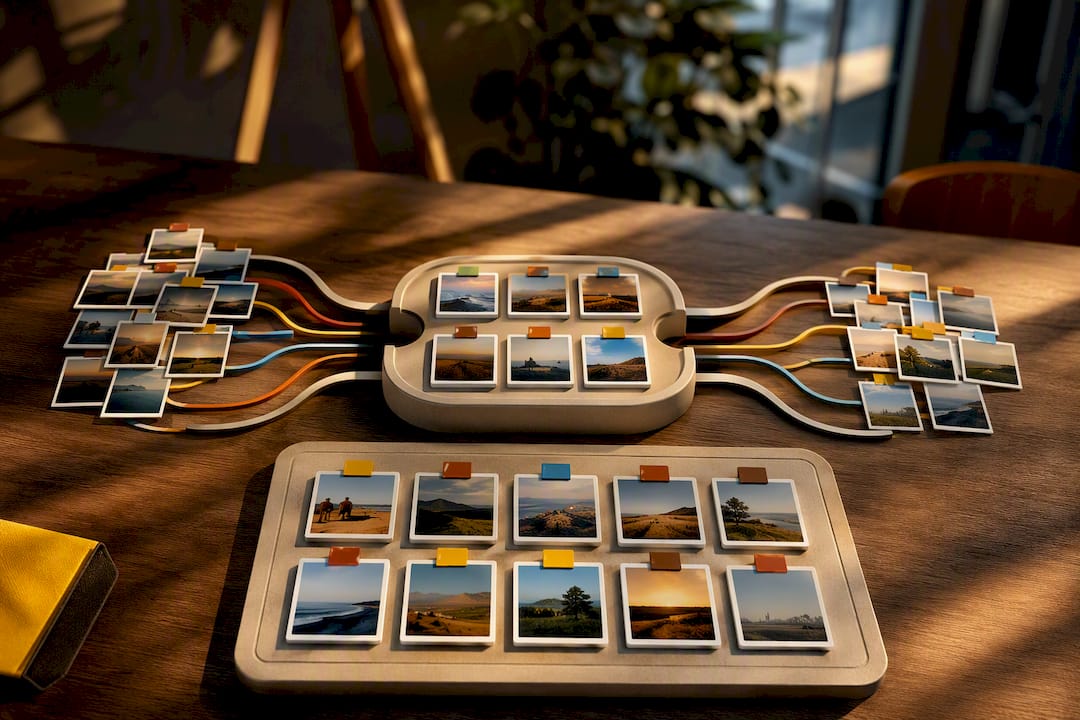
Your gallery structure should be decided before the event starts, not reverse engineered afterwards. The hierarchy that works for almost every multi-day event looks like this:
Festival galleries follow almost exactly this pattern. Riot Fest’s 2025 coverage groups images by day and then by stage, which is the same taxonomy that scales neatly to a conference’s day-and-session structure or a wedding weekend’s day-and-event structure.
For file naming, agree a template before anyone picks up a camera: EventName_Day2_Session_PhotographerInitials_0001.jpg. It looks fussy, but it means anyone on the team can find, sort, or hand off a file without opening it first.
Tag consistently across days too. If a speaker or sponsor appears on Day 1 and Day 3, a shared tag lets you pull every appearance into one view without duplicating the image into two folders.
Set access controls per album where they matter. Sponsor galleries might need a password. A general Day 1 highlights album probably doesn’t.
Pro Tip: Decide your naming template and tag list in a shared document before the event, and print a laminated copy for the ingest station. Nobody remembers a naming convention on hour fourteen of a three-day shoot.
The moment you have more than one photographer, ingest becomes a workflow, not a task. You need a repeatable process that works whether you’re running it yourself or briefing a volunteer to run it for you.
Three ingest models cover most events:
Whichever model you use, appoint one ingest lead per day. That person owns file naming compliance, checks nothing’s been double-uploaded, and flags gaps before they become a Day 2 problem. AI-assisted tools can catch duplicate uploads and apply consistent tagging automatically, which matters more than it sounds once you’re past a thousand images. SnapPix’s AI photo organisation approach uses smart albums for exactly this, surfacing cross-day themes like a specific speaker or sponsor without anyone manually sorting folders.
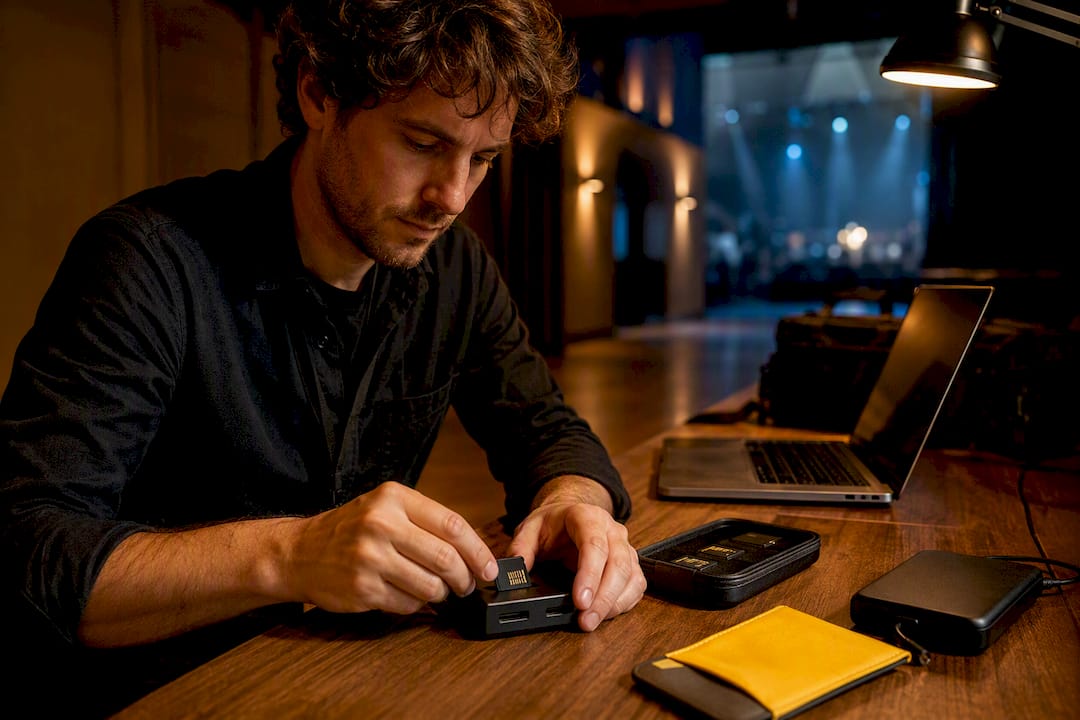
Keep your ingest station kit simple: a laptop, a fast card reader, a backup drive, and a printed naming cheat sheet. Nothing more complicated survives a hectic changeover between sessions.
Attendees don’t want yesterday’s photos next month. They want them tomorrow morning, or ideally before they’ve finished breakfast.
Run the same four-step checklist at the end of each day:
For a small event, aim for this within two to three hours of the day ending. For larger, higher-volume days, six hours is a realistic target. Publish curated highlights first; the full, unedited archive can follow later without the same urgency, since curated highlight sets consistently drive more engagement and sharing than a raw dump of every frame shot that day. Coverage of events like Lollapalooza’s Day 1 shows exactly this pattern: a tight, fast highlight set published while the day is still fresh in people’s minds.
Build a caption and sponsor-credit template in advance so nobody’s writing them from scratch at 11pm. A simple format (“Day 2, Main Stage, sponsored by [name]”) saves real time repeated across a hundred images.
Distribution doesn’t need to be complicated: a gallery link shared by email, a short social clip pulled from the day’s best shots, or an automated digest if your platform supports it.
Pro Tip: Set a fixed publish deadline (say, 9am the next morning) and treat it like a hard commitment, not a target. Attendees notice when the daily gallery becomes unreliable faster than they notice when it’s simply on a schedule.
Thousands of images a day means thinking about storage tiers before you’re drowning in files, not after.
A CDN helps enormously here too, particularly if attendees are viewing galleries on venue Wi-Fi that’s already under strain from a few thousand simultaneous phones.
Access strategy matters more for a multi-day event than a single-day one, because attendees are coming back repeatedly, not viewing once.
An open gallery with a QR code works well for general attendee engagement; a gated gallery with a password suits VIP content, sponsor material, or anything with privacy sensitivity. Most multi-day events benefit from mixing both: open daily highlights, gated full archives or premium content.
Discovery features earn their keep here. Day filters, speaker or stage tags, and a working search box turn a gallery with 6,000 images into something attendees will actually use instead of abandoning after the first scroll.
Pro Tip: Put your QR upload code somewhere attendees will see it repeatedly, not just once at registration. Repeated exposure across three days drives far more submissions than a single sign at the entrance.
The event ending isn’t the finish line. What you deliver afterwards is what people remember.
If your platform sets an upload deadline, say a fixed window post-event, communicate it early and often. Nobody appreciates finding out their access expired the week they meant to download everything.
Most guides on this topic treat every day of an event identically, and that’s the mistake. Day 1 energy is different from Day 3 fatigue, and your publishing pace should reflect that. Teams burn out trying to hit the same two-hour turnaround on day three that felt easy on day one. The honest fix is front-loading effort on the days that matter most and easing the target on the rest.
The other underestimated factor is friction at the point of contribution. No-app QR uploads consistently pull in more guest content than app-based collection, simply because nobody wants to download something for a three-day event they’ll never open again. That’s a big part of how SnapPix has collected over 4,200 guest photos across events: remove the download step and participation stops being a chore.
The failure mode worth planning for isn’t dramatic. It’s a card reader dying on Day 2 morning, or one photographer’s files landing in the wrong naming format. Build in a spare card reader, a backup ingest laptop, and a five-minute Day 1 briefing on the naming template, and most multi-day disasters never happen.
— Liam
Everything in this guide, the day-level structure, the daily publish habit, and the low-friction ingest are exactly what this type of platform is built to do without a development team or a technical setup process. Guests scan a QR code, upload straight from their camera roll or browser, no app required, and the photos land in a gallery that typically stays open for a few months after the event ends.

The AI-driven smart albums sort contributions automatically, so a Day 2 speaker photo and a Day 1 candid of the same person surface together without anyone manually tagging them. Photo challenges keep guest submissions coming on Day 3 the same way they did on Day 1, when enthusiasm naturally starts to fade. Password protection covers sponsor or VIP content, and high-resolution downloads mean the final handover is a link, not a hard drive.
To test the approach, run it on one event first: activate a gallery, set a daily publish habit for two or three days, and see how contribution volume compares with your usual method. Full feature details, including guest list management and RSVP tools, are on the SnapPix features page.
Festival galleries remain the best free reference for layout and daily curation, from Riot Fest’s day-by-stage grouping to Bumbershoot’s daily highlight sets. For image delivery formats and branded handover packages, Studio2U’s guide to corporate image delivery is worth a read. On the SnapPix side, the temporary photo sharing guide and practical photo organisation workflow both expand on points covered above.
Use one event container with day-level albums nested inside it, then session or venue sub-albums beneath each day, plus a separate special collections album for sponsor or VIP content.
Aim for two to six hours after the day ends, depending on volume; publish curated highlights first and let the full archive follow later.
No. Platforms like SnapPix use QR-code uploads through a browser, so guests can contribute from their camera roll without installing anything.
Most platforms offer a fixed hosting window, commonly around three months, after which you should provide a downloadable full-resolution archive.
Standardise file naming at the point of capture, appoint one ingest lead per day, and use automated duplicate detection during upload to catch overlaps early.

Set up a private online guest photo album for your wedding or party: guests scan a QR code, no app needed, and every photo lands in one gallery.

How to get lovely wedding rehearsal dinner photos in the UK: what to capture, how to brief people, and an easy way to collect every guest's snaps in one place.

Learn how to control who can see and add to your event photo gallery, what expiry really means, and how to keep guest photos private and safely saved.